Using Machine Learning Creatively via FluCoMa in Max hero

Course template / hosted architecture draft

Using Machine Learning Creatively via FluCoMa in Max

Explore the possibilities offered by FluCoMa in Max

Level

Level 1

Duration

Format

Course overview

This online course is designed to introduce you to the Fluid Corpus Manipulation (FluCoMa) project, a free Max Package. FluCoMa is focused on finding new and innovative ways for musicians to use large banks of digital sounds and gestures in their compositions, using advanced signal composition and machine learning techniques. Throughout the course, you will explore the creative possibilities available with FluCoMa's Max Package, including composition techniques, sound processing and manipulation, and live performance. You will also have the opportunity to get hands-on experience with the various tools and features of the Max Package, as well as learn tips and best practices for using FluCoMa effectively. We will also cover real-world examples of musicians and artists using FluCoMa in their work. By the end of the course, you will have a solid understanding of FluCoMa and its capabilities, and be well-equipped to start incorporating it into your own compositions.

Who is this course for?

  • Sound designers looking to get started with FluCoMa in Max
  • Musicians looking to explore the creative possibilities offered via FluCoMa in Max

Requirements

  • A computer and internet connection
  • Access to a copy of Max 8 (i.e. trial or full license)

Course content

Session 1

Course Materials

flucoma-mhs-resources.zip · meeting_saved_chat.txt

+

Session 2

Using Machine Learning Creatively via FluCoMa in Max

1. Introduction · 2. Initial Q&A · 3. Installing FluCoMa

+

Session materials

Using Machine Learning Creatively via FluCoMa in Max

1. Introduction

Open resource

Using Machine Learning Creatively via FluCoMa in Max

2. Initial Q&A

Open resource

Using Machine Learning Creatively via FluCoMa in Max

3. Installing FluCoMa

Open resource

Using Machine Learning Creatively via FluCoMa in Max

4. Example Project quarte

Open resource

Using Machine Learning Creatively via FluCoMa in Max

5. Slicing Audio with [fluid.bufampslice~]

Open resource

Using Machine Learning Creatively via FluCoMa in Max

6. Harmonic-Percussive Source Separation with [fluid.bufhpss~]

Open resource

Using Machine Learning Creatively via FluCoMa in Max

7. Audio Analysis (with [fluid.bufpitch~] as an example)

Open resource

Using Machine Learning Creatively via FluCoMa in Max

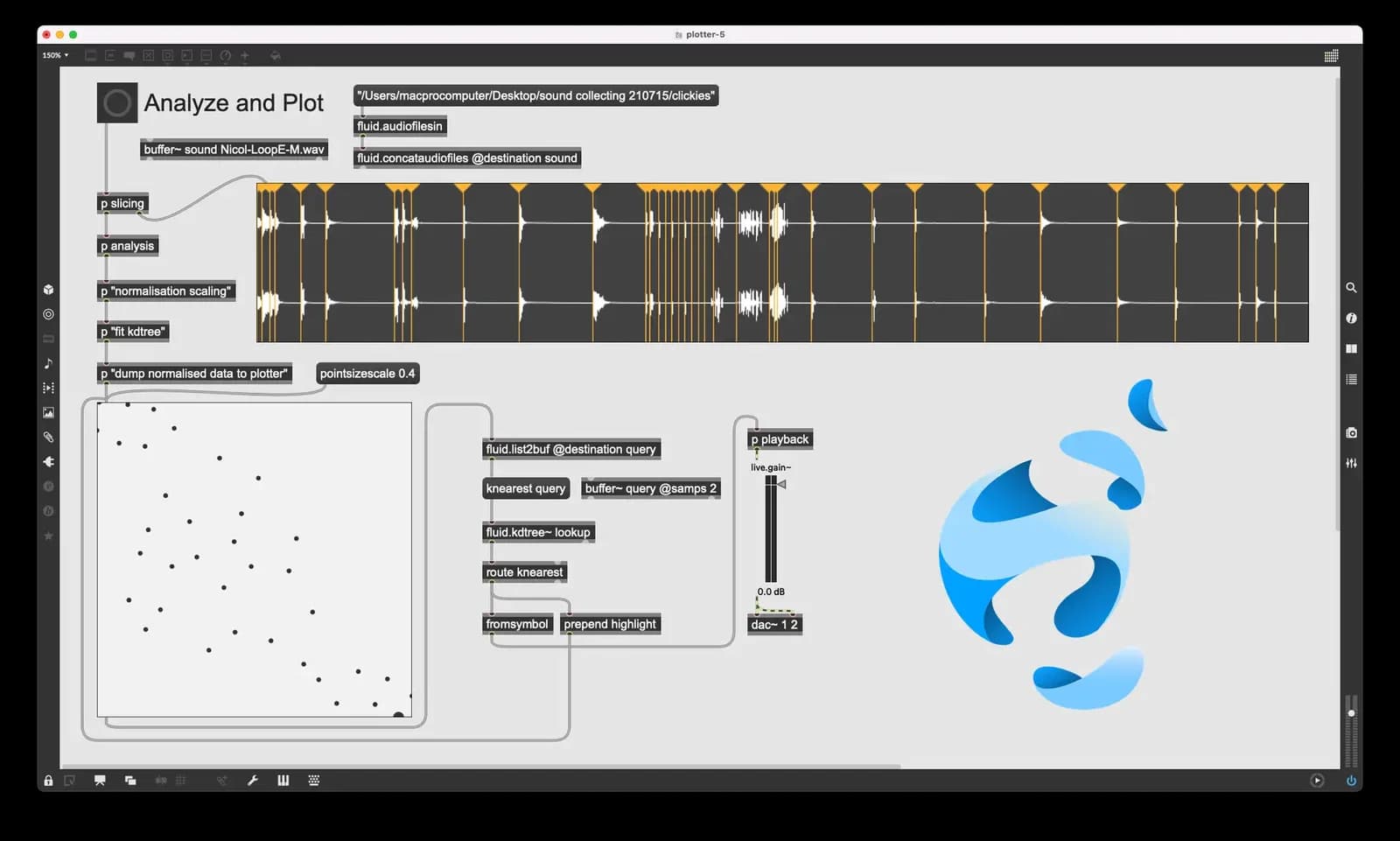
8. Plotting Slices in 2D Space

Open resource

Using Machine Learning Creatively via FluCoMa in Max

9. Dimensionality Reduction with UMAP

Open resource

Using Machine Learning Creatively via FluCoMa in Max

10. Concatenative Synthesis

Open resource

Using Machine Learning Creatively via FluCoMa in Max

11. Using a Neural Network to Classify Timbre

Open resource

Using Machine Learning Creatively via FluCoMa in Max

12. Using a Neural Network to Control a Synth (not enough time to show!)

Open resource

Using Machine Learning Creatively via FluCoMa in Max

13. More places to find FluCoMa information

Open resource

Using Machine Learning Creatively via FluCoMa in Max

14. Final Q&A

Open resource

Instructors

Ted  Moore

Ted Moore

Instructor

Ted Moore (he / him) is a composer, improviser, and intermedia artist. He holds a PhD in Music Composition from the University of Chicago and recently served as a Research Fellow in Creative Coding at the University of Huddersfield, investigating the creative affordances of machine learning and data science algorithms as part of the FluCoMa project.​ His work focuses on fusing the sonic, visual, physical, and acoustic aspects of performance and sound, often through the integration of technology.

Frequently asked questions