KK
Creative Coding
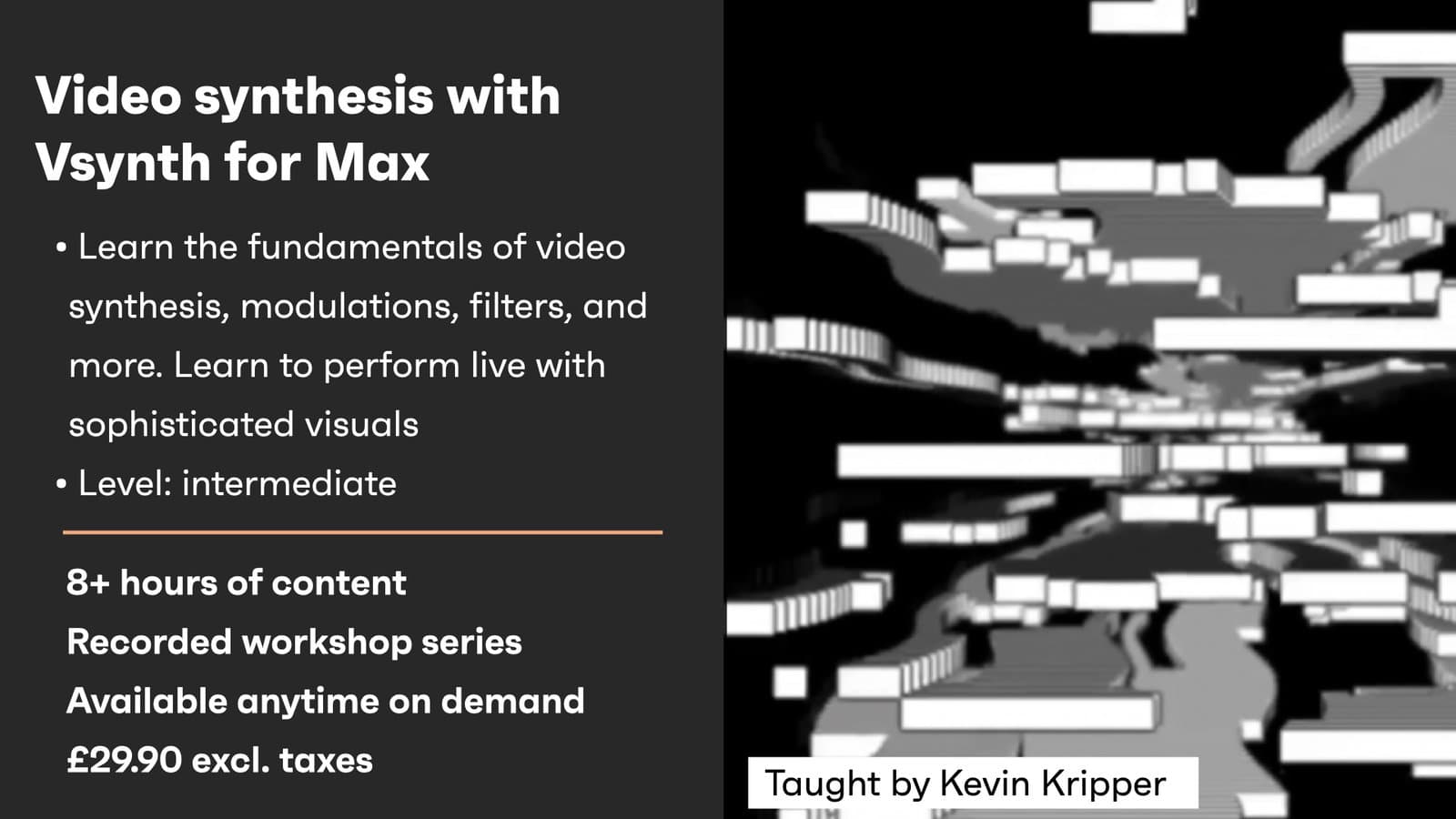
Video synthesis with Vsynth
Course overview
Course content
Lesson 1
11 videos
+
Lesson 1
11 videos
Configuring Max
Checking access...General Overview
Checking access...Intro to Video-Oscillators
Checking access...Working with Amplitude
Checking access...Colorize and Compose
Checking access...BlendMode Mixer
Checking access...LFOs & Intro to Amplitude Modulation
Checking access...Building an Additive Synth
Checking access...More on Video-Oscillators
Checking access...Building a Soft Colorizer
Checking access...Extra - Building an Oldschool Plasma
Checking access...
Lesson 2
13 videos
+
Lesson 2
13 videos
Q&A - Reviewing the [Comparator]
Checking access...Phase Modulation
Checking access...Frequency Modulation
Checking access...Pulse Width Modulation
Checking access...Interlude - Using other WFG
Checking access...Modulations in the Bipolar WFG
Checking access...Going further with the Bipolar WFG
Checking access...Q&A - Reviewing Simple Plasma
Checking access...More on Amplitude Modulation
Checking access...Hue Modulation
Checking access...Diving into Displacement
Checking access...Q&A - HSL Modulator + Patch Showcase
Checking access...Extra - Glitch Patch and Record
Checking access...
Lesson 3
5 videos
+
Lesson 3
5 videos
Spectral Component of Images
Checking access...Image Filtering
Checking access...Videofeedback - 1
Checking access...Videofeedback - 2
Checking access...Videofeedback - 3
Checking access...
Lesson 4
8 videos
+
Lesson 4
8 videos
Working with Presets - 1
Checking access...Working with Presets - 2
Checking access...Working with Presets - 3
Checking access...Patch Analysis
Checking access...Managing Scenes
Checking access...MIDI and further External Control
Checking access...Working with Arduino
Checking access...Exporting a Max for Live Device
Checking access...
Extra Material
1 lesson
+
Extra Material
1 lesson
- Misc. Links