Creative Coding
Turning your song into an Ableton Live looping performance
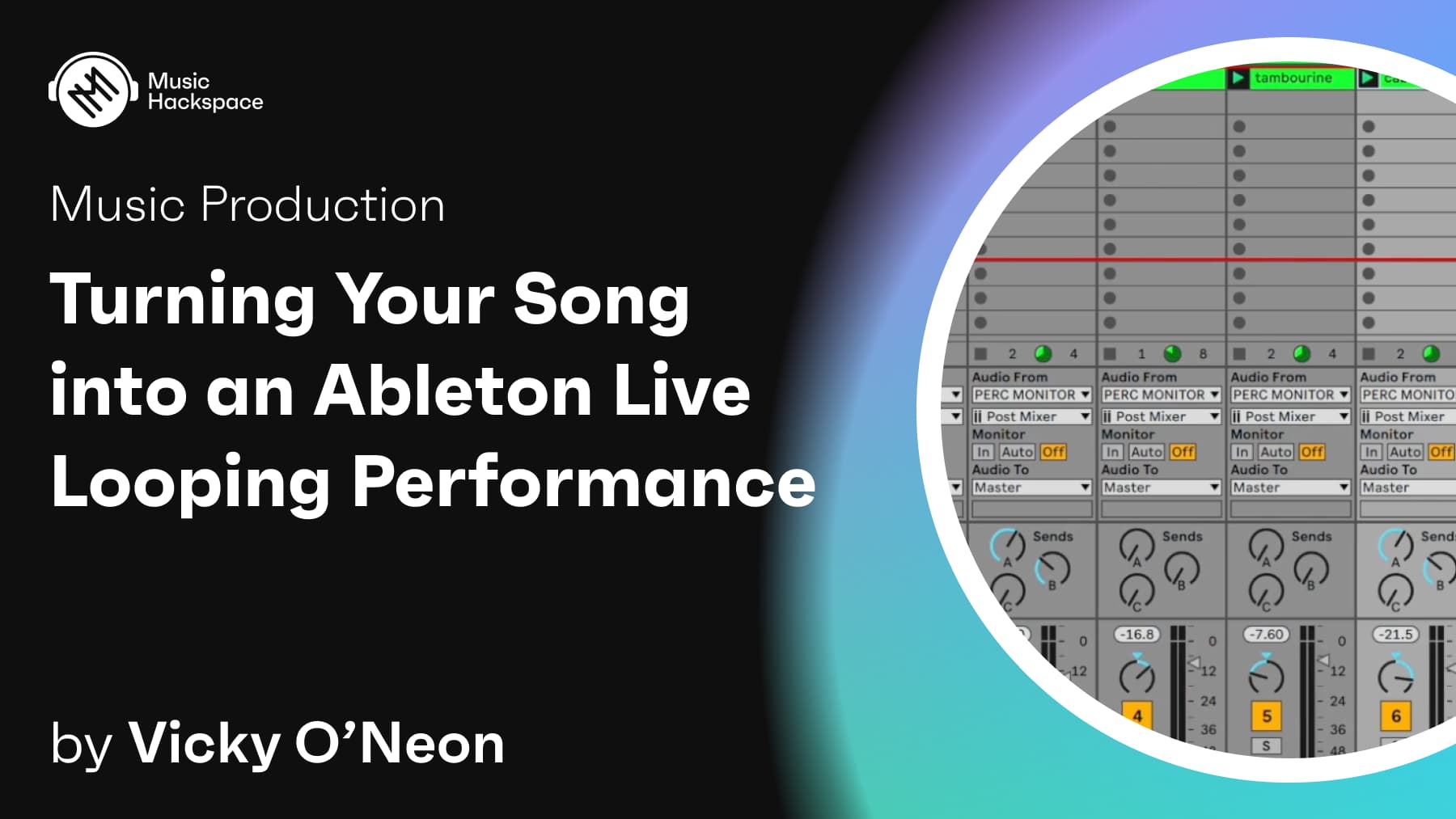
Adapt a finished song into a live looping set in Ableton Live 11, moving parts from arrangement to session view, MIDI mapping, building a CPU-efficient set and triggering scenes and effects from a Roland SPD-SX.
Course overview
In this course you will learn how to create a live performance in Ableton Live using some of the following features: MIDI mapping, resampling, follow actions and automated effects. You will get access to download the live set for Vickys debut single Cold As used in the course to explore, whilst you are learning.
This course aims to provide you with suitable skills to use session view as a tool for your live performances. It’s especially useful for drummers but any instrumentalist and live performer can apply these tools to their performances.
Learning outcomes
Design a well-structured CPU efficient live set
Explore creative tools for production using built in effects, Max for Live devices and external plug-ins
Have fun watching a crazy electronic live performance on the frozen Baltic sea
Who is this course for?
- • Build YOUR own live performance using stems from a ready written song
Requirements
- • A computer and internet connection
- • Access to a copy of Ableton Live 10 or 11 (i.e. trial or full license)
- • In order to use all features explored in this course you will also need: Ableton Push, A MIDI controller (eg. SPD-SX or keyboard), Ableton Live Suite for access to Max for Live (can be purchased as an add on to Ableton Live Standard)
Course content
Vicky O'Neon's live looping performance / Cold As
1 video
+
Vicky O'Neon's live looping performance / Cold As
1 video
Cold As Live Looping video
Checking access...
Course Materials
1 resource
+
Course Materials
1 resource
- Ableton Project to Cold As
Learn step by step how to create a live looping performance from your songs using Ableton Live 11
18 videos
+
Learn step by step how to create a live looping performance from your songs using Ableton Live 11
18 videos
Lesson 1: Introduction
Checking access...Lesson 2: Setup
Checking access...Lesson 3: Exporting your parts from arrangement view into session view 1
Checking access...Lesson 4: Exporting your parts from arrangement view into session view 2
Checking access...Lesson 5: Discover triplet grid and quantise options
Checking access...Lesson 6: MIDI Mapping
Checking access...Lesson 7: Creative vocal effects
Checking access...Lesson 8: Creating a CPU efficient live set
Checking access...Lesson 9: Working with samples in Drum rack
Checking access...Lesson 10: Freezing tracks
Checking access...Lesson 11: Using Ableton's Drum rack with Roland's SPD-SX
Checking access...Lesson 12: Structuring your live loops
Checking access...Lesson 13: Structuring your live loops
Checking access...Lesson 14: Starting and stopping scenes, loops, and effects from the SPD-SX
Checking access...Lesson 15: Pitch drop
Checking access...Lesson 16: Automated effects live
Checking access...Lesson 17: Spectral Resonator
Checking access...Lesson 18: Outro
Checking access...
Instructors
Vicky O’Neon
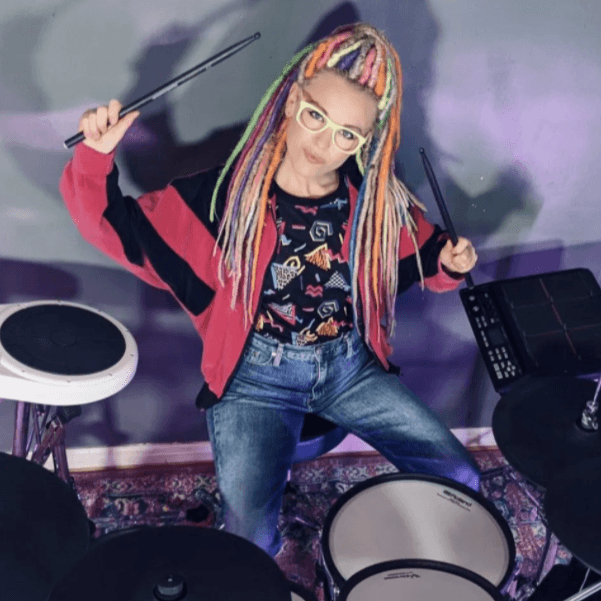
Vicky O’Neon is a UK based Finnish born drummer. She is a passionate Ableton Live user and is incorporating Live into her work as a performer, producer, playback tech, Youtuber and educator. Some of her work experience includes using Ableton to program electronic drums and live loops for the Olympics Team GB’s Homecoming Concert at Wembley Arena (aired on BBC One) performing with Nile Rodgers, Laura Mvula, Anne-Marie, YungBlud and Mica Paris. In 2020 she worked closely with Brian May from Queen releasing 2 songs, one of which hit no. 13 in the iTunes chart. She has also performed with Hans Zimmer and friends (inc. Pharrell Williams & Johnny Marr) at the Hammersmith Apollo and Clean Bandit for the MTV Music awards. Recent music releases include her debut single 'Cold As' and the album 'Tigerpunsh' with electronic music producer Rachel K Collier.