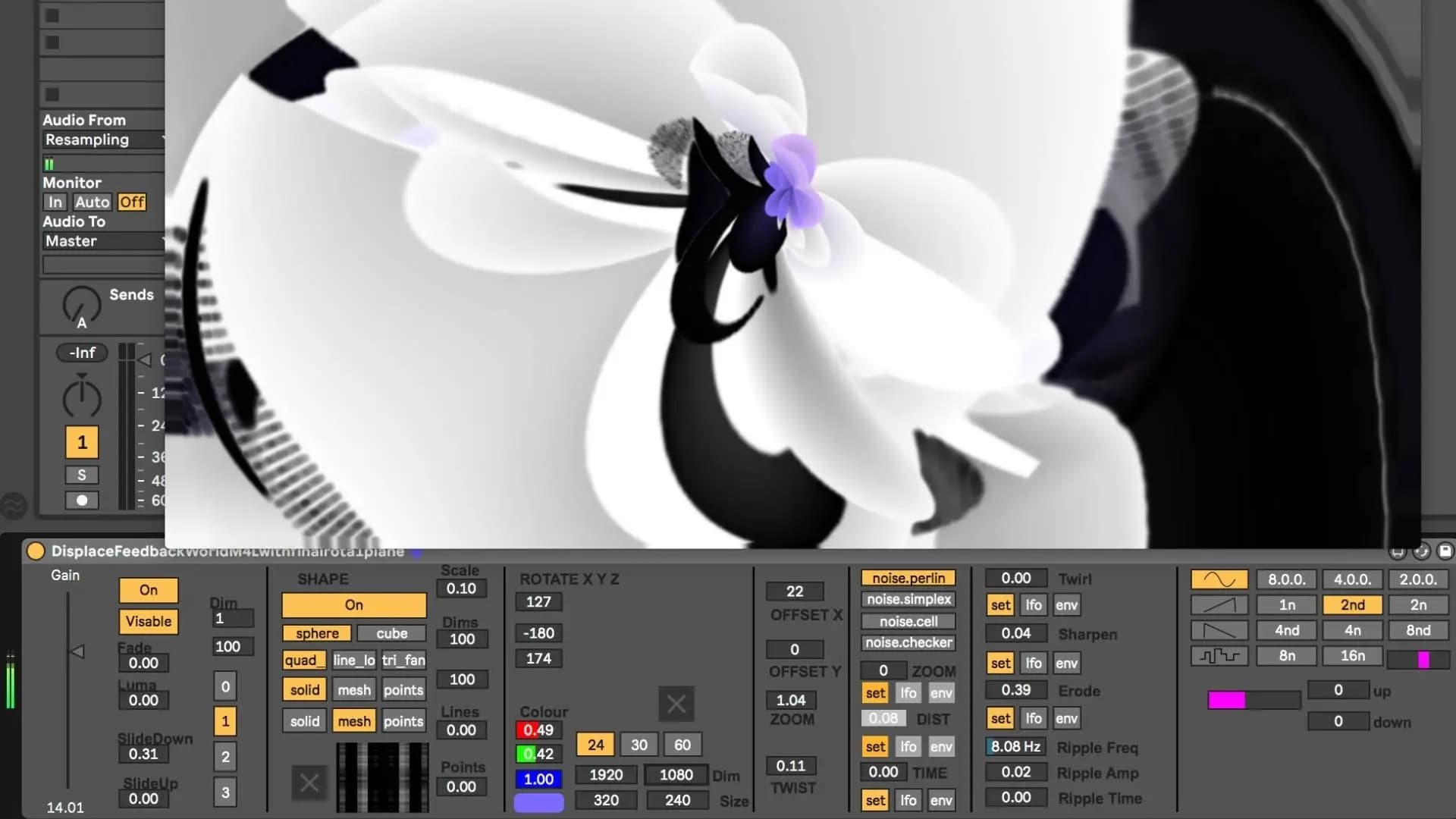
A focused session on generating visuals from sound using Jitter inside Max for Live. It compares Jitter with OpenGL, shows how to pull data from incoming audio, and builds an audio-reactive patch with attention to the render context. The work is then moved into Max for Live so the visuals run alongside an Ableton set.
Creative Coding
Jitter in Ableton - On demand
Build an audio-reactive Jitter patch inside Ableton: compare Jitter and OpenGL, extract data from audio, process the render context, and port the finished visual patch into Max for Live.
Course overview
Learning outcomes
Explore options for analysing audio signals to gather data to control visuals
Deploy objects suitable for making visuals
Apply processes from data acquired from audio signals to control visuals
Apply UI elements and save into a Max For Live device
Who is this course for?
- • This course is for people with a programming background who are interested in exploring the jitter environment.
Requirements
- • A computer and Internet connection
- • A good working knowledge of computer systems
- • A basic awareness of audio processing
- • Good familiarity with MSP
- • Access to a copy of Max 8 (i.e. trial or full license)
Course content
Course Overview
2 lessons
+
Course Overview
2 lessons
- What you will learn in this course
- Requirements
Jitter in Ableton - On demand
5 videos, 2 resources
+
Jitter in Ableton - On demand
5 videos, 2 resources
Part 1 - Jitter vs OpenGL
Checking access...Part 2 - Get Data from Audio
Checking access...Part 3 - Create an Audio Reactive Patch_1
Checking access...Part 4 - Render context processing
Checking access...Part 5 - Move the path to Max For Live
Checking access...- Jitter in Ableton intro.maxpat
- Max patches at the end of the sessions
Instructors
Ned Rush
Duncan Wilson (aka Ned Rush) is a musician, producer and content creator based in the UK. Whilst perhaps largely known for his Youtube channel, he has also released music independently as well developing content for Isotonik Studios.