DRAFTThis course is not yet published. It is only visible in preview mode.
Creative Coding
Getting started with Max - September Series
Level
All levels
Duration
4h 3m of video content
Format
Self-paced video
Course overview
Course content
Course Overview
2 lessons
+
What you will learn in this course
Requirements
Getting Started with Max - Session 1 / On-demand
8 videos, 2 resources
+
Session 1 Patches.zip
Session 01 Getting Started with Max.pdf
Lesson 1 - Getting Started - Learning Overview
Checking access...
Lesson 2 - User Interface
Checking access...
Lesson 3 - Activity 1 - Playlist~
Checking access...
Lesson 4 - Post Activity 1 recap
Checking access...
Lesson 5 - Activity 2 – Plugins in Max 8
Checking access...
Lesson 6 - Activity 3 – Expanding your Patch
Checking access...
Lesson 7 - Post Activity 2 recap
Checking access...
Lesson 8 - Activity 4 - Accessing Help in Max 8 + Closing remakrs
Checking access...
Getting Started with Max - Session 2 / On-demand
2 videos, 2 resources
+
Session 02 Getting Started with Max
Session 2 Patches.zip
Lesson 1
Checking access...
Lesson 2
Checking access...
Getting Started with Max - Session 3 / On-demand
5 videos
+
Lesson 1
Checking access...
Lesson 2
Checking access...
Lesson 3
Checking access...
Lesson 4
Checking access...
Lesson 5
Checking access...
Getting Started with Max - Session 4 / On-demand
5 videos, 2 resources
+
Session 04 Getting Started with Max
Session 4 Patches.zip
Lesson 1 - Create MIDI messages and Scale, route and transform data in musical parts Part 1
Checking access...
Lesson 2 - Scale, route and transform data in musical parts Part 2
Checking access...
Lesson 3 - Scale, route and transform data in musical parts Part 3
Checking access...
Lesson 4 - Scale, route and transform data in musical parts Part 4 and Integrate VST & AU Instrument plugins
Checking access...
Lesson 5 - The Max landscape - where next...
Checking access...
Instructors
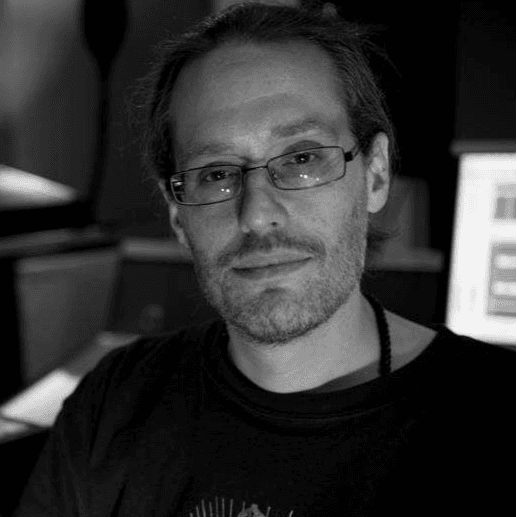
Phelan Kane
Instructor
Phelan Kane is a Berlin & London based music producer, engineer, artist, developer and educator.
He is currently running the electronic music record label Meta Junction Recordings and the audio software development company Meta Function. He has released the Max for Live device synth Wave Junction in partnership with Sonicstate.
http://metafunction.co.uk/
http://phelankane.com/bio/