DRAFTThis course is not yet published. It is only visible in preview mode.
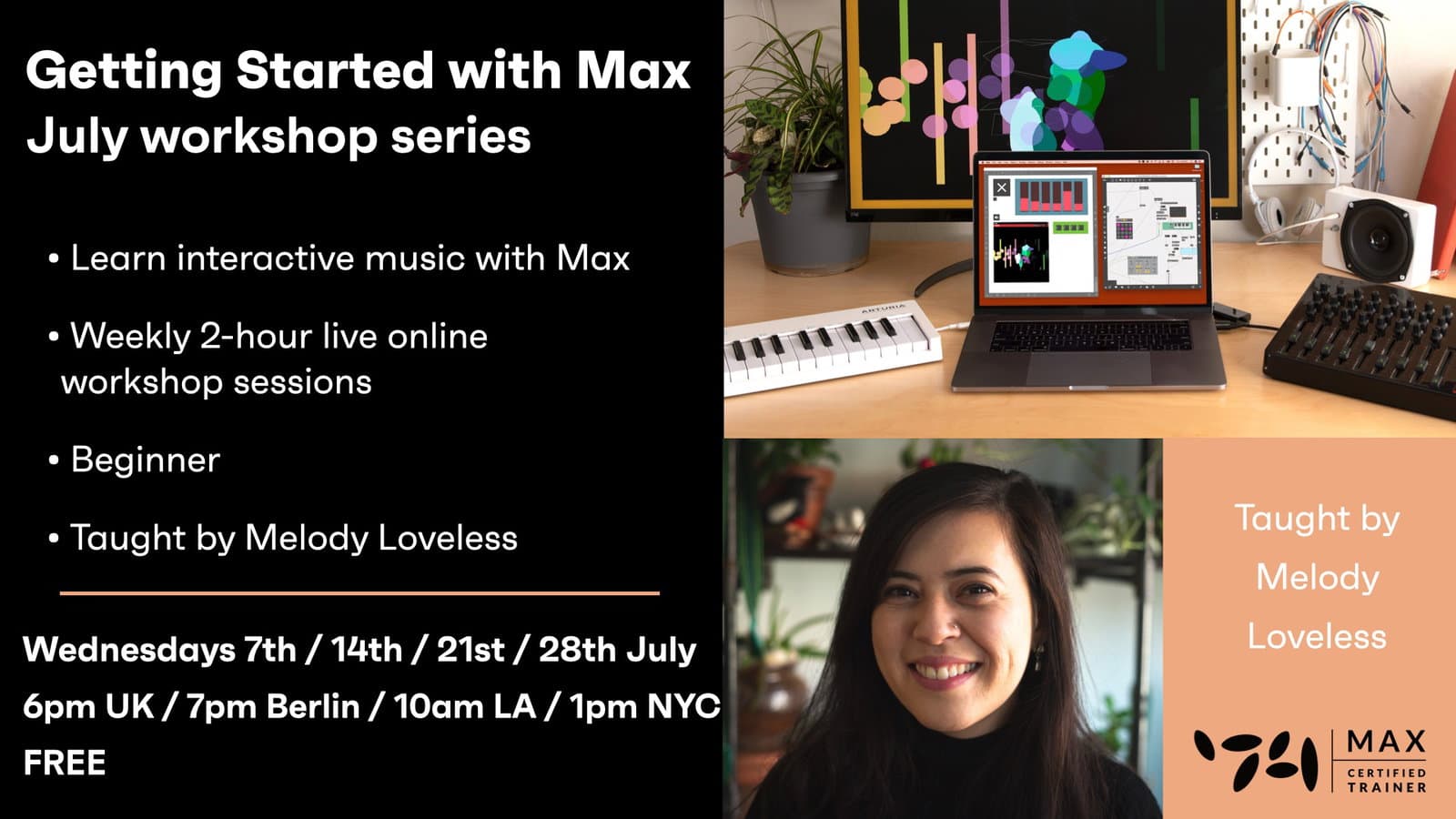
Getting Started with Max - July series hero

Creative Coding

Getting Started with Max - July series

Get started with interactive audio and MIDI, and discover the possibilities of the Max environment. In this series of recorded videos, you will learn how to manipulate audio, MIDI, virtual

Level

Beginner

Duration

3h 27m of video content

Format

Self-paced video

Course overview

Get started with interactive audio and MIDI, and discover the possibilities of the Max environment. In this series of recorded videos, you will learn how to manipulate audio, MIDI, virtual instruments and program your own interactive canvas.

Connect together Max’s building blocks to create unexpected results, and use them in your music productions. Through a series of exercises you will engage in the pragmatic creation of a basic MIDI sequencer device that features a wealth of musical manipulation options.

Course content

Course Overview

2 lessons

+
  • What you will learn in this course
  • Requirements

Getting Started with Max - Session 1 / On-demand

44 videos

+
  • Part 1 - Introduction
    Checking access...
  • Part 2 - What is Max
    Checking access...
  • Part 3 - Opening up Max
    Checking access...
  • Part 4 - What is a patcher-patch
    Checking access...
  • Part 5 - Checking that our patch is unlocked
    Checking access...
  • Part 6 - Adding an object via the top menu
    Checking access...
  • Part 7 - What is an object
    Checking access...
  • Part 8 - What is an object (con)
    Checking access...
  • Part 9 - Exploring and using the top menu
    Checking access...
  • Part 10 - Exploring the menu on the left
    Checking access...
  • Part 11 - Exploring the objects tab from the left side bar
    Checking access...
  • Part 12 - Exploring the audio tab from the left side bar
    Checking access...
  • Part 13 - Getting started with Activity #1
    Checking access...
  • Part 14 - Creating a playlist~
    Checking access...
  • Part 15 - Using the console.log to check for errors
    Checking access...
  • Part 16 - Checking our Audio Status
    Checking access...
  • Part 17 - Opening up the playlist~ help file
    Checking access...
  • Part 18 - Checking the audio meter-levels
    Checking access...
  • Part 19 - Turning on your audio
    Checking access...
  • Part 20 - Introduction to Activity #1
    Checking access...
  • Part 21 - Section #2 - Creating a patch from scratch
    Checking access...
  • Paert 22 - Adding an audio file from Max's built-in documentation
    Checking access...
  • Part 23 - Adding ezdac~
    Checking access...
  • Part 24 - Adding live.gain~
    Checking access...
  • Part 25 - Connecting the objects together
    Checking access...
  • Part 26 - Introduction to Activity #2 - Create a playlist~ patch
    Checking access...
  • Part 27 - Section #3 More about playlist~
    Checking access...
  • Part 28 - Adding a number
    Checking access...
  • Part 29 - Using a number to playback audio
    Checking access...
  • Part 30 - Adding a message
    Checking access...
  • Part 31 - Adding a float
    Checking access...
  • Part 32 - Controlling the playback speed with a message
    Checking access...
  • Part 33 - Introduction to Activity #3 - Using messages to control the playlist~
    Checking access...
  • Part 34 - Controlling two playlists~ with one number
    Checking access...
  • Part 35 - How to create segmented patch cords
    Checking access...
  • Part 36 - Section #4 Effects
    Checking access...
  • Part 37 - How to add an effect (plug-in) to your patch
    Checking access...
  • Part 38 - Finding the parameters for an effect
    Checking access...
  • Part 39 - How to manipulate a parameter for an effect
    Checking access...
  • Part 40 - Introduction to Activity #4 - Add an effect to your system
    Checking access...
  • Part 41 - Section #5 - Wrapping up the Lesson
    Checking access...
  • Part 42 - Exploring the built-in Max documentation
    Checking access...
  • Part 43 - Recommended objects to explore (play~, buffer~, groove~)
    Checking access...
  • Part 44 - Bonus tip and end of Session 1
    Checking access...

Getting Started with Max - Session 2 / On-demand - Section #1

27 videos, 2 resources

+
  • Week 2 code to download
  • Week 2 breakout room activities
  • Lesson 1 - Intro - Hello
    Checking access...
  • Lesson 2 - Intro - Today's Lesson
    Checking access...
  • Lesson 3 - Section #1 - Data Types, Numbers, and MIDI
    Checking access...
  • Lesson 4 - Number - object for integers (whole numbers)
    Checking access...
  • Lesson 5 - Flonum - object for floats (values with decimels)
    Checking access...
  • Lesson 6 - Messages - a special type of multi-purpose object
    Checking access...
  • Lesson 7 - Symbol - data type for text
    Checking access...
  • Lesson 8 - Lists - a data type consisting of multiple entries
    Checking access...
  • Lesson 9 - Comment
    Checking access...
  • Lesson 10 - Within the print object - what does popup 1 mean
    Checking access...
  • Lesson 11 - Objects for handling lists - pack, pak, unpack
    Checking access...
  • Lesson 12 - unpack - an object for breaking apart a list
    Checking access...
  • Lesson 13 - pack - an object for combining elements into a list
    Checking access...
  • Lesson 14 - Hot inlets - inlets that output changes, bangs immediately
    Checking access...
  • Lesson 15 - Cold inlets - inlets that do not output changes immediately
    Checking access...
  • Lesson 16 - pak - an object for creating a list; outputs changes immediately (all inlets our hot)
    Checking access...
  • Lesson 17 - What happens when a message loops back to the input to form a cycle
    Checking access...
  • Lesson 18 - Is there an object that allows us to output changes from the cold inlet
    Checking access...
  • Lesson 19 - Bang - a visualisation of an event or change; we can use buttons to visualize bangs
    Checking access...
  • Lesson 20 - Looking at a system featuring playlist~
    Checking access...
  • Lesson 21 - Tip - List
    Checking access...
  • Lesson 22 - Loadmess - an object that loads a message when a patch is first loaded, opened
    Checking access...
  • Lesson 23 - Do messages act like bangs, Can messages initalize the patch to do something
    Checking access...
  • Lesson 24 - Why don't the numbers change in pak
    Checking access...
  • Lesson 25 - How does message (selection $1 $2 $3 ) handle the incoming values from pak
    Checking access...
  • Lesson 26 - Activity #1 - Hours, Minutes, Date
    Checking access...
  • Lesson 27 - Activity #1 - Solution
    Checking access...

Getting Started with Max - Session 2 / On-demand - Section #2

29 videos

+
  • Lesson 1 - Section #2 - Programming Events & Intro to MIDI
    Checking access...
  • Lesson 2 - Button
    Checking access...
  • Lesson 4 - metro - short for 'metronome'
    Checking access...
  • Lesson 5 - counter - an object that counts
    Checking access...
  • Lesson 6 - random
    Checking access...
  • Lesson 7 - drunk
    Checking access...
  • Lesson 8 - urn
    Checking access...
  • Lesson 9 - urn-jb
    Checking access...
  • Lesson 10 - decide
    Checking access...
  • Lesson 3 - Toggle
    Checking access...
  • Lesson 11 - Flow of information
    Checking access...
  • Lesson 12 - MIDI
    Checking access...
  • Lesson 13 - makenote
    Checking access...
  • Lesson 14 - noteout
    Checking access...
  • Lesson 15 - kslider
    Checking access...
  • Lesson 16 - Objects for handling events
    Checking access...
  • Lesson 17 - select
    Checking access...
  • Lesson 18 - Activity #2 - Playback MIDI
    Checking access...
  • Lesson 19 - Activity #2 - Solution
    Checking access...
  • Lesson 20 - pgmout
    Checking access...
  • Lesson 21 - Working with operators - Math in Max
    Checking access...
  • Lesson 22 - Add
    Checking access...
  • Lesson 23 - Subtract
    Checking access...
  • Lesson 24 - Operators and MIDI
    Checking access...
  • Lesson 25 - matrixctrl
    Checking access...
  • Lesson 26 - Using the inspector to redefine an object
    Checking access...
  • Lesson 27 - getcolumn $1
    Checking access...
  • Lesson 28 - Activity #3 - Matrixctrl and MIDI Drums & real time DEMO
    Checking access...
  • Lesson 29 - Wrapping up lesson & what to expect in next Session
    Checking access...

Getting Started with Max - LIVE Session 3

2 resources

+
  • Week 3 code to download
  • Week 3 breakout room activities

Getting Started with Max - LIVE Session 4

2 resources, 1 lesson

+
  • Open the course in Zoom to access all the features
  • Week 4 code to download
  • Week 4 breakout room activities

Instructors

Instructor TBC

Instructor TBC

Instructor

Frequently asked questions