Generate music with Stable Audio 3.0
A hands-on online workshop on creating music with Stability AI's open generative audio model. This workshop has now taken place — the full recording is below.
Thursday, 16th July 2026 — ran for 2 hours (9–11am PT / 12–2pm ET / 5–7pm UK / 6–8pm CET)
Price: Free to watch back
Workshop leader: CJ Carr (Stability AI / Dadabots)

Watch the recording
This workshop took place on 16th July 2026. The full recording is available to anyone with a Music Hackspace account — sign in below to watch.
Loading recording…
The session was a walkthrough of Stable Audio 3 with hands-on code examples, covering how to:
- Install it on your GPU box, or run it on your MacBook Pro (generates in seconds)
- Train your own LoRA finetune
- Do a prompt jockey set
- Run an infinite livestream
- Do style transfers & inpainting
- Use it with Ableton
- Vibecode your own tool on top of the model
- Other cool community projects
- And more
No prior ML experience required; a basic familiarity with music tools and Python is helpful.
What is Stable Audio 3.0?
Stable Audio 3.0 is Stability AI's latest family of generative audio models, released in May 2026. Give it a text prompt — a genre, a mood, a set of instruments, a tempo — and it generates original music or sound effects. Crucially, it's built for artists and developers who want to get under the hood: most of the family ships with open weights, so you can run it locally, fine-tune it on your own material, and build it into your own tools rather than only calling a hosted API.
It's trained on fully licensed data and you own your outputs — you can release and commercialise the music you make under Stability's Community License (free for anyone under $1M in revenue).
What's new in 3.0
- Full songs, not just clips. The medium and large models generate structured compositions over six minutes long that hold their melody and arrangement — a big jump from the short loops earlier models were limited to.
- Runs on your laptop. A family of four models (459M to 2.7B parameters) means the small models can do full on-device generation — full tracks on a MacBook Pro, no GPU box or cloud required.
- A new semantic-acoustic autoencoder (SAME). The architecture behind the longer, more coherent, more editable output.
- Real editing, not just regeneration. Inpaint or rework a single segment, edit multiple segments, or extend a track with causal continuation — the building blocks for livestreams, style transfer and remixing.
- Train your own LoRA. Fine-tune the open-weight Small and Medium models on your own library to capture a specific sound or style, with training docs published alongside the weights.
Why you should care
Most music-AI tools are closed boxes behind a web UI. Stable Audio 3.0 is the opposite — an open, hackable model you can own end to end: run it offline, bend it to your own aesthetic with a LoRA, wire it into Ableton or a live set, or vibecode an entirely new instrument on top of it. If you're a musician, a creative coder, or a developer building audio products, this is the model where you stop being a user and start being a builder.
Who this workshop is for
The recording will be most useful to:
- Musicians and producers curious about folding generative audio into their workflow (including live in Ableton).
- Creative coders and developers who want to run, fine-tune and build on an open model rather than rent an API.
- Live performers and AV artists interested in prompt-jockey sets, infinite livestreams, and real-time generation.
- Anyone ML-curious — no prior machine-learning experience is required; basic comfort with music tools and Python is enough to follow along.
Resources
To go further with what was covered, explore the following:
- Stable Audio — try the model and explore what it can do.
- stable-audio-tools GitHub — open training and inference code for Stable Audio models.
- Stability AI news — background on Stable Audio and its releases.
- Python basics — if you're new to Python.
- Install guide — see the installation guide below to set up on your own machine and follow along with the recording.
Installation guide
To follow along with the recording, install Stable Audio 3.0 on your own machine. Start with the main repo, then add the accelerator that matches your machine (optional but recommended).
- Main repo — install for all platforms: github.com/Stability-AI/stable-audio-3
- MacBook Pro M-series — MLX acceleration (quick install): optimized/mlx
- TFLite acceleration — CPU on Mac / Linux / Windows: optimized/tflite
- TensorRT acceleration — Linux with NVIDIA GPU: optimized/tensorRT
- Underfit — LoRA finetuning tool for Google Colab / Linux / Windows (quick install): github.com/dada-bots/underfit
About the workshop leader
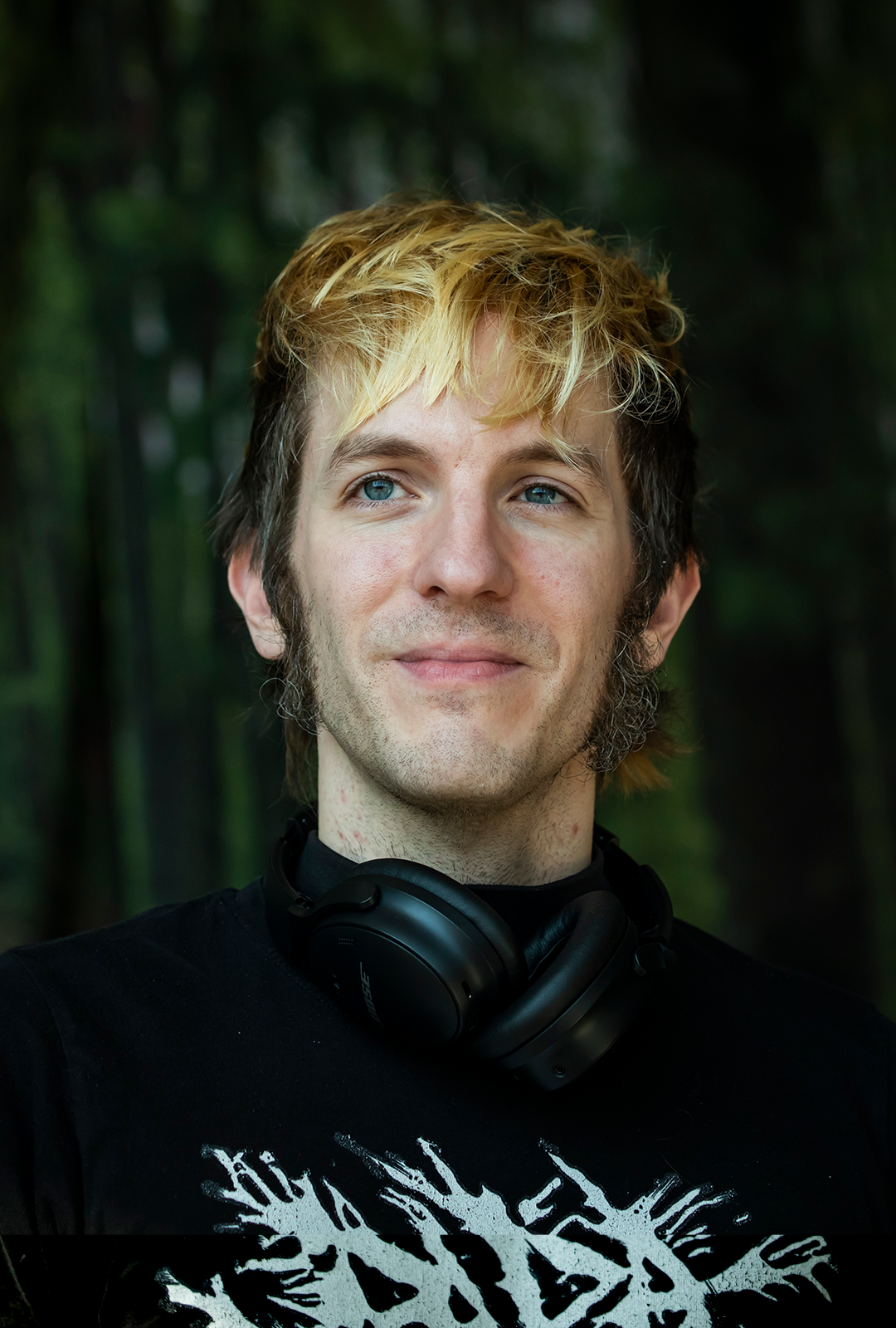
CJ Carr
CJ is an Audio Research Scientist at Stability AI and one half of Dadabots, the machine learning music project he formed with Zack after they met as interns at Berklee College of Music. They started Dadabots at Music Hack Day MIT in 2012, and their path from punk/metal roots and touring, to breakcore/glitch/bass music, to 80+ hackathons, to releasing open models led them to machine learning as an even more extreme way to make sound. Check out their two music-hacker documentaries: Pizzafire (the early days) and Prompt Jockeys (using neural nets live).