DRAFTThis course is not yet published. It is only visible in preview mode.
Creative Coding
Real‑Time Visuals with TouchDesigner: Audio‑Reactive & 3D Graphics
Level
All levels
Duration
Self-paced
Format
Self-paced video
Course overview
Course content
Session 1: Exploring TouchDesigner’s Interface and Workflow
4 lessons
+
Identify and navigate the key components of the TouchDesigner interface.
Understand the purpose and use of operator families (TOPs, CHOPs, SOPs, DATs, COMPs).
Establish efficient workflow habits including project organization and preview methods.
Exercise: Create a basic network using at least one node from each operator family
Session 2: Mastering Texture Operators (TOPs) for Creative Image Processing
4 lessons
+
Apply compositing, blending, and transformation techniques using TOPs.
Manipulate real-time video or static images through layered processing.
Understand resolution and performance trade-offs in image processing.
Exercise: Build a dynamic visual using a live video feed
Session 3: Advanced Signal Processing with Channel Operators (CHOPs)
4 lessons
+
Use CHOPs to process and control signals in real time.
Create audio-reactive systems that affect visuals or parameters dynamically.
Combine multiple CHOPs for complex behavior using math and logic operations.
Exercise: Create an audio-reactive system
Session 4: Constructing and Rendering 3D Geometry with Surface Operators (SOPs)
4 lessons
+
Build and manipulate 3D geometry using SOPs and CHOPs together.
Apply materials, lights, and cameras to create a compelling scene.
Render 3D content with an understanding of performance optimization.
Exercise: Design a 3D scene using at least 3 SOPs
Session 5: Designing Interactive User Interfaces with Component Operators (COMPs)
4 lessons
+
Develop interactive UI elements like sliders, buttons, and toggles using COMPs.
Route UI outputs to control parameters in the visual scene.
Organize components into reusable UI modules.
Exercise: Create a UI with sliders and buttons to control parameters
Session 6: Integrating Scripting for Dynamic Content Creation
4 lessons
+
Use Python scripting to manipulate operators and automate actions.
Create interactive scripts that react to user inputs or triggers.
Understand how to debug and test Python scripts within DATs.
Exercise: Write a Python script that changes the color or texture of a 3D object
Session 7: Incorporating External Devices for Enhanced Interactivity
4 lessons
+
Connect and configure MIDI, OSC, or sensor devices with TouchDesigner.
Map external device inputs to CHOP channels for real-time control.
Create adaptive experiences that respond to human interaction or motion.
Exercise: Connect a MIDI controller or simulate input using a LFO CHOP
Session 8: Final Project Presentation and Optimization Strategies
4 lessons
+
Present an interactive visual project incorporating techniques from previous sessions.
Apply optimization strategies for smooth real-time playback.
Receive and apply peer and instructor feedback to refine the project.
Exercise: Present your final project (3–5 minutes)
Instructors
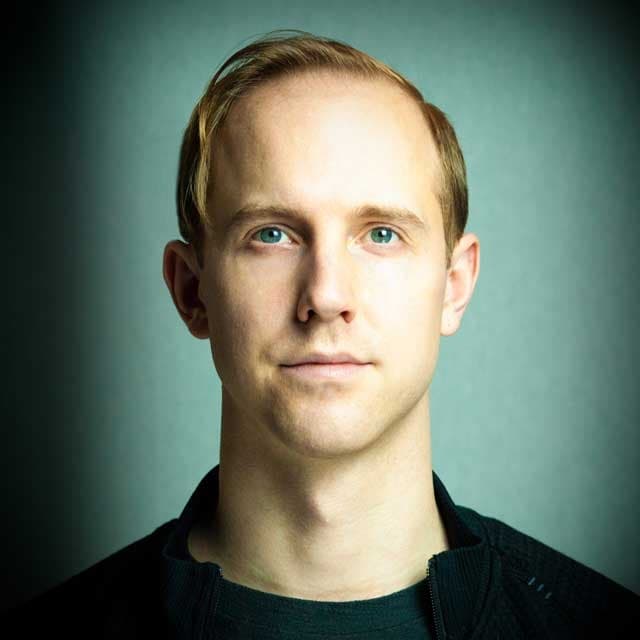
Kyle Duffield
Instructor
Kyle Duffield is a Toronto based Interactive and Experience Design Professional who creates immersive interactive installations and brand activations. He is also known for his affiliation with the studio and former gallery, Electric Perfume. As an educator, and technical consultant, he has facilitated interactive media workshops and projects with institutions across Canada, Shanghai, and online. Currently, Kyle is participating in Cycling 74’s Max Certified Trainer Program, and is focusing on creating unforgettable technological experiences.
http://www.kyleduffield.com
http://www.electricperfume.com