Creative Coding
Switches and Sensors with Arduino and TouchDesigner
Wire pushbuttons, toggles, potentiometers and force/light sensors to an Arduino and feed their readings into TouchDesigner, covering Firmata, Ohm's law and pull-up resistors to drive interactive visuals.
Course overview
Price is inclusive of both sessions
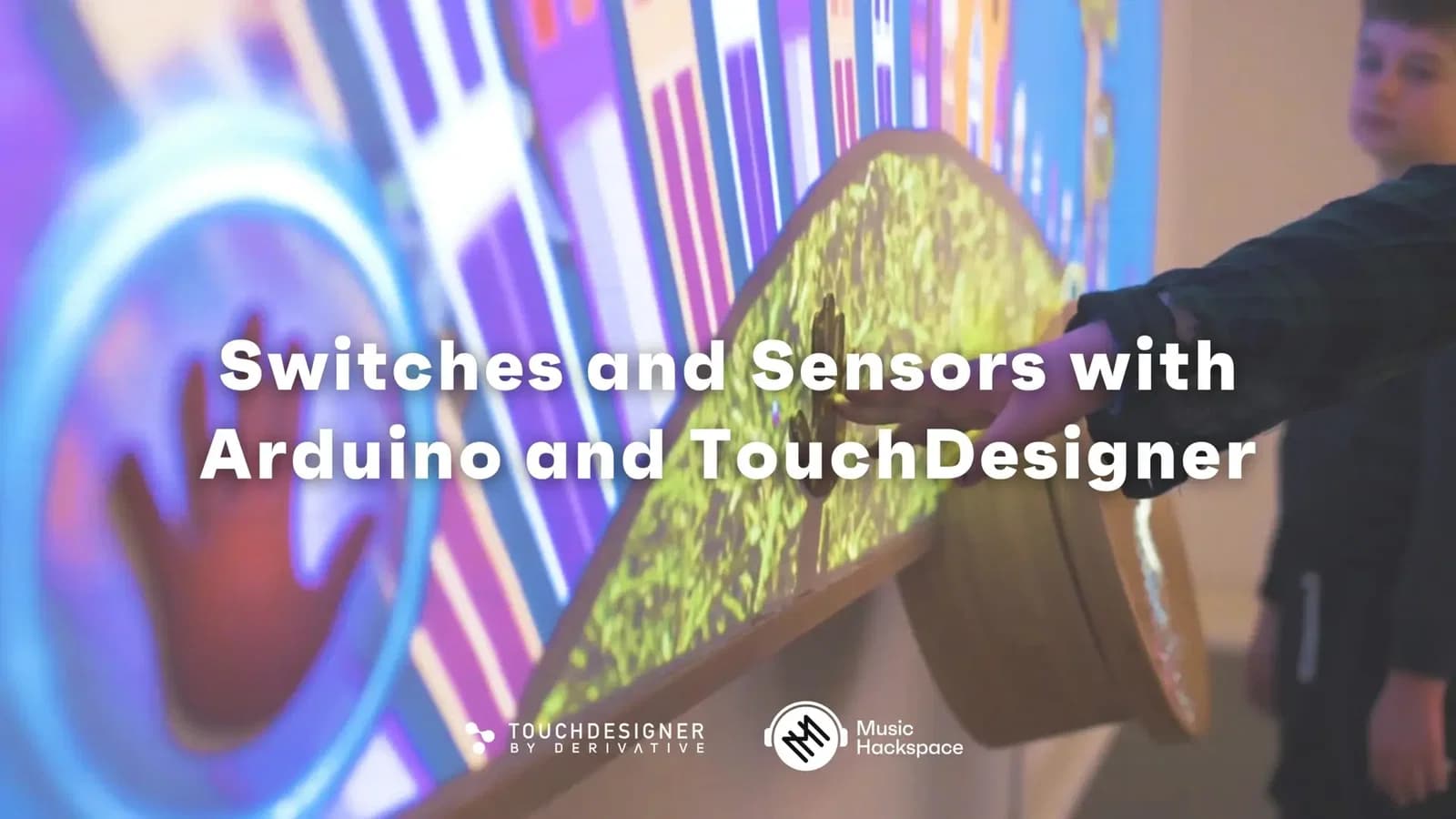
Create immersive interactive experiences by combining Arduino with TouchDesigner, a powerful node based programming environment with endless possibilities for interactive installation, marketing activations, generative art, multimedia performance, and more! In this course you will learn very basic electronics, introductory Arduino skills, and the fundamental concepts of interaction using buttons and sensors to control video in TouchDesigner.
Learning outcomes
Become familiar with electronic components and design considerations
Control video in TouchDesigner with buttons and sensors
Apply interaction design concepts for developing installations and brand activations
Who is this course for?
- • Creative Coders, Interactive Experience Artists and Designers, TouchDesigner users, those curious in electronics
Requirements
- • A computer with Internet connection
- • 3-button mouse
- • Arduino / Electonics kit (see useful links section below)
- • TouchDesigner and Arduino software
Course content
Switches and Sensors with Arduino and TouchDesigner / Chapter 1
10 videos, 1 resource
+
Switches and Sensors with Arduino and TouchDesigner / Chapter 1
10 videos, 1 resource
01-Introduction-
Checking access...02-Workshop-Materials
Checking access...02.5-IMPORTANT-NOTE-TD-INSTALL-VERSION
Checking access...03-Arduino-Overview
Checking access...04-Upload-Firmata-to-Arduino
Checking access...05-Upload-Sketch-Arduino-General
Checking access...06-Ohms-Law
Checking access...07-first-circuit-export
Checking access...08-Hello-TouchDesigner-World
Checking access...09-part-01-outro
Checking access...- Part-01-Slides-min
Switches and Sensors with Arduino and TouchDesigner / Chapter 2
13 videos
+
Switches and Sensors with Arduino and TouchDesigner / Chapter 2
13 videos
01-Pushbutton-Review
Checking access...02-Troubleshooting.
Checking access...03-Toggle-Switch
Checking access...04-Jumper-Button
Checking access...05-Pullup-Resistors
Checking access...06-Projects-With-Buttons-
Checking access...07-Button-Choices
Checking access...08-Creative-Switch-Materials (Anything conductive can be a button)
Checking access...09-Analog-Trimpot
Checking access...10-Force-Sensor-Analog-Input
Checking access...11-Light-Sensor
Checking access...12-Projects-Using-Sensors
Checking access...13-Part-02-Outro
Checking access...
Instructors

Kyle Duffield
Kyle Duffield is a Toronto based Interactive and Experience Design Professional who creates immersive interactive installations and brand activations. He is also known for his affiliation with the studio and former gallery, Electric Perfume. As an educator, and technical consultant, he has facilitated interactive media workshops and projects with institutions across Canada, Shanghai, and online. Currently, Kyle is participating in Cycling 74’s Max Certified Trainer Program, and is focusing on creating unforgettable technological experiences. http://www.kyleduffield.com http://www.electricperfume.com