Creative Coding
Sketch musical ideas with Ableton Note
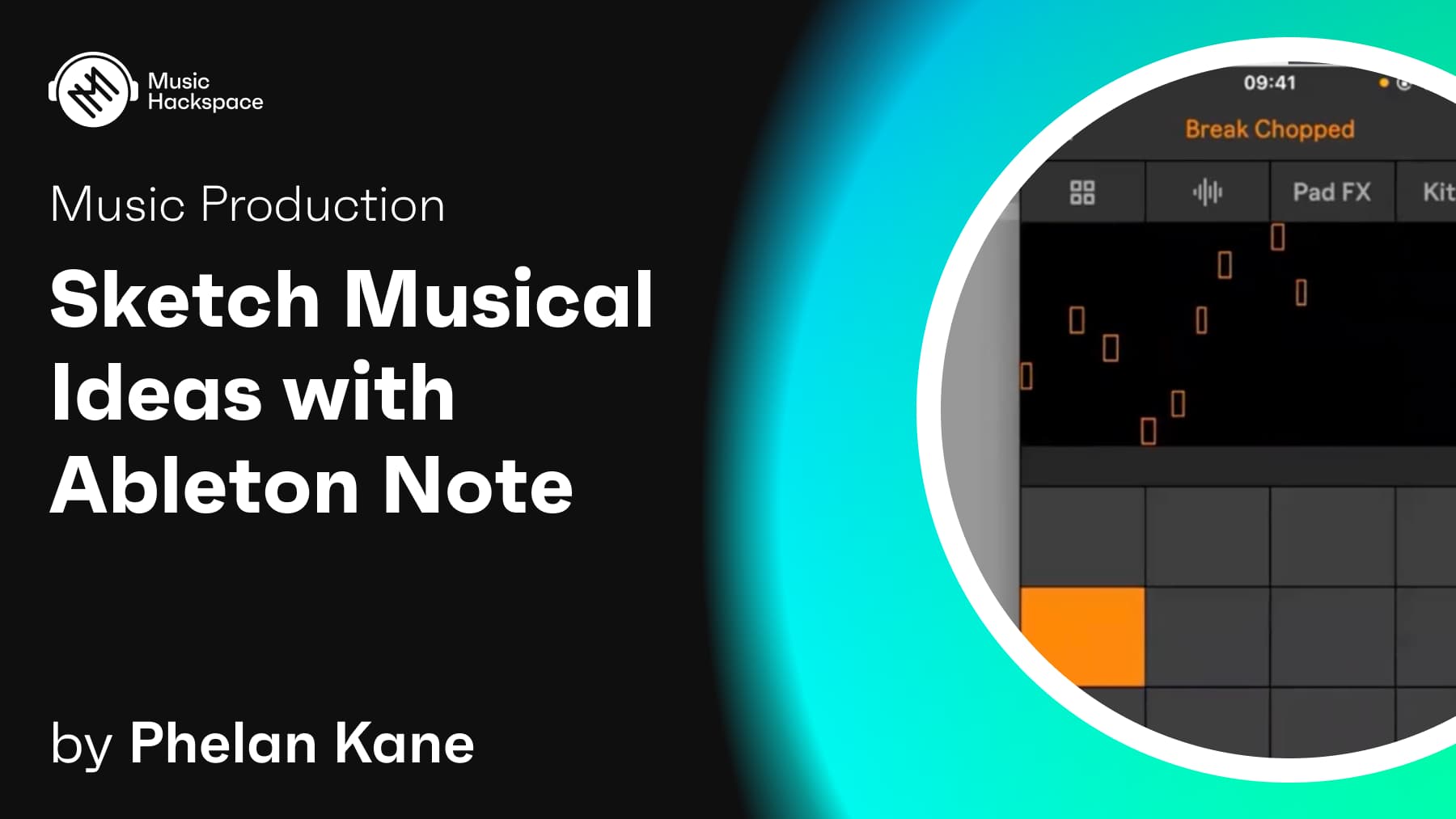
Sketch musical ideas on the go with Ableton Note: set up the app, build beats, add instrument sounds, sample your surroundings, apply FX and export to the Ableton cloud.
Course overview
Ableton Note is an affordable iOS app. It is a place to form ideas, experiment with sounds and find direction. Get your ideas out or play until inspiration hits using a selection of Ableton Live’s drum kits, synths and melodic instruments. Or create your own sound palette by recording the sounds around you into Note’s sampler instruments using your phone’s microphone. If you want to take your ideas further, use Ableton Cloud to send your projects to Live without leaving the app. In this workshop you will begin to explore using Note creatively to capture musical ideas.. This workshop aims to provide you with suitable skills to begin exploring Ableton Note & the Ableton Cloud.
Learning outcomes
Build beats and add instruments sounds to musical ideas in Note
Sample your environment and add FX to sounds in Note
Utilise Note’s session view and export to the Ableton cloud
Who is this course for?
- • Sound designers looking to get started with Ableton Note
- • Music producers interested in learning Ableton Note
Requirements
- • Computer and internet connection
- • iOS device (requires iOS 15.0 or later)
- • Access to a copy of Ableton Note
Course content
Sketch musical ideas with Ableton Note
8 videos
+
Sketch musical ideas with Ableton Note
8 videos
Part 1: Introduction
Checking access...Part 2: Setup and configure Note
Checking access...Part 3: Build beats and add instruments sounds to musical ideas in Note 1
Checking access...Part 4: Build beats and add instruments sounds to musical ideas in Note 2
Checking access...Part 5: Build beats and add instruments sounds to musical ideas in Note 3
Checking access...Part 6: Sample your environment and add FX to sounds in Note
Checking access...Part 7: Utilise Note’s session view and export to the Ableton cloud
Checking access...Part 8: Conclusion
Checking access...
Instructors

Phelan Kane
Phelan Kane is a Berlin & London based music producer, engineer, artist, developer and educator. He is currently running the electronic music record label Meta Junction Recordings and the audio software development company Meta Function. He has released the Max for Live device synth Wave Junction in partnership with Sonicstate. http://metafunction.co.uk/ http://phelankane.com/bio/