Creative Coding
Simple Systems for Live Performance: A TouchDesigner Primer - On-demand
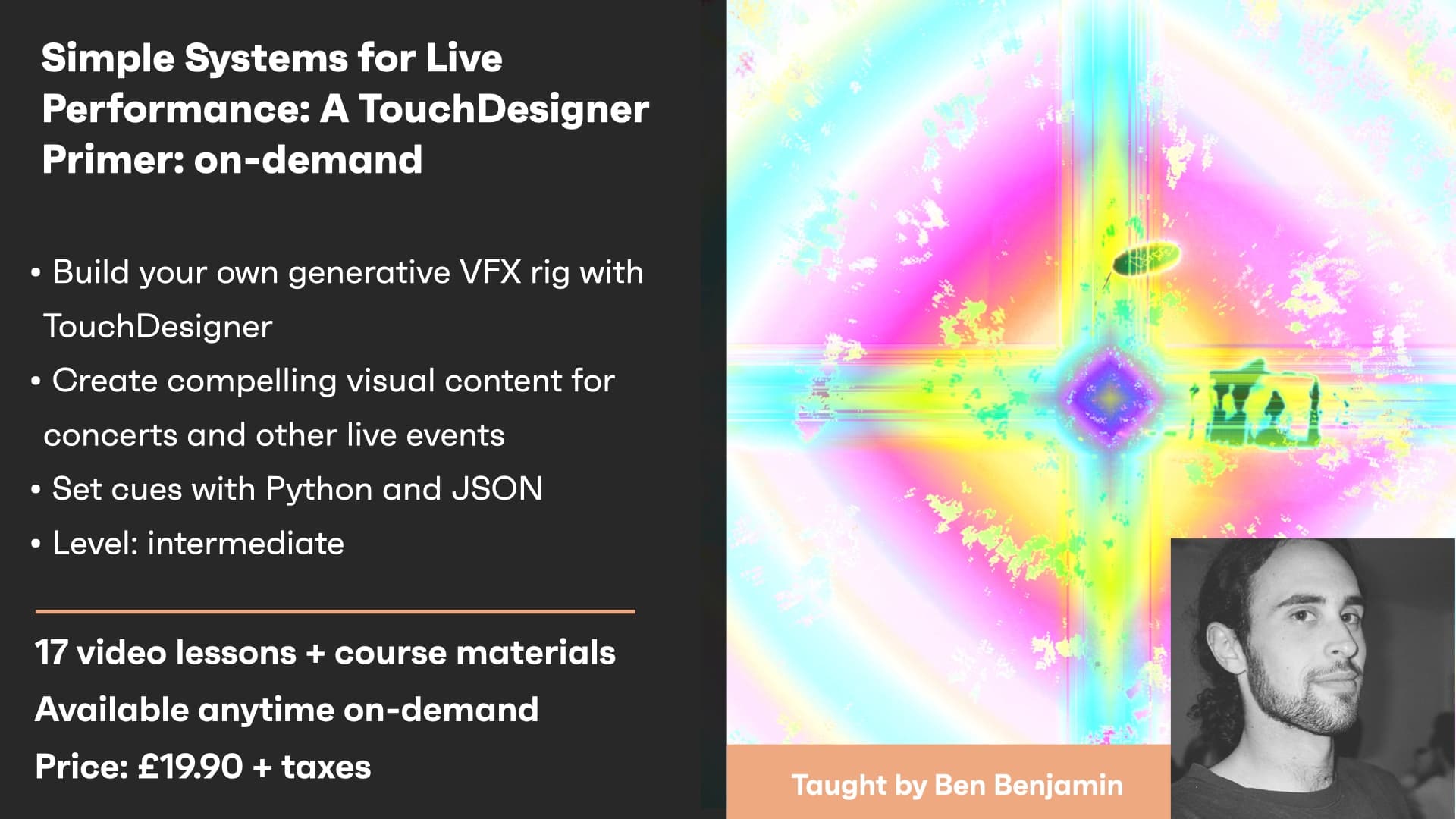
Whether at a concert or in a music video, visual effects can do so much to enhance the listener/viewer’s experience and create a lasting impression.
Course overview
Whether at a concert or in a music video, visual effects can do so much to enhance the listener/viewer’s experience and create a lasting impression.
Learning outcomes
Map out a show control system with high-level hooks for updating state in production
Create simple audio +/ MIDI signal workflows
Persisting/loading custom presets with Python + JSON
Map a visualization onto any performance environment, whether physical or digital
Who is this course for?
- • This workshop aims to demonstrate how, using TouchDesigner, one can convert MIDI and acoustic audio signal into dynamic visual performances
Requirements
- • A computer and Internet connection
- • A free (or higher) license of TouchDesigner
- • A text editor for programming, such as Sublime Text 3 (recommended)
Course content
Course Overview
3 lessons
+
Course Overview
3 lessons
- What you will learn in this course
- Requirements
- Software checklist
Simple Systems for Live Performance: A TouchDesigner Primer - On demand / Session 1
10 videos, 1 resource
+
Simple Systems for Live Performance: A TouchDesigner Primer - On demand / Session 1
10 videos, 1 resource
- Course files to download
Part 1 - Introduction
Checking access...Part 2 - Build Your Own Interface - Overview & Initial Setup
Checking access...Part 3 - BYOI - Simple Audio-Reactive Effect
Checking access...Part 4 - BYOI - Toolbar & Preview Window
Checking access...Part 5 - BYOI - Finalizing Our Modular Plugin Component
Checking access...Part 6 - Converting Third-Party Effects To Our Plugin System
Checking access...Part 7 - Review
Checking access...Part 8 - Mapping MIDI & Controlling Plugins
Checking access...Part 9 - Final Review
Checking access...Part 10 - Homework - goals for next session
Checking access...
Simple Systems for Live Performance: A TouchDesigner Primer - Session 2
7 videos
+
Simple Systems for Live Performance: A TouchDesigner Primer - Session 2
7 videos
Part 1 - Importing Previously Saved Modules (Wrappers saved as .tox files)
Checking access...Part 2 - Simple Reactive Video Switcher with Time Machine TOP
Checking access...Part 3 - Saving And Loading Presets with JSON + Python Extensions
Checking access...Part 4 - Considerations For Parameter References and Bindings
Checking access...Part 5 - Overview of SceneManager Class
Checking access...Part 6 - Demo - DMX Lighting & Projection Mapping Setup - Review & Wrap Up
Checking access...Part 7 - BONUS - Generative Effect Modules with 3D Rendering Pipelines
Checking access...
Instructors

Ben Benjamin
Ben Benjamin is a programmer and performer based in Los Angeles. He is obsessed with the intersection of media, culture, and technology.