Creative Coding
Sampling with Max
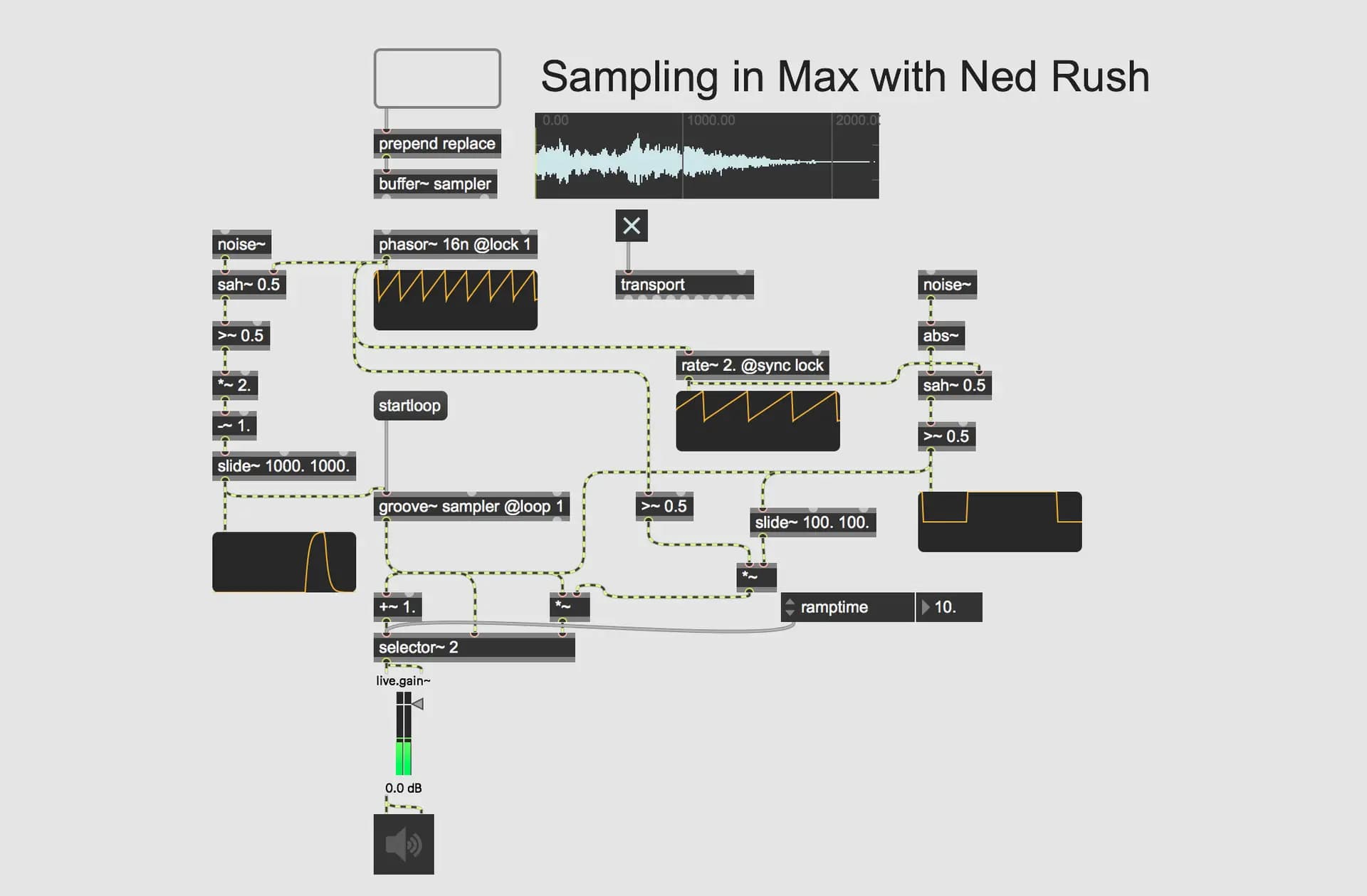
In this workshop you will build your own patches for processing and interacting with samples and recorded audio. This workshop aims to provide you with suitable skills to begin exploring
Course overview
In this workshop you will build your own patches for processing and interacting with samples and recorded audio. This workshop aims to provide you with suitable skills to begin exploring sampled audio in the Max MSP environment.
Learning outcomes
Get deeper into patching with samples using the buffer~ and groove~ objects.
Explore ways to record audio in realtime with the record~ object.
Who is this course for?
- • Sound designers looking to get started with processing samples
- • Performers looking for ways to process live sampled audio
Requirements
- • A computer and internet connection
- • Access to a copy of Max 8 (i.e. trial or full license)
Course content
Session Recording
1 video
+
Session Recording
1 video
Sampling with Max
Checking access...
Sampling with Max - Course Videos
2 videos
+
Sampling with Max - Course Videos
2 videos
1. The Playlist~ object
Checking access...2. Buffer~ and groove~.
Checking access...
Instructors
Ned Rush
Duncan Wilson (aka Ned Rush) is a musician, producer and content creator based in the UK. Whilst perhaps largely known for his Youtube channel, he has also released music independently as well developing content for Isotonik Studios.