Creative Coding
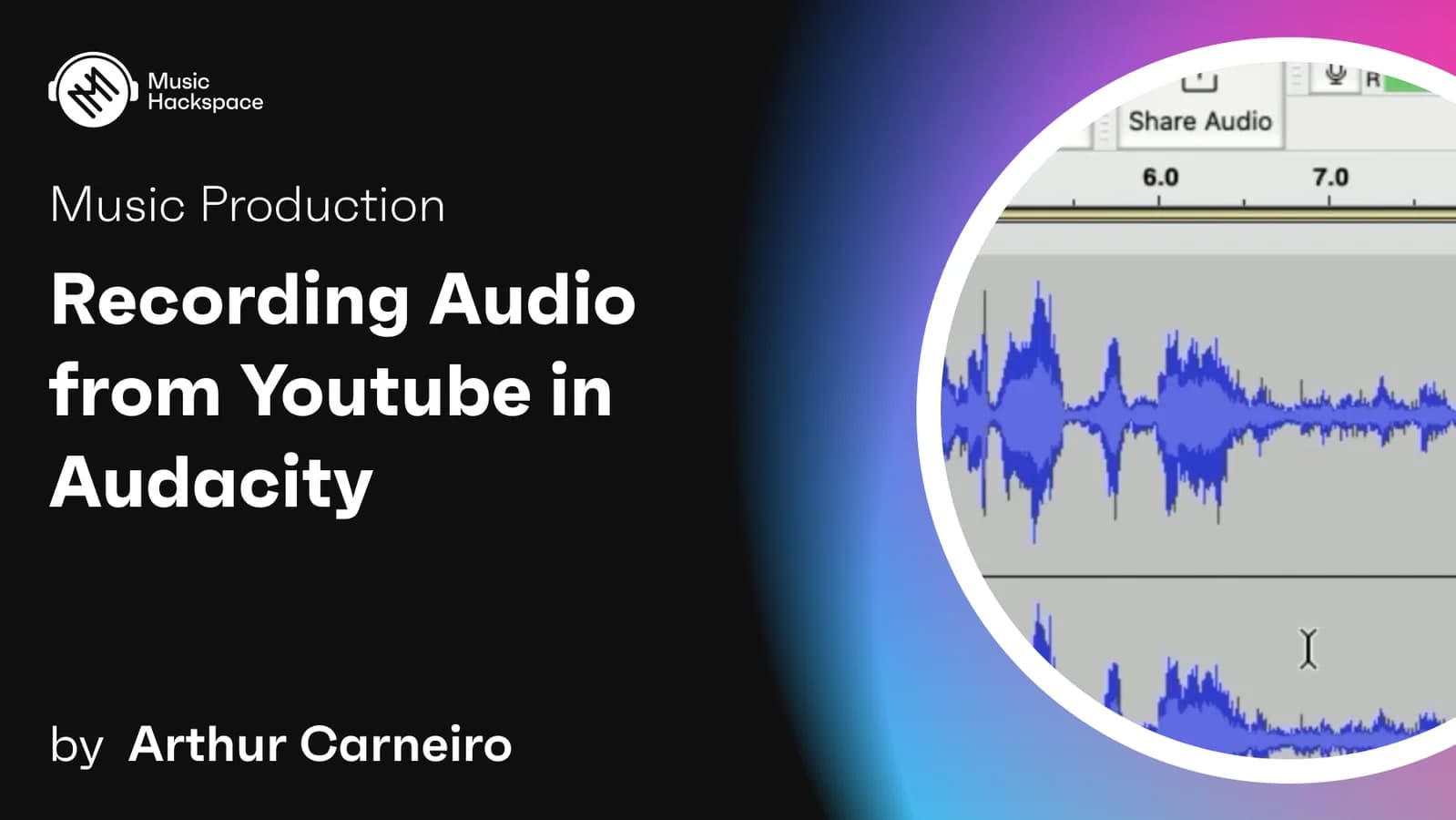
Recording Audio from YouTube in Audacity
Capture audio from YouTube into Audacity, then edit, reduce noise and tidy your recordings, worked through with practical ripping examples from speech and film clips.
Course overview
This tutorial is designed for audio enthusiasts and producers who want to harness the power of Audacity, a free Digital Audio Workstation (DAW), alongside virtual soundcards like Soundflower or Jack Audio, to manipulate and incorporate various audio sources into their projects. Participants will learn the step-by-step process of routing, recording, editing, and isolating audio from films, speeches, and other online sources to enrich their audio productions.
Learning outcomes
Install and configure virtual soundcards to reroute audio from online sources into Audacity.
Record and edit audio clips from various media, ensuring quality and relevance to the project.
Apply advanced audio effects and EQ adjustments to isolate desired audio components.
Export high-quality audio files ready for integration into music tracks or other audio projects.
Who is this course for?
- • Music producers and DJs looking to add unique audio samples into their tracks.
- • Podcast creators and video producers needing to incorporate various audio sources seamlessly into their content.
- • Hobbyists in music and audio editing eager to expand their skills in audio manipulation and production.
- • Educators and students in music technology courses seeking practical skills in digital audio manipulation.
Requirements
- • A computer with internet access.
- • Installation of Audacity and a virtual soundcard (e.g., Soundflower for Mac or Jack Audio for Windows).
- • Basic understanding of audio editing and DAW operation is helpful but not required.
Course content
Tutorial Videos
8 videos
+
Tutorial Videos
8 videos
1. Introduction
Checking access...2. Setup
Checking access...3. Ripping, Example 1 - Guy Ritchie
Checking access...4. Editing
Checking access...5. Example 2 - Ripping a Gandhi discourse
Checking access...6. Editing and Noise Reduction
Checking access...7. Applied Example
Checking access...8. Conclusion
Checking access...
Instructors