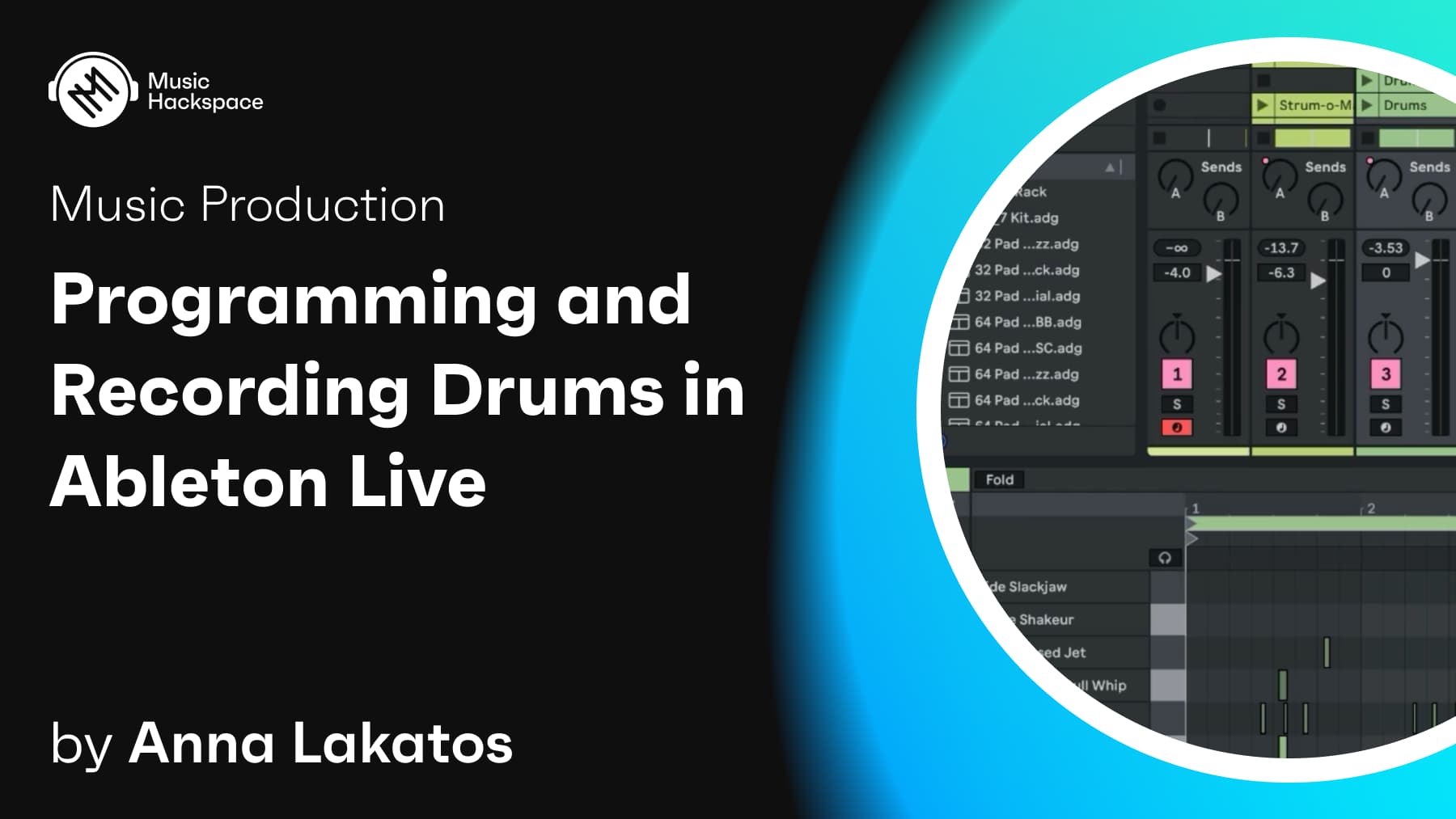
In this tutorial, you’ll learn how to program and record drums in Ableton Live 12. Whether you’re a beginner looking to start with the basics or an intermediate user wanting to enhance your drum programming skills, this video will guide you through the entire process. We’ll cover everything from setting up your audio output and managing latency to navigating between Session View and Arrangement View. You’ll also learn how to create, edit, and arrange MIDI clips, build custom drum racks, and apply humanization to your drum patterns. By the end of this tutorial, you’ll have the knowledge to create dynamic and professional drum tracks in Ableton Live 12.
Anna Lakatos
Anna Lakatos (aka ANNA DISCLAIM) is a London based electronic musician, singer, trained audio engineer and educator.Anna has been working as a recording, mix engineer and music producer since 2014, using various DAWs and analogue outboard gear. As an educator she works as an Ableton Certified Trainer and Lecturer at Point Blank Music School. Anna is also Avid Certified for Pro Tools, and one of the UK Native Instruments Product Specialists. These roles took her to festivals like Dimensions and Outlook in Croatia, Sonar in Barcelona, Amsterdam Dance Event and gave her the opportunity to provide training and tech support to numerous artists from Universal Music, Ministry of Sound (Sony Music), Rinse FM, BBC Radio1 and more. She has also been featured in Future Music Magazine, Music Tech Magazine, run workshops for Adam Audio, Saffron Records, Ableton and Native Instruments.