Creative Coding
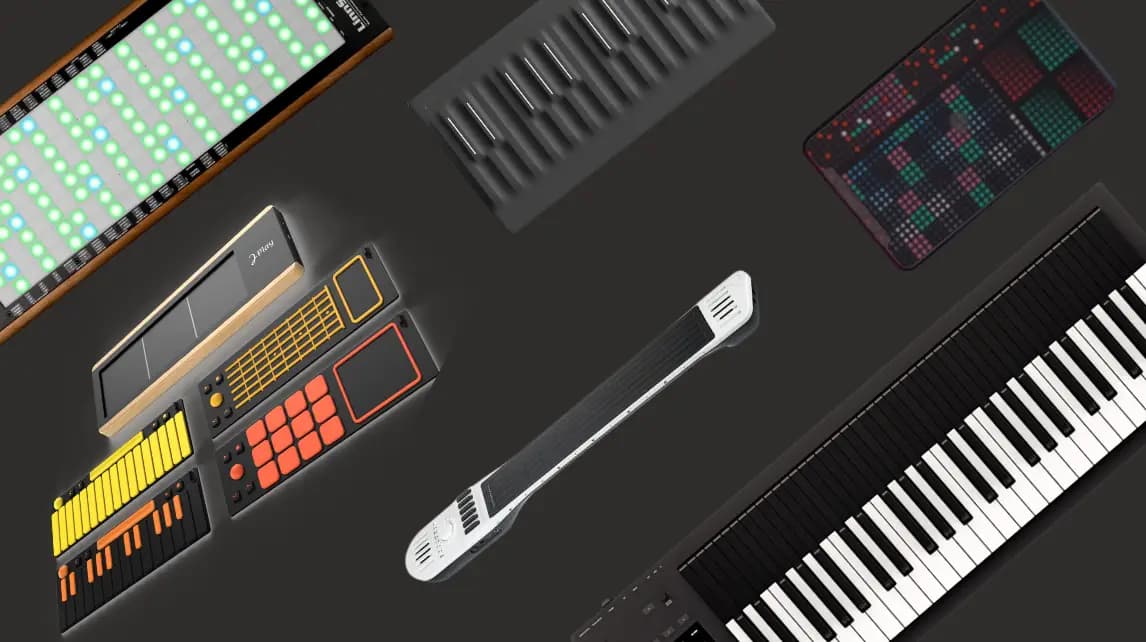
MPE Exploration in Max and Max For Live
Building MPE-capable instruments in Max and Max for Live, handling polyphonic note locating, pitch bend and per-note expression, and shaping presets for controllers such as the ERAE Touch.
Course overview
- Overview of MPE (MIDI Polyphonic Expression) and its impact on musical and sound expressivity
- Exploration of hardware and software options for MPE
- Custom-made GranuRise and seqMPEror MPE Max For Live devices
- Creation of custom Max | Max for Live device that interacts with MPE parameters
- Strategies for using different hardware MPE devices with custom-made patch/synth
- Options for transforming regular MIDI keyboard into an MPE-like device for those without hardware MPE device.
Learning outcomes
Build synthesis MPE patch and how to use it in the context of MPE
How to use your regular MIDI keyboard to simulate MPE behaviour by using Max
How to apply the Max MPE patch into the Max for Live environment
Who is this course for?
- • Max MSP users who would like to learn more about MPE integration in Max
- • Ableton and Max for Live users who would like to implement some new devices in to Live 11 workflow
- • Electronic Musicians who would like to dive into the world of MPE
- • Sound Designer who would like to extend their sonic options with MPE
Requirements
- • A computer and internet connection
- • Access to a copy of Max 8 (i.e. trial or full license)
- • Optional MPE keyboard
Course content
MPE Exploration in Max & Max For Live
20 videos, 1 resource
+
MPE Exploration in Max & Max For Live
20 videos, 1 resource
- Course Material
Workshop recording
Checking access...1. Introduction
Checking access...2. What is MPE
Checking access...3. MPE as Polyphonic
Checking access...4. Building something from the object
Checking access...5. Imortance of note locator
Checking access...6. Why this process
Checking access...7. Building a pitch band
Checking access...8. Media format
Checking access...9. Will it work
Checking access...10. Morphing them together
Checking access...11. Preset
Checking access...12. Things to consider while using a preset
Checking access...13. Changing the note you play
Checking access...14. Equator
Checking access...15. Make the pitch velocity work
Checking access...16. Chagning the paramaters
Checking access...17. Other patches
Checking access...18. Last patch
Checking access...19. Closing remarks
Checking access...
Discount codes for seqMPEror, GranuRise and Embodme ERAE TOUCH
1 lesson
+
Discount codes for seqMPEror, GranuRise and Embodme ERAE TOUCH
1 lesson
- seqMPEror, GranuRise and Embodme ERAE TOUCH
Instructors
Andrej Kobal
Andrej Kobal is active in various fields of contemporary music as an author of various compositions, improviser and sound designer. He has created two advanced MPE Max and Max For Live devices that offer a unique gestural approach to music making. GranuRise and seqMPEror have gained a wide response from the electronic music Community.