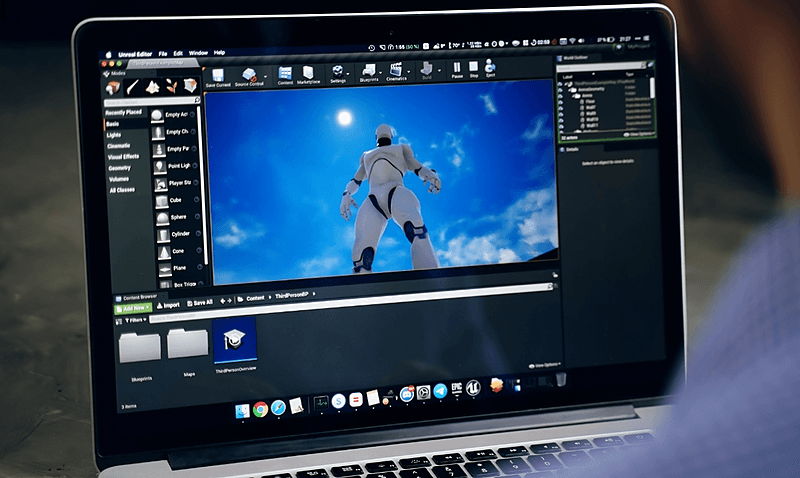

Master Game Audio with Wwise And Unreal Engine 5 hero

Creative Coding

Master Game Audio with Wwise And Unreal Engine 5

Level

Beginner

Duration

26h 44m of video content

Format

Self-paced video

Certified course — cohort places coming soon

Register interest

Watch a preview

Session 1 - Recording

Course overview

Course content

Introduction to Game Audio

1 video, 1 resource, 6 lessons

+
  • Session 1 - Recording
    Checking access...
  • Presentation - Session 1
  • Introduction to the course
  • Getting to know each other
  • Understanding the differences between linear and non- linear sound design
  • Game audio history overview
  • How to set up UE5 and Wwise
  • GAD document overview

Organising Wwise project

1 video, 1 resource, 4 lessons

+
  • Session 2 - Recording
    Checking access...
  • Presentation - Session 2
  • Work units and hierarchy structure
  • Containers and their uses
  • ICreate an event on Wwise and soundcaster sessions
  • integrate Wwise into an UE5 project

Sound from the game

1 video, 1 resource, 6 lessons

+
  • Session 3 - Recording
    Checking access...
  • Presentation - Session 3
  • Events actions
  • Source editor functions
  • Soundbanks
  • Add an event to unreal and play a sound from the game
  • UE5 listener
  • Profiling with Wwise

Game syncs 1

1 video, 5 lessons

+
  • Session 4 - Recording
    Checking access...
  • Switches and States on Wwise
  • Switch, blend and sequence containers
  • Set an RTPC
  • Soundcaster with switch events
  • Profiling session with game syncs

Game syncs 2 + Feedback session 1

1 video, 3 lessons

+
  • Session 5 - Recording
    Checking access...
  • 1h Feedback on students WIP
  • Trying switches using different surfaces
  • Set States

Starting with spatialization

1 video, 4 lessons

+
  • Session 6 - Recording
    Checking access...
  • 3D positioning
  • Attenuation settings
  • 3D spatialization and automations
  • Applications in UE5

Audio signal routing

1 video, 4 lessons

+
  • Session 7 - Recording
    Checking access...
  • Master mixer hierarchy and AUX busses
  • Actor mixers and their functions
  • Sends and automations
  • Effects

Ambisonics and env sound

1 video, 3 lessons

+
  • Session 8 - Recording
    Checking access...
  • IEM plugin suite overview
  • Importing AMBIX into Wwise
  • Building dynamic env sound in Wwise with blend containers and RTPC

Spatialization in UE

1 video, 2 lessons

+
  • Session 9 - Recording
    Checking access...
  • Ambient sound blueprint and radial circle
  • Portals, Spatial Audio Volumes, Reverb Volumes

Music overview + Feedback session 2

1 video, 3 lessons

+
  • Session 10 - Recording
    Checking access...
  • 1h feedback on students WIP
  • Understanding interactive music workflow
  • Overview of interactive music system in Wwise

Elements of mixing

1 video, 3 lessons

+
  • Session 11 - Recording
    Checking access...
  • Prioritising sounds categories
  • Importance of dynamic mix to optimise projects
  • Ducking

Projects review

1 video, 1 lesson

+
  • Session 12 - Workshop Recording
    Checking access...
  • Showcase and feedback session on students projects

Session 13 - Recording

1 video

+
  • Workshop Recording
    Checking access...

Instructors

Instructor TBC

Instructor TBC

Instructor

Frequently asked questions

Interested in this course?

Register your interest and we'll let you know when the next cohort opens.

Certified course — cohort places coming soon

Register interest