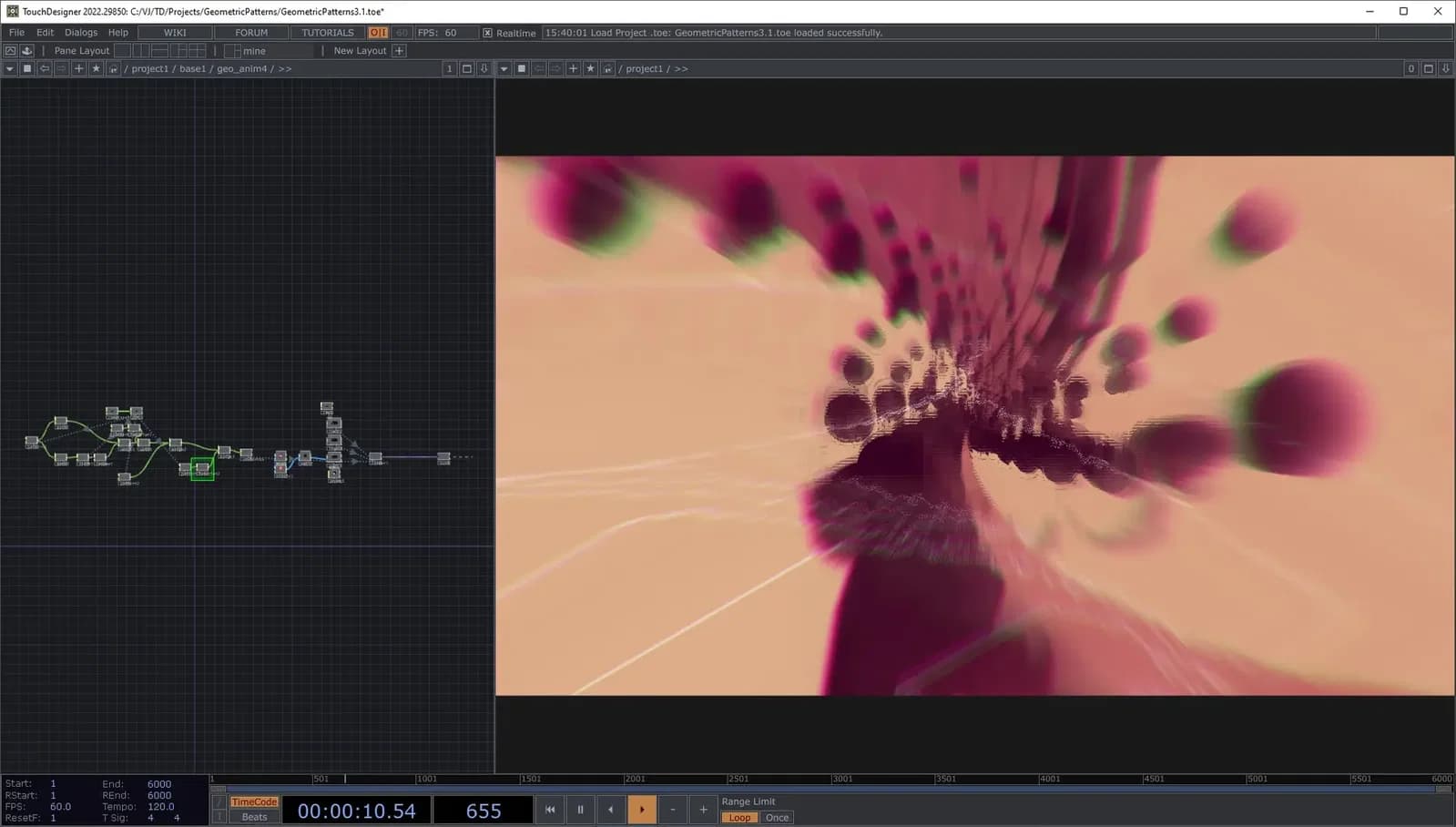
TouchDesigner is the industry standard tool for interactive visuals in live performance, broadcasting and art installations. Cycling 74’s Max / MSP offers a vast playground of programming opportunities to create your own musical sketches. This course is aimed at musicians wanting to create live visuals that interact with their music. Function Store will get you familiar with TouchDesigner and ways to connect MIDI data to control live visuals via TouchDesigner and Max. This workshop aims to provide beginners to TouchDesigner and Max the suitable skills to begin exploring working with live visuals.

Function Store
Function Store (Dániel Molnár) is a Berlin based artist and developer creating interactive installations and audio-visuals. He has a software engineering background, diving deep into TouchDesigner and related tools in the past few years. He enjoys building complex systems and tools that are modular, reusable and user-friendly. He is working with agencies and musicians to create interactive experiences, live visuals and digital content, and has a YouTube channel where he shares some of his secrets.