Creative Coding
Introduction To Interactive Audio In Max
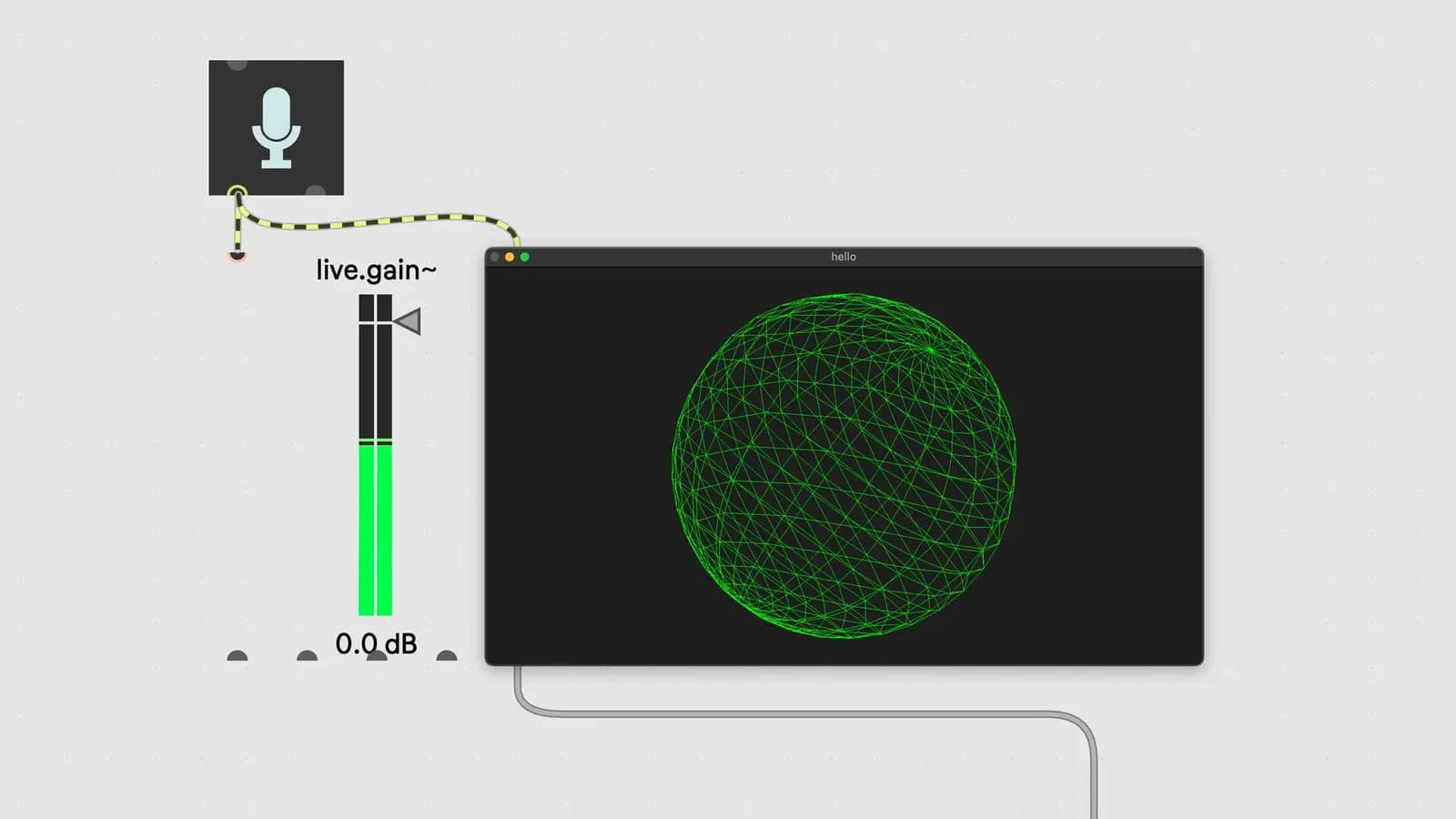
Work with interactive audio in Max, mapping a microphone to controls, filtering input with EQ, storing settings with presets, and recording and playing back sound from a buffer.
Course overview
In this workshop you will continue to explore interactive systems in Max. This workshop aims to provide beginners to Max the suitable skills to further explore working interactively with audio and visual patches in the Max environment, in the context of creative exploration and performance. This is part two of a series of three workshops looking at interactivity in Max. You will build an interactive audio recorder and utilize audio signals to control video. No additional hardware and no experience with Max is required but it is recommended that you have taken the free “Getting Started With Max” and “Getting Started With Interactivity in Max” on-demand courses.
Learning outcomes
Build an interactive audio recorder
Use audio to manipulate video effects
Further explore interactive patches in a creative way
Who is this course for?
- • Sound designers looking to build interactive audio patches
- • Creative technologists interested in interactive audio exploration and performance
Requirements
- • A computer and internet connection
- • Access to a copy of Max 8 (i.e. trial or full license)
Course content
Course Material
1 resource
+
Course Material
1 resource
- PDF + Patches
Introduction To Interactive Audio in Max
12 videos
+
Introduction To Interactive Audio in Max
12 videos
Lesson 1 - Intro and Examples
Checking access...Lesson 2 - How to get a webcam input
Checking access...Lesson 3 - How to use shader effects in jitter
Checking access...Lesson 4 - Mapping a microphone to brightness
Checking access...Lesson 5 - Filtering audio input with EQ
Checking access...Lesson 6 - How to use preset to recall settings
Checking access...Lesson 7 - How to record audio to a buffer
Checking access...Lesson 8 - How to playback sound from buffer
Checking access...Lesson 9 - Using timer to find length of recording
Checking access...Lesson 10 - Order of operations with trigger
Checking access...Lesson 11 - Playback recording finale
Checking access...Lesson 12 - Closing remarks
Checking access...
Instructors
Kyle Duffield
Kyle Duffield is a Toronto based Interactive and Experience Design Professional who creates immersive interactive installations and brand activations. He is also known for his affiliation with the studio and former gallery, Electric Perfume. As an educator, and technical consultant, he has facilitated interactive media workshops and projects with institutions across Canada, Shanghai, and online. Currently, Kyle is participating in Cycling 74’s Max Certified Trainer Program, and is focusing on creating unforgettable technological experiences. http://www.kyleduffield.com http://www.electricperfume.com