Creative Coding
Introduction to Generative and Sound-Reactive Graphics in Resolume
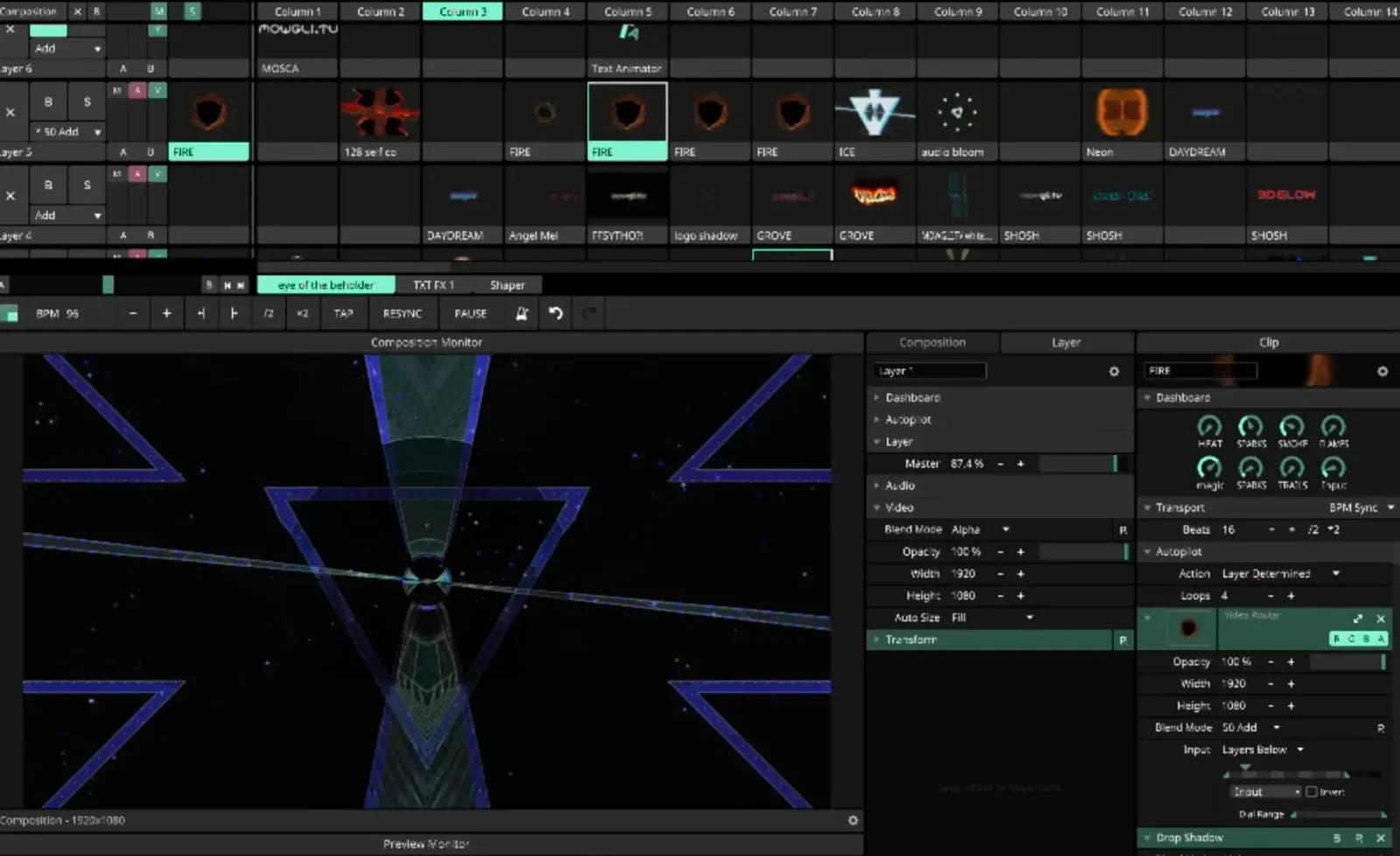
Build generative, sound-reactive animations in Resolume, from your first animation through colour and complexity to driving visuals from audio, then rendering and exporting clips for live use.
Course overview
Get started with Resolume and learn real-time visual creation with this hands. In this course, you will learn how to transform simple tools into powerful creative engines, generate a personal library of morphing animation clips, and enjoy the thrill of immediate content creation.
This course helps you organise your work effectively and offers key insights for performing live. You'll also look at efficient sound-reactivity and MIDI control techniques, and delve into rendering and seamless looping processes. By the end, you'll emerge as a more proficient and resourceful VJ, ready to engage audiences with your own real-time visuals while conserving hard drive space.
Learning outcomes
Build a personalised animation clip library for real-time composition and morphing.
Program visuals that respond to sound.
Gain proficiency in content rendering, looping, and efficient storage management.
Confidently engage in live VJ performances, with your own real-time visuals and rendering techniques.
Who is this course for?
- • VJ's of all levels looking to use Resolume as a content creation tool
- • Visual & Motion Graphics Artists
- • Installation Artists
- • Musicians looking to integrate visuals in their work; Performers
Requirements
- • A computer meeting the recommended requirements (not minimum) to run the latest version of Resolume Avenue or Arena
- • Resolume Avenue or Arena (the free demo is fine)
- • A basic understanding of Resolume and how to get it up an running on your computer.
- • A MIDI controller with pots or sliders is not strictly necessary but highly recommended. Korg Nanocontrol is an affordable option - Not strictly necessary but handy is a music file of your choice in .wav format
Course content
Workshop videos
7 videos
+
Workshop videos
7 videos
1. Your first animation
Checking access...2. Spicing it up, colour and light
Checking access...3. More Complexity
Checking access...4. Control & tweaking
Checking access...5. Sound Reaction
Checking access...6. Making sub-clips
Checking access...7. Rendering Clips
Checking access...
Instructors

Manuel Barrio aka Mowgli
Since I started VJing in 2004 the craft has evolved enormously, enabling artists to skip the long render times and the tedious task of timeline editing in favour of real-time dynamic visuals that can be easily integrated with music and manipulated live. Resolume's generative capabilities have grown exponentially over the last few years. This combined with the improvements in rendering video files from within Resolume, have turned it into a powerhouse for both performing and content creation.