Creative Coding
Intro to Visualizing Sound with TouchDesigner
Get started in TouchDesigner, building audio-reactive visuals by exporting CHOPs, animating effects with an LFO CHOP, driving parameters from sound input, and applying palette and image-filter effects.
Course overview
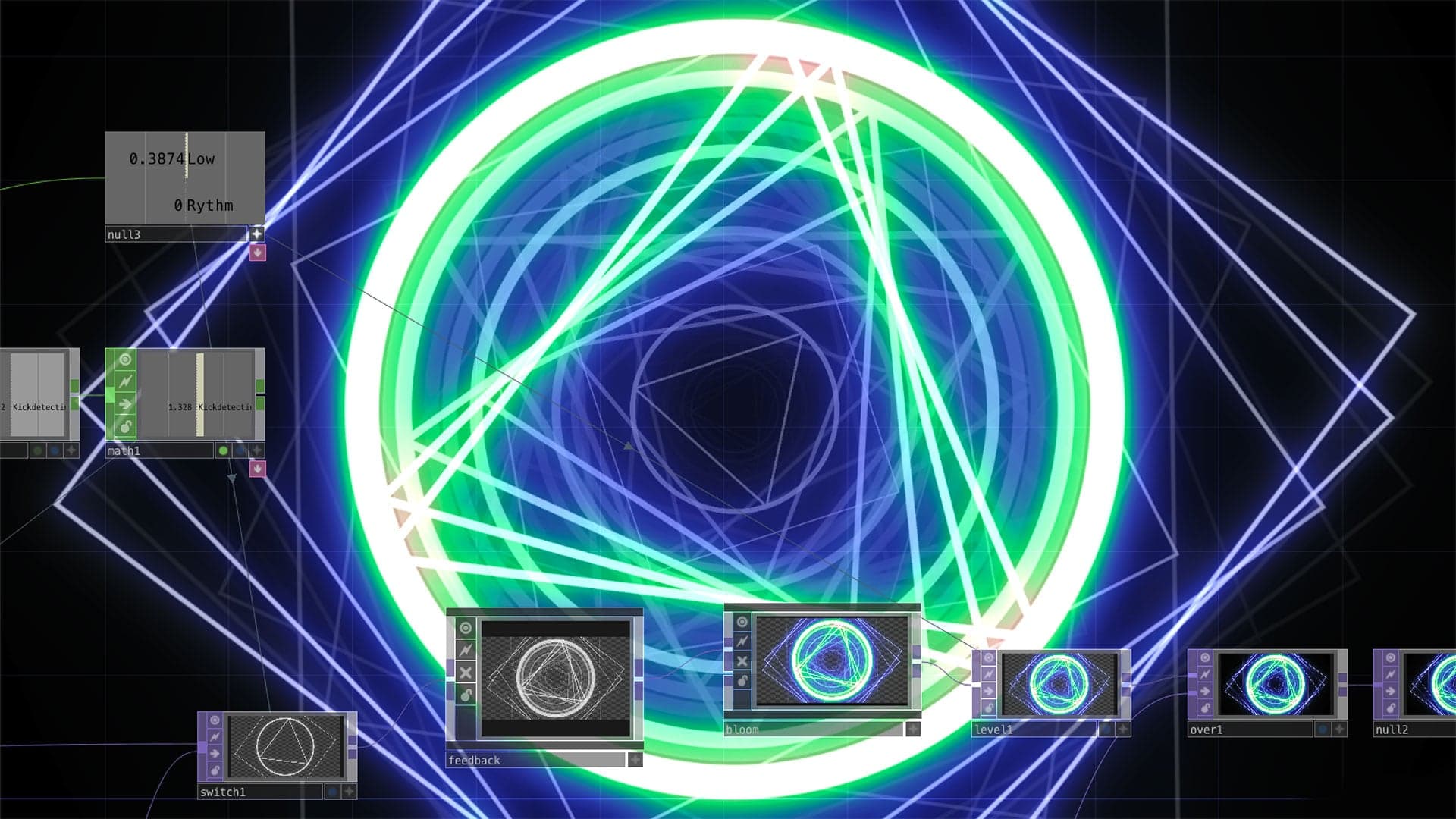
TouchDesigner is the industry standard tool for interactive visuals in live performance, broadcasting and art installations. In this series of 2 workshops aimed at musicians and VJs, you will learn the fundamentals to build audio responsive visuals, and get familiar with the TouchDesigner interface and workflow, and connect it to your own setup.
TouchDesigner has a free license tier for people who are getting started.
Learning outcomes
Session 1: Understanding Operator types (TOPS and CHOPS)
Session 1: Creating simple UI controls for visuals
Session 1: Tools and techniques for basic audio analysis for mapping to effects
Session 2: TouchDesigner Palette
Session 2: Refined methods of Audio Analysis
Session 2: Basic Introduction 3D (SOPS and MATS)
Session 2: Mixing 3D with 2D Visual effects
Who is this course for?
- • Anyone who wants to get started with TouchDesigner
- • VJ’s looking for generative visualization techniques
- • Musicians who want to create multimedia performances
Requirements
- • A computer and internet connection
- • A 3-button mouse
- • TouchDesigner software
Course content
Intro to Visualizing Sound with TouchDesigner / Session 1
11 videos, 2 resources
+
Intro to Visualizing Sound with TouchDesigner / Session 1
11 videos, 2 resources
- PDF slides for lessons 1-11
- TouchDesigner project files
1. Introduction
Checking access...2. Workshop Resources
Checking access...3. Getting Started with TouchDesigner
Checking access...4. Activity 1 - Export Chop
Checking access...5. Activity 1 - Solution
Checking access...6. Animating Effects with LFO CHO
Checking access...7. Activity 2 - LFO CHOP
Checking access...8. Activity 2 - Solution Q&A
Checking access...9. Sound Input as CHOP Value
Checking access...10. Palette and Image Filter Effects
Checking access...11. Closing Remarks
Checking access...
Intro to Visualizing Sound with TouchDesigner / Session 2
7 videos, 1 resource
+
Intro to Visualizing Sound with TouchDesigner / Session 2
7 videos, 1 resource
- Week 2 - Activities and Resources
1. Introduction
Checking access...2. Review of Week 1 and Additional TouchDesigner Fundamentals
Checking access...3. Activity 1 - Questions
Checking access...4. Activity 2 - Advanced Audio Analysis
Checking access...5. Activity 3 - Simple 3D SOPS
Checking access...6. Bonus Q & A
Checking access...7. Closing Remarks (and more Bonus Q & A!)
Checking access...
Instructors

Kyle Duffield
Kyle Duffield is a Toronto based Interactive and Experience Design Professional who creates immersive interactive installations and brand activations. He is also known for his affiliation with the studio and former gallery, Electric Perfume. As an educator, and technical consultant, he has facilitated interactive media workshops and projects with institutions across Canada, Shanghai, and online. Currently, Kyle is participating in Cycling 74’s Max Certified Trainer Program, and is focusing on creating unforgettable technological experiences. http://www.kyleduffield.com http://www.electricperfume.com