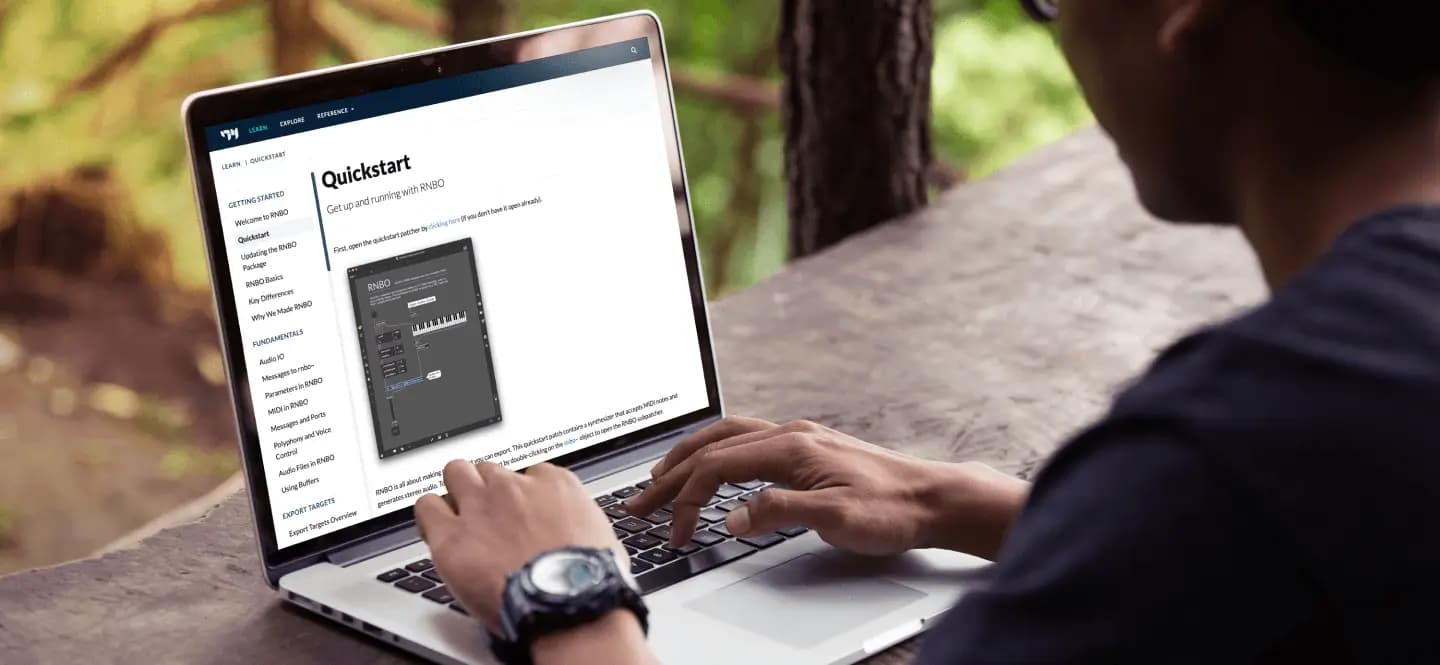
Creative Coding
Intro to Max 8 & RNBO
Get going in Max 8 and RNBO, from navigating the interface and your first patch to building a tremolo effect, using parameters, and exporting it as a VST3 plugin to test in Ableton.
Course overview
You will learn the basics of the Max 8 programming environment and RNBO - an add-on for Max that allows you to take Max-like patches and export them as portable code. RNBO can compile code to a variety of platforms (Audio Plugin/VST3, Web with Javascript, Raspberry Pi, C++ Libraries), however, we’re going to focus on creating a simple audio effect with RNBO for use within Ableton Live. We’ll also look at tips, tricks, and tools to start your journey towards making your own custom Audio Plugins.
Learning outcomes
Explore the key differences between RNBO and Max
Begin to build and compile RNBO patches
Configure and deploy parameters, ports and utilize messages in RNBO patches
Build a simple audio effect and export it to use in Ableton Live
Who is this course for?
- • Ableton users looking to get started with Max and RNBO in Max
- • Music producers & sound designers interested in building and exporting RNBO patches
Requirements
- • Computer and internet connection
- • Access to a copy of Max 8, RNBO, and Ableton Live (i.e. trial or full license)
Course content
Intro to Max 8 & RNBO
16 videos, 1 resource
+
Intro to Max 8 & RNBO
16 videos, 1 resource
- Course Files
1. Downloading Course Files
Checking access...2. How to Navigate the Max 8 Interface - Your First Patch
Checking access...3. How to Test our Audio and DSP
Checking access...3.1 How to Access Max Reference and Help Files
Checking access...4. How to Add Audio Files to playlist~ object
Checking access...5. How to Control playlist~ with Messages and Attributes
Checking access...6. Intro to RNBO
Checking access...7. How to build a Tremolo Audio Effect with RNBO
Checking access...8. How to Control Wet and Dry Signal of Modulation with mix~
Checking access...9. How to Use Parameters in RNBO
Checking access...10. Export RNBO to VST3 Audio Plugin
Checking access...11 Testing Our Export VST3 with Ableton
Checking access...12. BONUS_ RNBO Guitar Effects
Checking access...13. Accessing RNBO Help Online
Checking access...14. Question_ Why Does the Plugin Amount Affect Gain_
Checking access...15. BONUS_ RNBO Guitar Effets and Going Further
Checking access...
Instructors
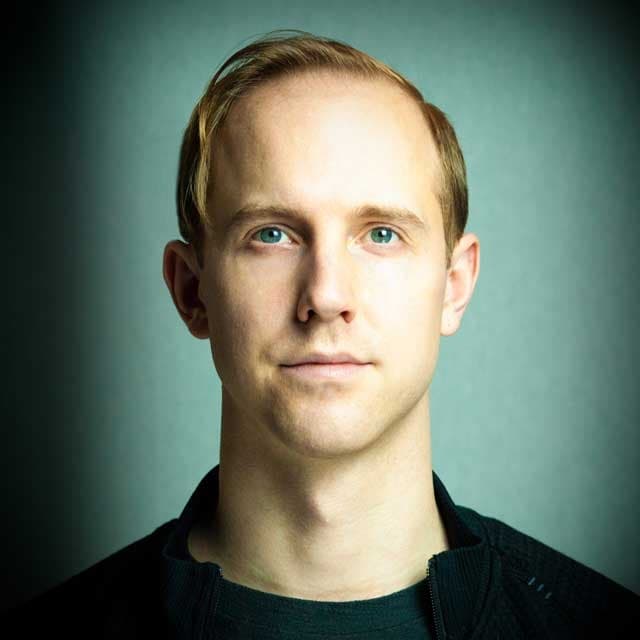
Kyle Duffield
Kyle Duffield is a Toronto based Interactive and Experience Design Professional who creates immersive interactive installations and brand activations. He is also known for his affiliation with the studio and former gallery, Electric Perfume. As an educator, and technical consultant, he has facilitated interactive media workshops and projects with institutions across Canada, Shanghai, and online. Currently, Kyle is participating in Cycling 74’s Max Certified Trainer Program, and is focusing on creating unforgettable technological experiences. http://www.kyleduffield.com http://www.electricperfume.com