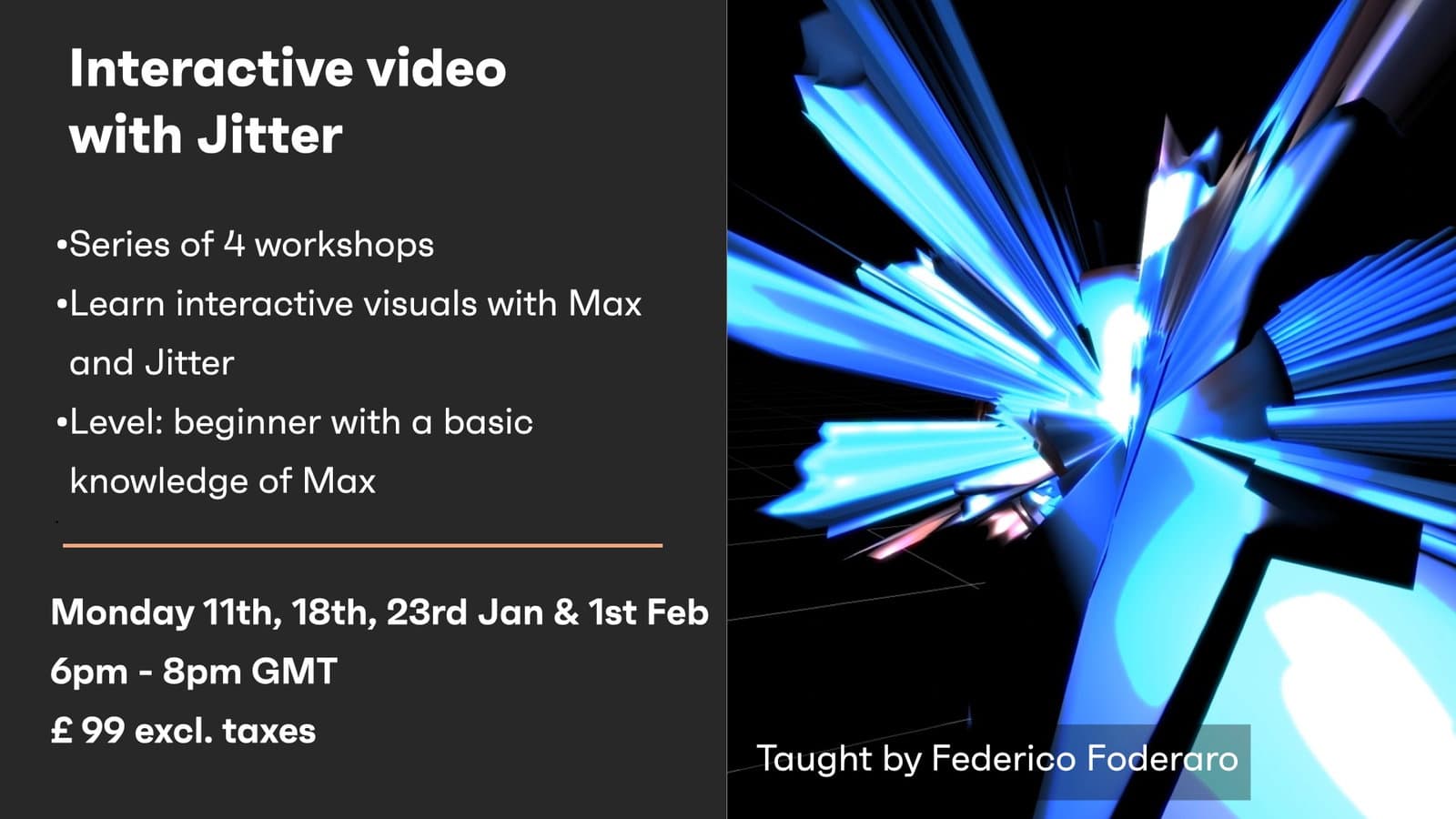
This four-week live workshop series works in Jitter, the video and matrix-processing side of Max, to build interactive visuals. Across the four sessions it develops the techniques for manipulating and responding to video in real time, giving learners a foundation for creating their own interactive visual systems within the Max environment.
Creative Coding
Interactive video with Jitter - LIVE Session
Work with real-time video in Max's Jitter across four live sessions, building patches to process and manipulate moving images for interactive and performance use.
Course overview
Learning outcomes
Who is this course for?
- • The workshop is aimed at anyone who would like to learn how to create interactive visuals with the software Max/MSP/Jitter from Cycling74.
Requirements
- • A computer and internet connection
Course content
Course Overview
2 lessons
+
Course Overview
2 lessons
- What you will learn in this course
- Requirements
Interactive video with Jitter - LIVE Session / Monday 11th January 6pm GMT
1 video, 3 resources
+
Interactive video with Jitter - LIVE Session / Monday 11th January 6pm GMT
1 video, 3 resources
- Handouts for Session 01 < Updated 14 Jan >
- Patches Session 01
Session 1
Checking access...- Assignments Session 01
Interactive video with Jitter - LIVE Session / Monday 18th January 6pm GMT
1 video, 2 resources
+
Interactive video with Jitter - LIVE Session / Monday 18th January 6pm GMT
1 video, 2 resources
- Patches_Session_02
Session 2
Checking access...- Assignments Session 02
Interactive video with Jitter - LIVE Session / Monday 25th January 6pm GMT
1 video, 2 resources
+
Interactive video with Jitter - LIVE Session / Monday 25th January 6pm GMT
1 video, 2 resources
- 3D Shape Abstraction
- Patches from Session 03
Session 3
Checking access...
Interactive video with Jitter - LIVE Session / Monday 1st February 6pm GMT
1 video, 3 resources
+
Interactive video with Jitter - LIVE Session / Monday 1st February 6pm GMT
1 video, 3 resources
- Explanations on [ jit.bfg ] (Perlin Noise)
- Movie Player Abstraction
- Patches Session 04
Session 4
Checking access...
Instructors