Spanning four sessions, this workshop pairs Arduino with Max to build physical, interactive electronics. It begins with uploading sketches, Ohm's law and a simple LED circuit, then sends digital and PWM output into Max, works through RGB LEDs, pushbuttons, switches and pull-up/pull-down resistors, and reads analogue sensors such as trimpots and photocells. Learners end able to wire sensors and controls that trigger audio, oscillators and playlists in Max.
Creative Coding
Interaction with Arduino & Max - Workshop series / On-demand
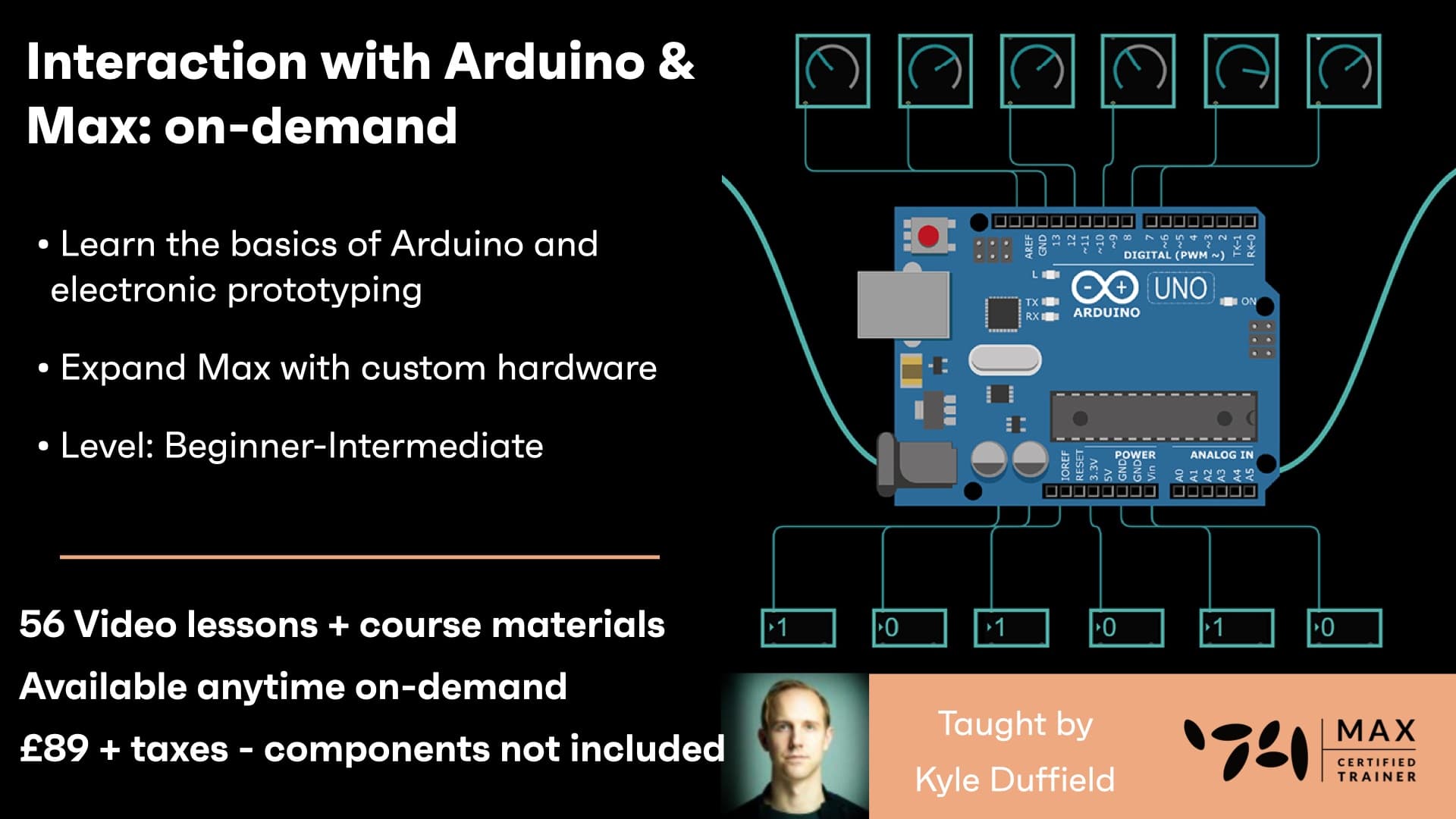
A hands-on introduction to physical computing with Arduino and Max: wiring first LED circuits, electronics theory and Ohm's law, then reading buttons, potentiometers and sensors to control sound and light through Max patches.
Course overview
Learning outcomes
Control audio in Max 8 with sensors and your own custom hardware interfaces
Utilize Max to map software interactions to physical electronic systems
Apply interaction design concepts for developing installations and performances
Who is this course for?
- • Want your Arduino to control audio, video, generative 3D visuals, or even Ableton Live? Combine Arduino with Max 8, a powerful visual programming environment opens up many possibilities for interactive installation, generative art, multimedia performance, and more! You will learn very basic electronics, introductory Arduino skills, and how to use sensors and inputs to control Max 8!
Requirements
- • A computer and internet connection
- • Arduino / Electronics kit please check you can order all of these parts before the series starts
- • Max software - either free trial or full licence
- • Arduino software
Course content
Course Overview
2 lessons
+
Course Overview
2 lessons
- What you will learn in this course
- Requirements
Interaction with Arduino & Max - Session 1 / On-demand
14 videos, 1 resource
+
Interaction with Arduino & Max - Session 1 / On-demand
14 videos, 1 resource
- Week 1 download file
Lesson 1 - What is Arduino
Checking access...Lesson 2 - Electronics Kits Overview
Checking access...Lesson 3 - Weekly Files and Activities Overview
Checking access...Lesson 4 - Arduino Sketches
Checking access...Lesson 5 - Arduino Board Overview
Checking access...Lesson 6 - Activity 1 - Upload Sketch to Arduino
Checking access...Lesson 7 - Electronics Theory & Ohms Law
Checking access...Lesson 8 - First Circuit - Simple LED
Checking access...Lesson 9 - Arduino to Max Digital Output
Checking access...Lesson 10 - Setting the Arduino PinState and Value
Checking access...Lesson 11 - Assistance and Troubleshooting
Checking access...Lesson 12 - Activity 2 - Make LED Blink with Max
Checking access...Lesson 13 - Assistance and Troubleshooting (continued)
Checking access...Lesson 14 - Activity 2 - Make LED Blink with Max Solution
Checking access...
Interaction with Arduino & Max - Session 2 / On-demand
12 videos, 1 resource
+
Interaction with Arduino & Max - Session 2 / On-demand
12 videos, 1 resource
- Week 2 download file - updated
Lesson 1 - Introduction
Checking access...Lesson 2 - Review Electronics Theory
Checking access...Lesson 3 - LED Resistor Calculator Circuit
Checking access...Lesson 4 - Resistor Values (Colour Bands)
Checking access...Lesson 5 - Activity 1 - Review Digital Output
Checking access...Lesson 6 - Blink LED & Trigger Object (Order of Operations)
Checking access...Lesson 7 - Fading LED - PWM Output
Checking access...Lesson 8 - Activity 2 - Slider to LED Brightness
Checking access...Lesson 9 - Activity 2 - Solution (Zmap and Scale Objects)
Checking access...Lesson 10 - Activity 3 - Microphone to LED Brightness
Checking access...Lesson 11 - Smoothing data with Slide Object
Checking access...Lesson 12 - Activity 4 - RGB LED
Checking access...
Interaction with Arduino & Max - Session 3 / On-demand
12 videos, 1 resource
+
Interaction with Arduino & Max - Session 3 / On-demand
12 videos, 1 resource
- Session 3 download file - updated
Lesson 1 - Introduction
Checking access...Lesson 2 - Review PWM
Checking access...Lesson 3 - RGB LED Circuit
Checking access...Lesson 4 - Parallel Circuits
Checking access...Lesson 5 - White Light Colour Temperature
Checking access...Lesson 6 - Activity 1 – RGB LED Circuit
Checking access...Lesson 7 - Max Lists, Hot Cold Inlets, (variables, pack, pak objects)
Checking access...Lesson 8 - Random RGB Color
Checking access...Lesson 9 - Mapping Range of Colour (zmap object) & Digital Input (Pushbuttons)
Checking access...Lesson 10 - Activity 2 – Pushbutton to playlist~
Checking access...Lesson 11 - Activity 2 - (change object)
Checking access...Lesson 12 - Activity 2 – Trigger Random Audio Track
Checking access...
Interaction with Arduino & Max - Session 4 / On-demand
18 videos, 1 resource
+
Interaction with Arduino & Max - Session 4 / On-demand
18 videos, 1 resource
- Week 4 download file - updated
Lesson 1 - Introduction
Checking access...Lesson 2 - Activity – 1 Pushbutton Circuit (Review)
Checking access...Lesson 3 - Pullup VS Pulldown Resistors (Inverting HIGH and LOW)
Checking access...Lesson 4 - Activity – 2 - Switches VS Pushbuttons (Toggle Logic)
Checking access...Lesson 5 - Switch Circuit
Checking access...Lesson 6 - DIY Button Techniques
Checking access...Lesson 7 - Activity 3.1 - Analog Input (Trimpot Circuit)
Checking access...Lesson 8 - Activity 3.2 - Trimpot To Playlist Speed
Checking access...Lesson 9 - Trimpot To Playlist Cue
Checking access...Lesson 10 - Trimpot To Oscillator
Checking access...Lesson 11 - Activity 3.3 – Photocell Circuit
Checking access...Lesson 12 - Sensor Ideas and Inspiration
Checking access...Lesson 13 - Q&A - Breadboard to PCB
Checking access...Lesson 14 - Q&A – Arduino to AC Current
Checking access...Lesson 15 - Q&A – Learning Electronics Resources
Checking access...Lesson 16 - Q&A – Arduino Shields
Checking access...Lesson 17 - Project Hive 2.0 and Proximity Sensors
Checking access...Lesson 18 - Q&A Fritzing Software - End
Checking access...
Instructors

Kyle Duffield
Kyle Duffield is a Toronto based Interactive and Experience Design Professional who creates immersive interactive installations and brand activations. He is also known for his affiliation with the studio and former gallery, Electric Perfume. As an educator, and technical consultant, he has facilitated interactive media workshops and projects with institutions across Canada, Shanghai, and online. Currently, Kyle is participating in Cycling 74’s Max Certified Trainer Program, and is focusing on creating unforgettable technological experiences. http://www.kyleduffield.com http://www.electricperfume.com