Creative Coding
Getting Started with Software Instruments in Max
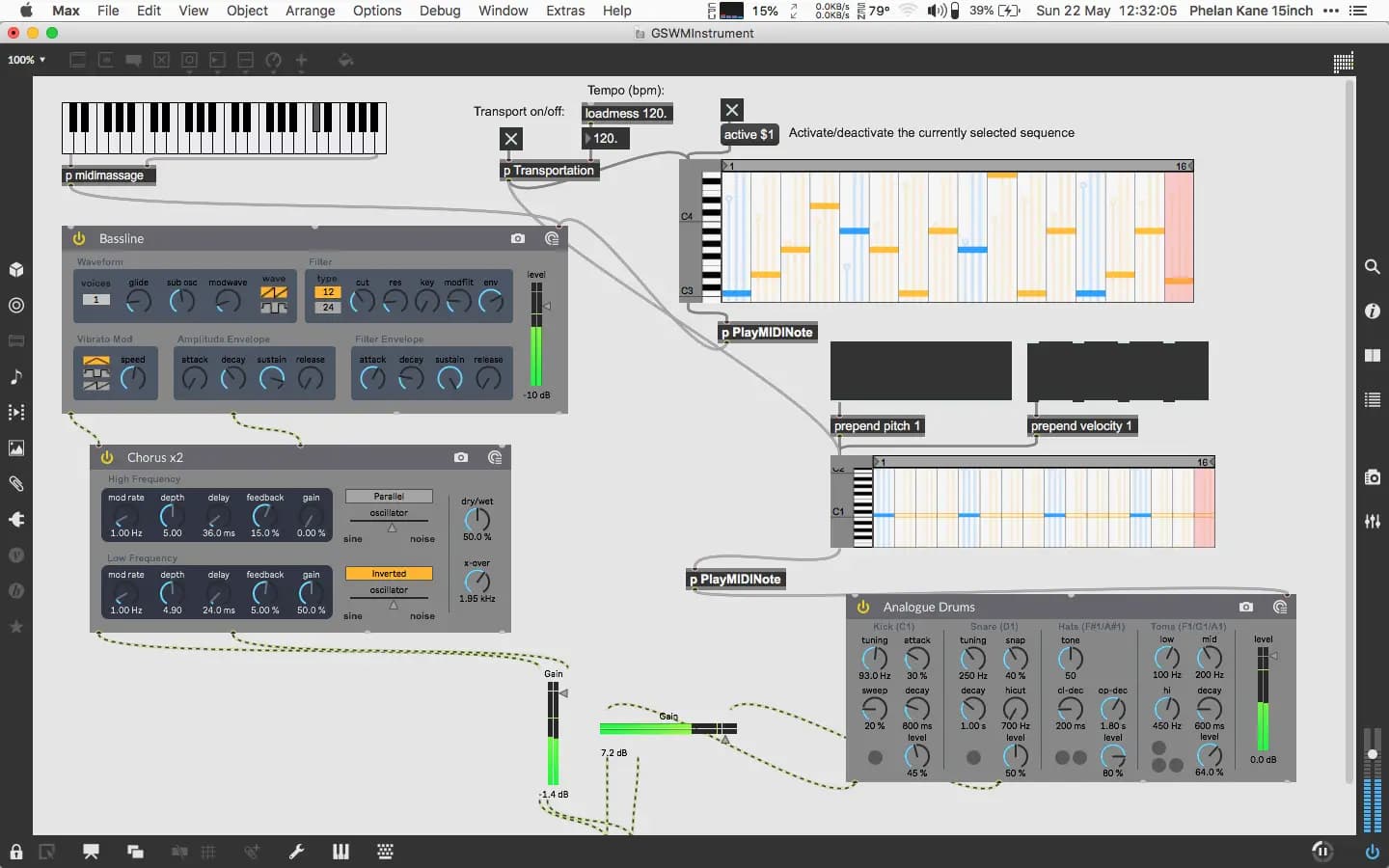
Build software instruments in Max through a sequence of hands-on activities, working towards playable synthesised instruments inside the Max environment.
Course overview
In this workshop you will learn how to utilize software instruments creatively in Max. You will use M4L instruments and VST/ AU Plugins to compose music in Max. This workshop aims to provide beginners to Max the suitable skills to begin exploring software instruments in the Max environment. No experience with Max is required but it is recommended that you take the free Getting Started with Max on-demand course.
Learning outcomes
Session 1: Successfully trigger M4L instruments via MIDI
Session 1: Utilise step sequencers
Session 1: Use multiple M4L Instruments to compose with Max
Session 2: Configure VST / AU Instruments plug-ins in Max
Session 2: Route audio signal paths and incorporate audio FX in Max
Session 2: Further use step sequencers to compose
Session 2: Record the output of a composition
Who is this course for?
- • For students who want to start composing music in Max using M4L instruments and VST/AU plugins
Requirements
- • A computer and internet connection
- • Access to a copy of Max 8 (i.e. trial or full license)
- • No experience with Max is required but it is recommended that you take the free Getting Started with Max on-demand course.
Course content
Getting Started with Software Instruments in Max / Session 1
8 videos, 2 resources
+
Getting Started with Software Instruments in Max / Session 1
8 videos, 2 resources
Introduction
Checking access...Activity 1
Checking access...Activity 2
Checking access...Activity 3
Checking access...Activity 4
Checking access...Activity 5
Checking access...Activity 6
Checking access...Conclusion & Summary
Checking access...- Session 1 Activities.zip
- Session 01 Getting Started with Software Instruments in Max
Getting Started with Software Instruments in Max / Session 2
10 videos, 2 resources
+
Getting Started with Software Instruments in Max / Session 2
10 videos, 2 resources
Introduction
Checking access...Activity 1.1
Checking access...Activity 1.2
Checking access...Activity 2
Checking access...Activity 3.1
Checking access...Activity 3.2
Checking access...Activity 4.1
Checking access...Activity 4.2
Checking access...Activity 5
Checking access...Summary
Checking access...- Session 02 Getting Started with Software Instruments in Max
- Session 2 Activities.zip
Instructors
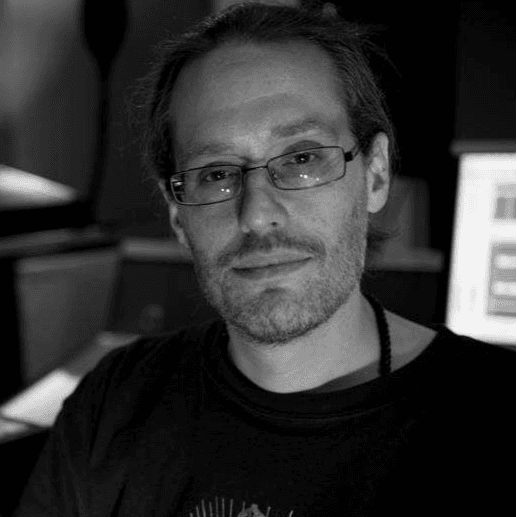
Phelan Kane
Phelan Kane is a Berlin & London based music producer, engineer, artist, developer and educator. He is currently running the electronic music record label Meta Junction Recordings and the audio software development company Meta Function. He has released the Max for Live device synth Wave Junction in partnership with Sonicstate. http://metafunction.co.uk/ http://phelankane.com/bio/