Creative Coding
Getting Started with RNBO in Max
Use RNBO in Max to export your patches as Max externals and audio plugins, building an audio recorder, controlling groove~ and buffer~, handling MIDI and exporting a VST3 effect for use in Ableton Live.
Course overview
COURSE INCLUDES
- 2 Lessons
- 22 Topics
- Course Certificate
SUMMARY
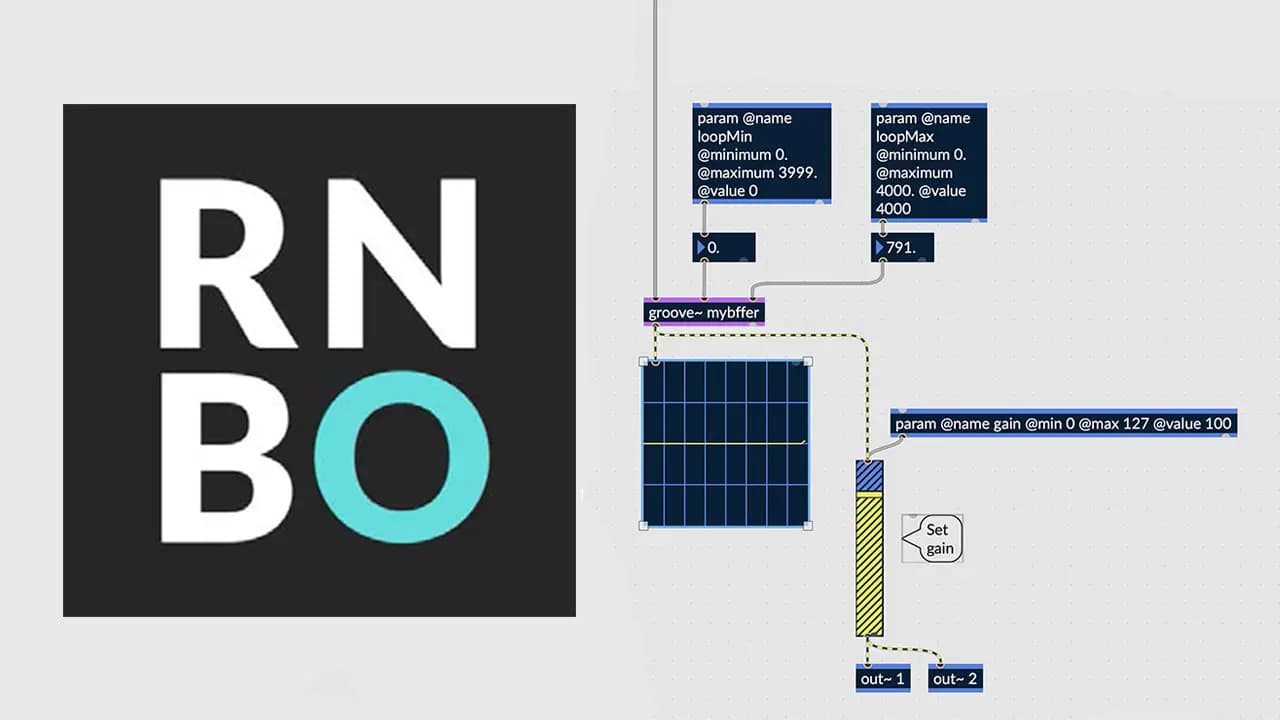
RNBO is an add-on for Max that allows you to take Max-like patches and export them as portable code. It can directly compile that code to targets like an Audio Plugin (i.e. VST/AU), a Max External, Javascript (i.e for a web page) or a Raspberry Pi.
RNBO's goal is to give you the best of Max - rapid iteration, creative exploration - with the freedom to take the resulting work and use it outside of Max. This course will get your started using RNBO to create a plugin, a webpage or an external object.
Learning outcomes
Lesson 1: Begin to build and compile RNBO patches
Lesson 1: Configure and deploy parameters, ports and utilize messages in RNBO patches
Lesson 1: Export a RNBO patch as a Max External
Lesson 2: Build a sampler in RNBO that can be controlled with MIDI
Lesson 2: Build a real-time audio recorder that can record and playback audio
Lesson 2: Export to Audio Plugins
Who is this course for?
- • Max users looking to get started with RNBO in Max
- • Music producers & sound designers interested in building and exporting RNBO patches
Requirements
- • A computer and internet connection
- • Access to a copy of Max 8 (i.e. trial or full license)
- • Access to a copy of RNBO (i.e. trial or full license)
Course content
Lesson 1: Use RNBO to Create a Max External
10 videos, 1 resource
+
Lesson 1: Use RNBO to Create a Max External
10 videos, 1 resource
- Course Patches & Documents
Part 1: Introduction
Checking access...Part 2: How to install RNBO
Checking access...Part 3: RNBO object setup helpfiles
Checking access...Part 4: RNBO output
Checking access...Part 5: How to use messages and set objects
Checking access...Part 6: How to use events into RNBO with parameters
Checking access...Part 7: Switching buffers with groove
Checking access...Part 8: RNBO export to external Max object target
Checking access...Part 9: Testing our external object
Checking access...Part 10: Conclusion
Checking access...
Lesson 2: Use RNBO to Create an Audio Plugin
12 videos, 1 resource
+
Lesson 2: Use RNBO to Create an Audio Plugin
12 videos, 1 resource
- Course Patches & Documents
Part 1: Introduction
Checking access...Part 2: Audio Recorder project overview
Checking access...Part 3: How to set up record~ for playback
Checking access...Part 4: How to control groove~ with parameters (review)
Checking access...Part 5: Clear buffer~ to prevent recording glitches
Checking access...Part 6: Using kslider to transpose pitch with groove~
Checking access...Part 7: What's the difference between param input and MIDI input in RNBO?
Checking access...Part 8: How to export a MIDI compatible external object
Checking access...Part 9: How to export a VST3 Audio Effect from RNBO
Checking access...Part 10: How to control a VST3 export with MIDI in Max
Checking access...Part 11: Ableton Live VST3 Export Demo
Checking access...Part 12: Conclusion
Checking access...
Instructors
Kyle Duffield
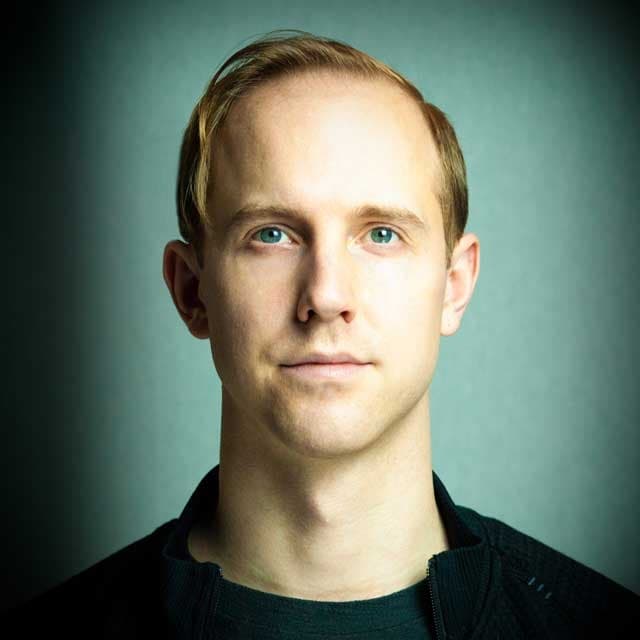
Kyle Duffield is a Toronto based Interactive and Experience Design Professional who creates immersive interactive installations and brand activations. He is also known for his affiliation with the studio and former gallery, Electric Perfume. As an educator, and technical consultant, he has facilitated interactive media workshops and projects with institutions across Canada, Shanghai, and online. Currently, Kyle is participating in Cycling 74’s Max Certified Trainer Program, and is focusing on creating unforgettable technological experiences. http://www.kyleduffield.com http://www.electricperfume.com