Creative Coding
Getting Started With Python in TouchDesigner
Learn Python scripting inside TouchDesigner, from data types and expressions to referencing operators, with hands-on exercises to drive and automate your networks programmatically.
Course overview
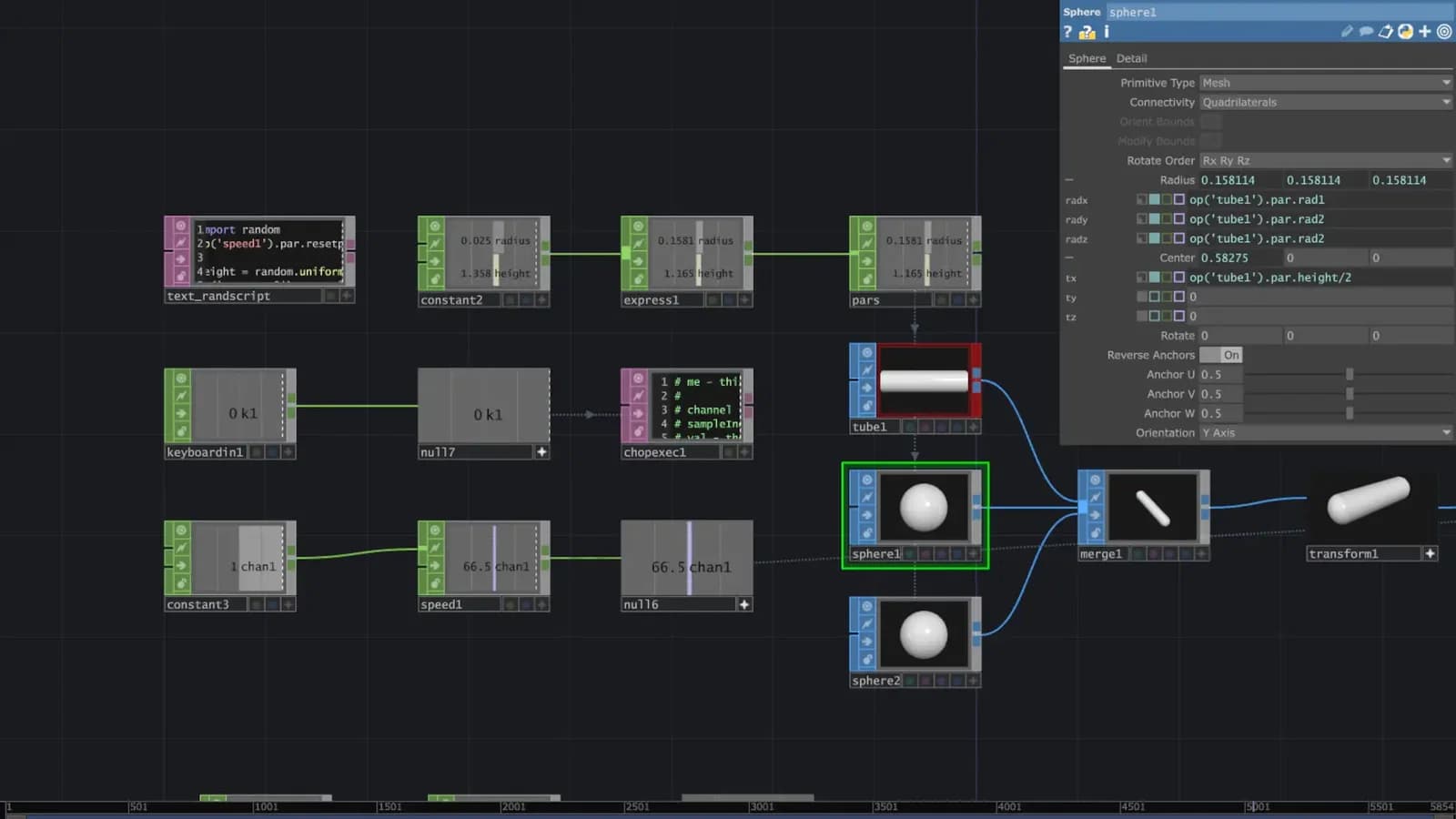
In this workshop you will learn to use the Python programming language in creative ways in TouchDesigner. You will explore the syntax of the language and learn how to create scripts, build expressions, make functions and utilise Python to perform and drive creative visual experiments. No previous Python or programming experience is necessary.
Workshop Leaders
Function Store is a Berlin based artist and developer creating interactive installations and audio-visuals.
Acrylicode is a Berlin-based couple creating Generative art and tutorials about it
Learning outcomes
Workshop 1: Identify the use of Python in expression in references
Workshop 1: Use Python to access parameters and attributes in TD
Workshop 1: Explore practical examples of using Python in TD
Workshop 2: Build Python scripts
Workshop 2: Use logic and conditional based programming in TD
Workshop 2: Use Python within CHOP Execute OPS
Workshop 2: Identify resources for further study
Who is this course for?
- • Visual artist looking to get started with Python in TouchDesigner
- • Creative technologists interested in an introduction to learning programing techniques
Requirements
- • Computer and internet connection
- • TouchDesigner latest version (non-commercial suffices)
- • Three button mouse
Course content
Session 1
7 videos, 1 resource
+
Session 1
7 videos, 1 resource
- Workshop Session 1 File
Part 1: Why learn Python for TouchDesigner?
Checking access...Part 2: TD Python basics: data types, expressions; Exercise
Checking access...Exercise solution
Checking access...Part 3: Referencing operators; Exercise
Checking access...Exercise solution
Checking access...Part 4: Examples
Checking access...Outro
Checking access...
Session 2
7 videos, 1 resource
+
Session 2
7 videos, 1 resource
- TouchDesigner file for session 2
Lesson 1
Checking access...Lesson 2
Checking access...Lesson 3
Checking access...Lesson 4
Checking access...Lesson 5
Checking access...Lesson 6
Checking access...Lesson 7
Checking access...
Instructors

Function Store & Acrylicode
Function Store is a Berlin based artist and developer creating interactive installations and audio-visuals. Acrylicode, a Berlin-based couple creating Generative art and tutorials about it