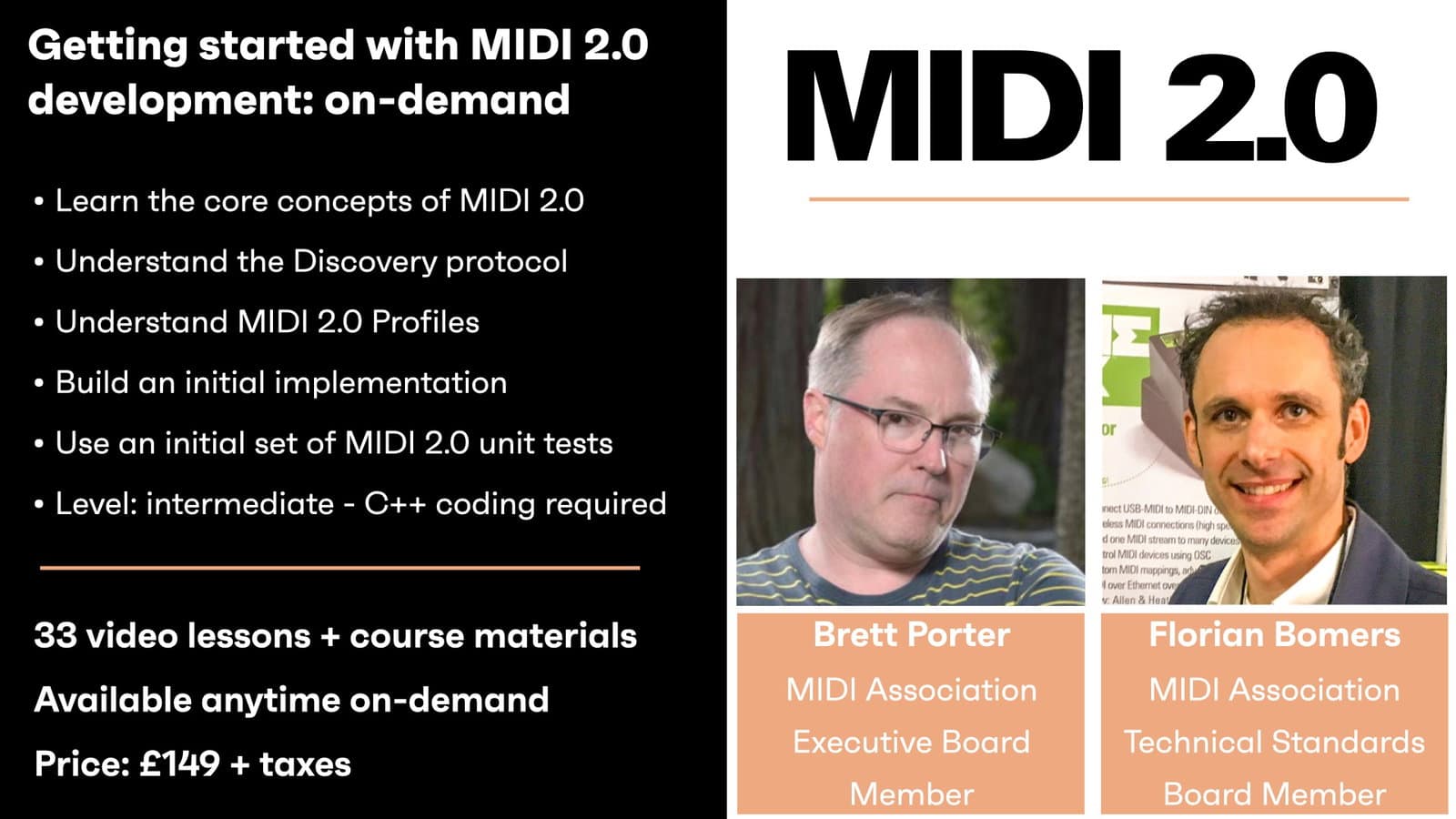
This workshop will provide developers with knowledge and code for starting MIDI 2.0 development. At first, the concepts of MIDI 2.0 are explained. Then, the participants will co-develop a first implementation of a MIDI-CI parser for robust device discovery, and for querying and offering profiles. For that, a stub workspace will be provided. Exercises will let the participants practice the newly learned concepts. Last, but not least, this workshop also includes automated testing as a tool to verify the implementation.
Creative Coding
Getting started with MIDI 2.0 development - On-demand
A developer-focused walk through MIDI 2.0: MIDI-CI, Profiles, Property Exchange and UMP, then implementing discovery, profiles and protocol negotiation in code using test-driven development.
Watch a preview
Part 1 - Background and MIDI-CI
Course overview
Learning outcomes
Session 2: Workspace setup, Starting with a unit test, Implementing a MIDI 2.0 message parser and Implement MIDI 2.0 discovery
Session 3: Making the parser more robust, MUID collision handling, Multi-port and MIDI Thru issues and unit tests + implementation
Session 4: Use CasesSending and receiving Profile messages, Implementation and tests and Quick introduction to PE and to UMP
Who is this course for?
- • Developers wanting to learn how MIDI 2.0 works under the hood, and how to get started writing software for it right away
Requirements
- • A computer and internet connection
- • Xcode (macOS)/Visual Studio (Windows)
- • JUCE workspace
Course content
Course Overview
3 lessons
+
Course Overview
3 lessons
- What you will learn in this course
- Requirements
- Preparation
Getting started with MIDI 2.0 development - Session 1 / On-demand
9 videos, 4 resources
+
Getting started with MIDI 2.0 development - Session 1 / On-demand
9 videos, 4 resources
Part 1 - Background and MIDI-CI
Checking access...- Session 1 presentation slides
Quiz 1 + Answers
Checking access...- Validate your learning with an exercise
- MIDI 2.0 Specification collection download
- Property Exchange Foundational Resources download
Part 2 - Profiles
Checking access...Quiz 2 + Answers
Checking access...Part 3 - Property Exchange
Checking access...Quiz 3 + Answers
Checking access...Part 4 - UMP
Checking access...Quiz 4 + Answers
Checking access...Part 5 - Closing slides & Small talk
Checking access...
Getting started with MIDI 2.0 development - Session 2 / On-demand
10 videos, 4 resources
+
Getting started with MIDI 2.0 development - Session 2 / On-demand
10 videos, 4 resources
- Session 2 presentation
- Session 2 zip file to download
- Session 2 breakout room activities - updated
- Profile: Default Control Change Mapping download
Part 1 - Test-driven development
Checking access...Exercise 1 - Testing
Checking access...Exercise 1 - Solutions
Checking access...Part 2 - MIDI-CI Parser
Checking access...Exercise 2 - “Project” Workspace Setup
Checking access...Exercise 2 - Solutions
Checking access...Part 3 - Unit Tests - Discovery
Checking access...Exercise 3 - Coverage
Checking access...Exercise 3 - Solutions
Checking access...Part 4 - Implementing Discovery + Exercise 4 (Discovery) & Solutions
Checking access...
Getting started with MIDI 2.0 development - Session 3 / On-demand
10 videos, 4 resources
+
Getting started with MIDI 2.0 development - Session 3 / On-demand
10 videos, 4 resources
- Week 3 presentation slides
- Download file and links
- Test program to download
- Week 3 exercises
Part 1 - Profiles Introduction
Checking access...Part 2 - Exercise 1 + Solutions
Checking access...Part 3 - Addendum to Previous Session
Checking access...Part 4 - Profiles implementation
Checking access...Exercise 2 + Solutions
Checking access...Part 5 - Class Design
Checking access...Part 6 - Unit Testing - Profiles
Checking access...Part 7 - Exercise 3 + Solutions
Checking access...Part 8 - Profile Handler Implementation
Checking access...Exercise 4 +Solutions
Checking access...
Getting started with MIDI 2.0 development - Session 4 / On-demand
8 videos, 3 resources
+
Getting started with MIDI 2.0 development - Session 4 / On-demand
8 videos, 3 resources
- Session 4 zip file to download
- Breakout room activities
- Week 4 presentation slides
Part 1 - Property Exchange
Checking access...Exercise 1 + Solutions
Checking access...Part 2 - PE Implementation
Checking access...Exercise 2 + Solutions
Checking access...Part 3 - Protocol Negotiation and UMP
Checking access...Exercise 3 + Solutions
Checking access...Part 4 - MIDI 2 Channel Voice Messages
Checking access...Exercise 4 + Solutions
Checking access...
Instructors

Brett Porter
Brett Porter is Lead Software Engineer at Artiphon, member of the MIDI Association Executive Board, and chair of the MIDI 2 Prototyping and Testing Working Group. He is based in the New York City area.