Getting Started with Max For Live hero

Creative Coding

Getting Started with Max For Live

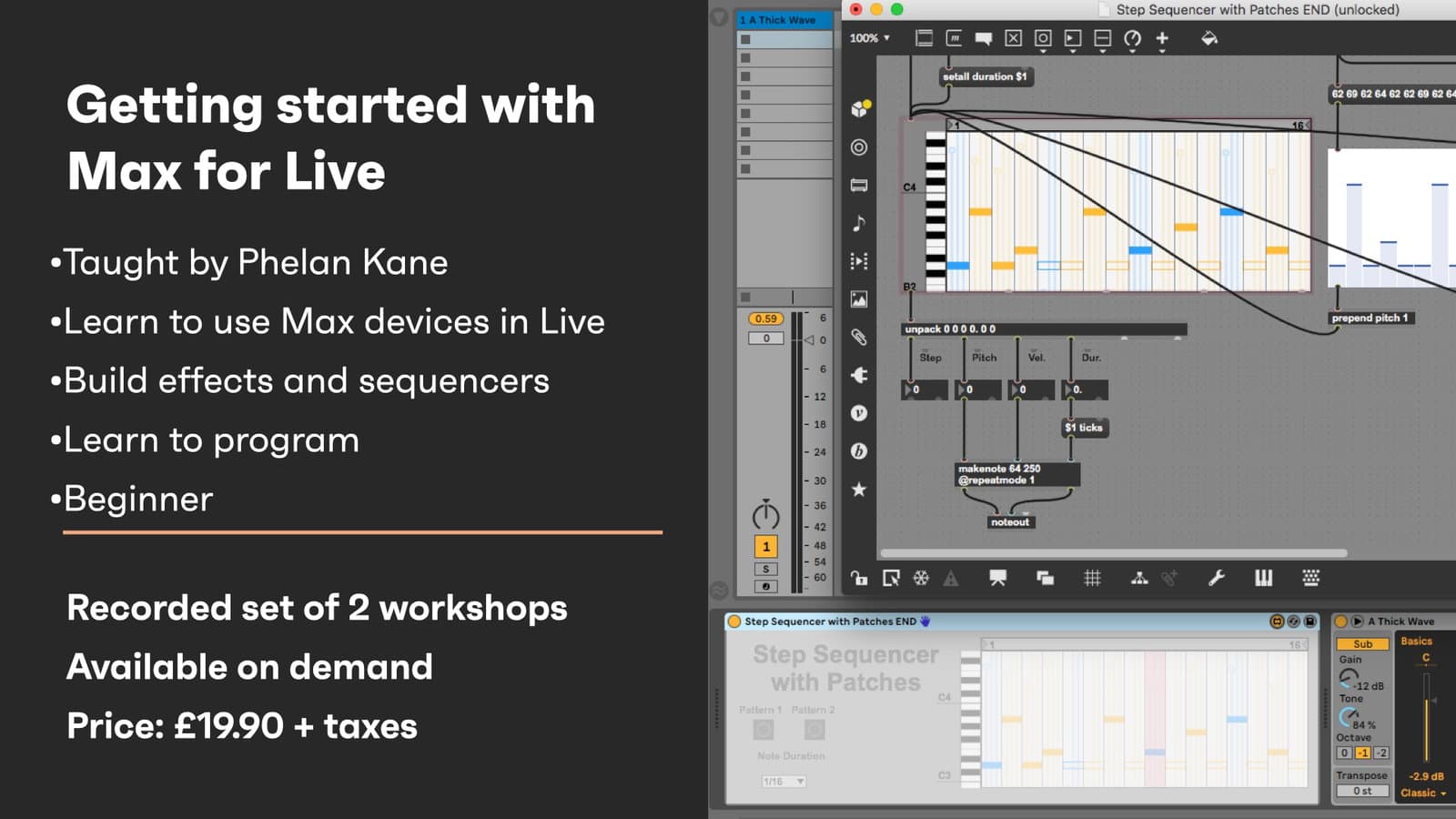
Get started building inside Max for Live — tour the devices that ship with Live Suite, then make your own: route patch cables, design interfaces and build a MIDI step sequencer from scratch.

Level

Beginner

Duration

3h 29m of video content

Format

Self-paced video

Course overview

A beginner's route into Max for Live. The first session tours the M4L landscape and the pre-built devices that ship with Live Suite, plus where to find tutorials and third-party content. The second gets hands-on: creating objects and routing patch cables, constructing user interfaces, and building a MIDI step sequencer step by step. By the end you can navigate M4L and build your own simple devices.

Course content

Course Overview

2 lessons

+
  • What you will learn in this course
  • Requirements

Getting Started with Max For Live - Session 1

9 videos

+
  • Part 1 - Introduction
    Checking access...
  • Part 2 - Become familiar with the M4L landscape
    Checking access...
  • Part 3 - Explore pre-built M4L devices that ship with Live Suite Part 1
    Checking access...
  • Part 4 - Explore pre-built M4L devices that ship with Live Suite Part 2
    Checking access...
  • Part 5 - Explore pre-built M4L devices that ship with Live Suite Part 3
    Checking access...
  • Part 6 - Explore pre-built M4L devices that ship with Live Suite Part 4
    Checking access...
  • Part 7 - Explore pre-built M4L devices that ship with Live Suite Part 5
    Checking access...
  • Part 8 - Explore pre-built M4L devices that ship with Live Suite Part 6
    Checking access...
  • Part 9 - Locate and utilise M4L tutorials that ship with Live Suite / Identify third party M4L content
    Checking access...

Getting Started with Max For Live - Session 2

15 videos, 3 resources

+
  • Max for Live patch download
  • Step sequencer – final Max for Live patch
  • Part 1 - Introduction
    Checking access...
  • Part 2 - Create objects and route patch cables Part 1
    Checking access...
  • Part 4 - Create objects and route patch cables Part 3
    Checking access...
  • Part 3 - Create objects and route patch cables Part 2
    Checking access...
  • Part 5 - Create objects and route patch cables Part 4
    Checking access...
  • Part 6 - Construct user interfaces in M4L Part 1
    Checking access...
  • Part 8 - Build MIDI step sequencers in M4L Part 1
    Checking access...
  • Part 7 - Construct user interfaces in M4L Part 2
    Checking access...
  • Part 9 - Build MIDI step sequencers in M4L Part 2
    Checking access...
  • Part 10 - Build MIDI step sequencers in M4L Part 3
    Checking access...
  • Part 11 - Build MIDI step sequencers in M4L Part 4
    Checking access...
  • Part 12 - Build MIDI step sequencers in M4L Part 5
    Checking access...
  • Part 13 - Build MIDI step sequencers in M4L Part 6
    Checking access...
  • Part 14 - Build MIDI step sequencers in M4L Part 7
    Checking access...
  • Part 15 - Explore further possibilities within Max For Live
    Checking access...
  • Getting Started with M4L Patch

Instructors

Phelan Kane

Phelan Kane

Instructor

Phelan Kane is a Berlin & London based music producer, engineer, artist, developer and educator. He is currently running the electronic music record label Meta Junction Recordings and the audio software development company Meta Function. He has released the Max for Live device synth Wave Junction in partnership with Sonicstate. http://metafunction.co.uk/ http://phelankane.com/bio/