Creative Coding
Getting Started with jit.gen
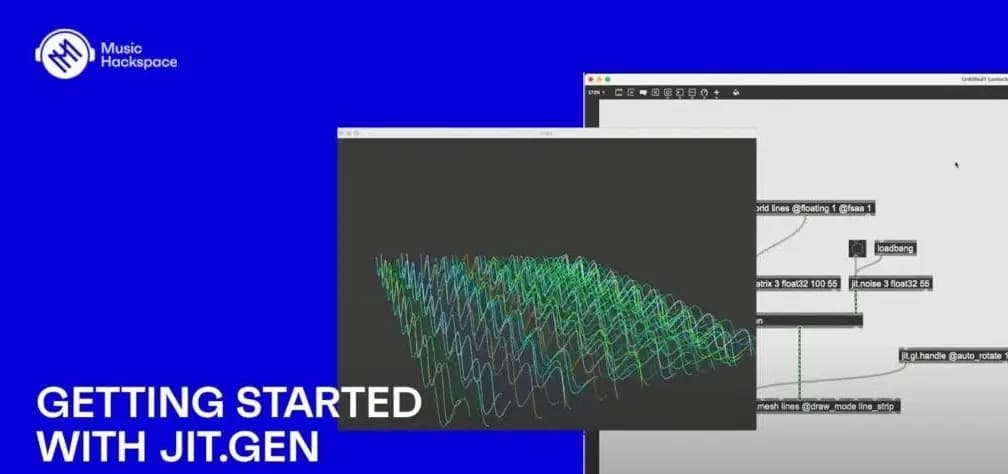
Build real-time video and 3D visual effects in Max's jit.gen, covering colour manipulation, video mixing, feedback on 3D shapes, procedural noise with jit.bfg and texture mapping.
Course overview
In this workshop you will explore creative possibilities to create visuals via jit.gen in Max. jit.gen offers a vast array of creative options to create and manipulate images, geometry and particle systems within the Gen environment. It can greatly enhance a visual artists toolbox providing a range of options to complement the Jitter environment. This workshop aims to provide you with suitable skills to begin exploring jit.gen in the Max MSP environment.
Learning outcomes
Workshop 1: Identify the key differences between the Max and jit.gen environments
Workshop 1: Manipulate images and videos using Jitter Matrices and jit.gen operators
Workshop 1: Create and modify 3D shapes with jit.gl.mesh
Workshop 2: Create multiple instances of a 3D object with jit.gl.multiple
Workshop 2: Explore feedback in jit.gen algorithms
Workshop 2: Turn audio and video data into parameters for generating visuals
Workshop 2: Use jit.bfg for procedural visuals
Who is this course for?
- • Sound designers & musicians looking to get started creating with visuals in jit.gen
- • Visual artists interested in expanding their knowledge of Jitter via jit.gen
Requirements
- • A computer and internet connection
- • Access to a copy of Max 8 (i.e. trial or full license)
Course content
Getting Started with jit.gen / Session 1
6 videos, 1 resource
+
Getting Started with jit.gen / Session 1
6 videos, 1 resource
- Materials for session 1
1. What is jit.gen_
Checking access...2. Manipulating colors with jit.gen
Checking access...3. Mixing multiple videos with jit.gen
Checking access...4. Sampling videos with random noise
Checking access...5. Sampling and manipulating live video input
Checking access...6. Starting with using jit.gen with 3D visuals
Checking access...
Getting Started with jit.gen / Session 2
5 videos, 1 resource
+
Getting Started with jit.gen / Session 2
5 videos, 1 resource
- Materials for session 2
1. Feedback with 3D shapes
Checking access...2. Procedural noise with jit.bfg
Checking access...3. Applying procedural noise to 3D shapes
Checking access...4. Applying videos as textures to 3D shapes
Checking access...5. Keeping time and driving animation with jit.time
Checking access...
Instructors
Umut Eldem
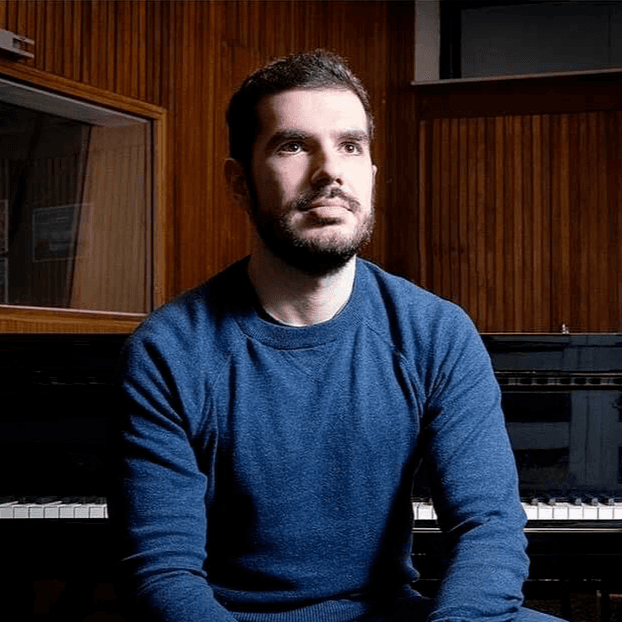
Umut Eldem is a composer, pianist, and researcher. His musical works and research focus on the exploration of synaesthesia as an artistic medium. He has given lectures on his research of synaesthesia, and had his audiovisual works and installations combining sound and colours presented in Belgium, Turkey, Romania, Russia, and Luxembourg. Umut Eldem is currently a PhD researcher at the Royal Conservatoire of Antwerp, and musical director of the theatre collective Mixed & United. He gives lessons and workshops on music history, musical analysis, and audiovisual design. He is also the keyboardist of the bands Starblind = Earthbound and Transport Aerian. His current PhD research entitled ‘The Hearing Glass: Synaesthetic Correspondences in The Musical Practice’ intends to take the results of his previous research and develop them into an inter-sensory theory of audiovisual art.