Creative Coding
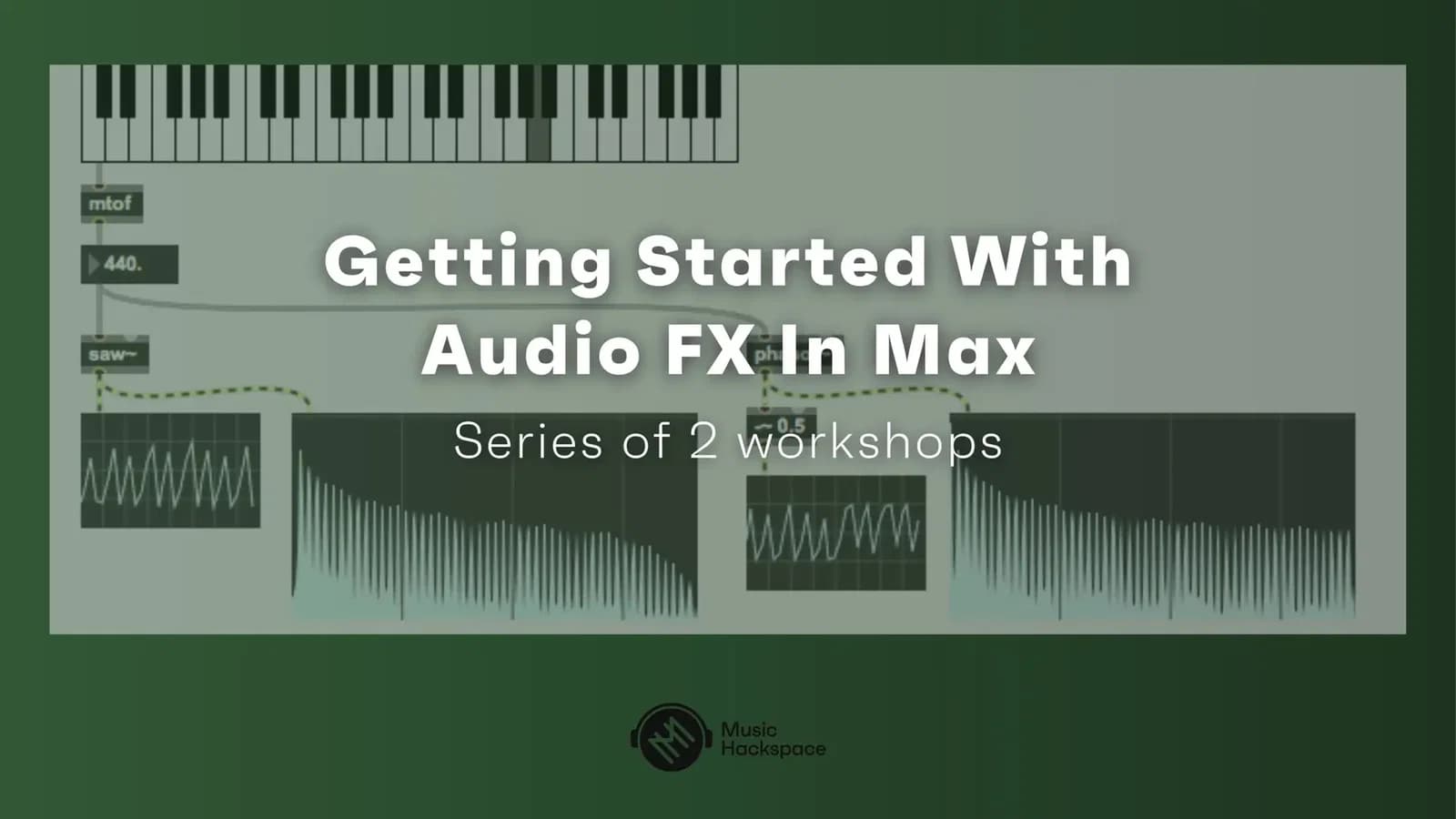
Getting Started With Audio FX In Max
Build audio effects from scratch in Max, starting with the interface and basic objects, then oscillators, amplitude modulation, bit crushers, delays and comb filters, ending with presets and MIDI mapping.
Course overview
In this workshop you will learn how to utilize audio FX creatively in Max. You will use Max objects to create audio FX processing in Max. This workshop aims to provide beginners to Max the suitable skills to begin exploring using audio FXs in the Max environment. No experience with Max is required but it is recommended that you have taken the free Getting Started With Max on-demand course.
Learning outcomes
Workshop 1: Configure objects for audio FX use
Workshop 1: Build signal flow for audio FX in Max
Workshop 1: Use a bitcrusher audio FX in Max
Workshop 2: Patch singla flow for multiple audio FX in Max
Workshop 2: Use a comb filter FX in Max
Workshop 2: Assign parameters to controllers and build presets
Workshop 2: Creatively deploy audio FX in Max
Who is this course for?
- • This workshop aims to provide beginners to Max the suitable skills to begin exploring using audio FXs in the Max environment.
Requirements
- • A computer and internet connection
- • Access to a copy of Max 8 (i.e. trial or full license)
- • A MIDI controller is not essential but is helpful (i.e. Novation Launch Control XL or similar)
Course content
Getting Started With Audio FX In Max - Workshop 1
24 videos, 1 resource
+
Getting Started With Audio FX In Max - Workshop 1
24 videos, 1 resource
- Patches Day 1
1. Patch 1_ Max Setup and Basic Objects Overview
Checking access...2. Main GUI Objects and Event Syntax inside Max
Checking access...3. Sliders and Dials inside Max
Checking access...4. The Difference Between Events and Signals Inside Max
Checking access...5. Basic Envelope Generators
Checking access...6. Patch 2_ Make It Sound
Checking access...7. Create Snippets In Max
Checking access...8. Patch 2 Assignment_ Modify the Amplitude of a Sound In Max
Checking access...9. Patch 2b Assignment_ Modify the Amplitude of a Sound In Max (Solution)
Checking access...10. Patch 3_ Build a Basic Oscillator In Max
Checking access...11. Difference Between Amplitude and deciBels
Checking access...12. Patch 3b Assignment_ Build an LFO to Modulate the Amplitude of a Sound in Max
Checking access...13. Patch 3b Assignment_ Build an LFO to Modulate the Amplitude of a Sound in Max (Solution)
Checking access...14. Patch 4_ Making an Amplitude Modulation in Max Part I
Checking access...15. 4b_ Making an Amplitude Modulation in Max Part II
Checking access...16. Patch 4c_ Making an Amplitude Modulation in Max Part III
Checking access...17. Patch 4d Assignment_ Smooth a Signal in Max
Checking access...18. Patch 4d Assignment_ Smooth a Signal in Max (Solution)
Checking access...19. Patch 5_ How to Build a Bit Crusher in Max
Checking access...20. Patch 6_ What does the Selector object do in Max_
Checking access...21. Patch 7_ How to Record a Sound File in Max
Checking access...22. Patch 7b Assignment_ Make an Effect Selector and Record the Final Output Inside a File
Checking access...23. Patch 7b Assignment_ Make an Effect Selector and Record the Final Output Inside a File (Solution)
Checking access...24. What is a Button_ What is a Bang_
Checking access...
Getting Started With Audio FX In Max - Workshop 2
9 videos, 1 resource
+
Getting Started With Audio FX In Max - Workshop 2
9 videos, 1 resource
- Patches Day 2
1. Patch 8_ How to Build a Delay in Max Part I
Checking access...2. Patch 8b_ How to Build a Delay in Max Part II
Checking access...3. Patch 9_ How to Build a Comb Filter in Max Part I
Checking access...4. Patch 9b_ How to Build a Comb Filter in Max Part II (Teeth)
Checking access...5. What is the Feed-Forward and Feedback Comb Filters Frequency Response_
Checking access...6. Patch 9c Assignment_ Use a Kslider to Tune a Comb Filter
Checking access...7. Patch 9c Assignment_ Use a Kslider to Tune a Comb Filter(Solution)
Checking access...8. Patch 10_ Make Presets in Max
Checking access...9. Map a MIDI Controller in Max
Checking access...
Instructors

Massimiliano Cerioni
Massimiliano Cerioni is a Berlin & Rome based AV composer, performer, sound designer and engineer. He is the founder of the independent audio software project Culto, which has released its first M4L device Simbiosi in 2021. He uses coding, augmented instruments and electronics to create compositions, performances and installations.