Creative Coding
Generative Sonification with Max
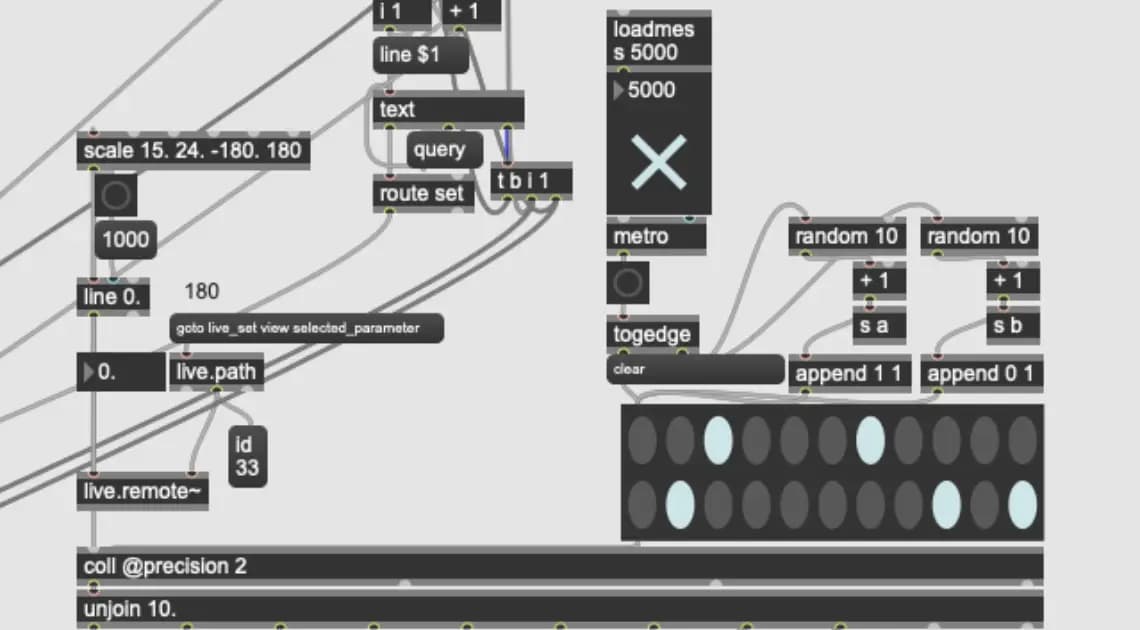
This workshop aims to provide you with suitable skills to incorporate sonification techniques as generative composition tools within the Max environment.
Watch a preview
Introduction
Course overview
This workshop aims to provide you with suitable skills to incorporate sonification techniques as generative composition tools within the Max environment.
Learning outcomes
Harmonic and melodic theory considerations using data
Harvesting outcomes for further processing
DAW routing
Who is this course for?
- • For students who want to expand on the fundmentals on working within Max
- • Students who want to produce sonification compositions in Max
Requirements
- • A computer and internet connection
- • Access to a copy of Max 8 (i.e. trial or full license)
Course content
Course materials
2 resources, 1 lesson
+
Course materials
2 resources, 1 lesson
- Course roadmap
- Sonification data sheet (excel file)
- Sonification patch
Introduction to course
1 video
+
Introduction to course
1 video
Introduction
Checking access...
Generative Sonification with Max
4 videos
+
Generative Sonification with Max
4 videos
Lesson 1: Creating Data Input
Checking access...Lesson 2: Parsing the Data [coll] + [unjoin]
Checking access...Lesson 3: Query the data [Matrixctrl] + [router]
Checking access...Lesson 4: Scaling the data
Checking access...
Outro to course - Showcase / works creating using this patch
1 video
+
Outro to course - Showcase / works creating using this patch
1 video
Outro
Checking access...
Instructors