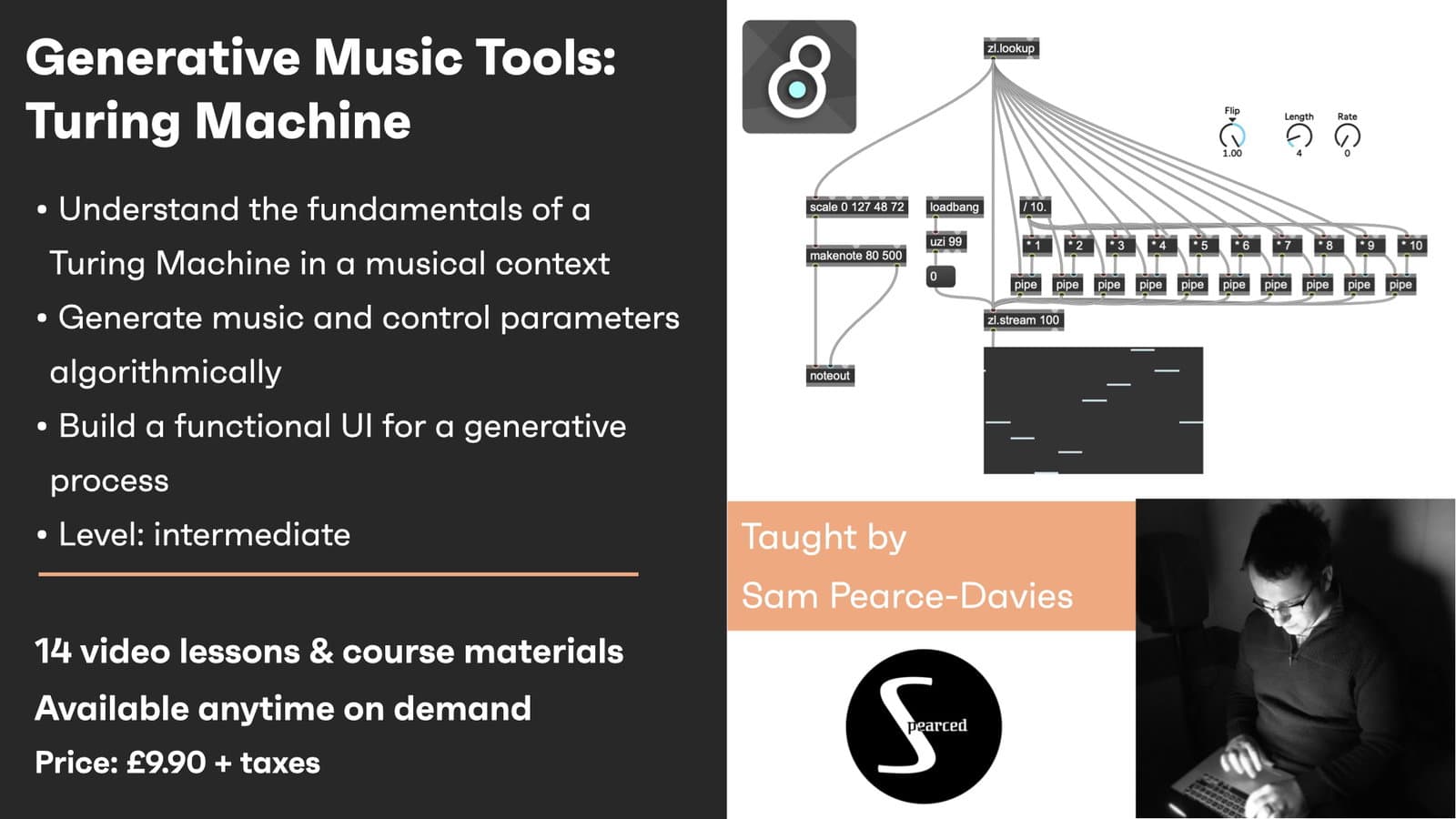
Generative Music Tools: Turing Machine - On demand hero

Creative Coding

Generative Music Tools: Turing Machine - On demand

Build a Turing Machine random sequencer in Max from the ground up — the looping 'tape', data inversion and flip controls, rate and length, sync and a custom UI — for evolving, semi-random melodies.

Level

Intermediate

Duration

1h 47m of video content

Format

Self-paced video

Course overview

A step-by-step Max build of a Turing Machine: the shift-register sequencer that produces looping, mutating patterns. It starts with the 'tape' and MIDI setup, then adds inversion and the rate, length and flip controls that shape how the sequence evolves, plus sync handling, data-output formatting and a visual readout, finishing with the UI and melodic demonstrations. Assumes some Max familiarity. Part of the Generative Music Tools series.

Course content

Course Overview

2 lessons

+
  • What you will learn in this course
  • Requirements

Generative Music Tools: Turing Machine - On demand

14 videos, 2 resources

+
  • Session Materials
  • Sub-Patches
  • Part 1 - Introduction to Turing Machines and Creating the ‘Tape’
    Checking access...
  • Part 2 - MIDI Setup
    Checking access...
  • Part 3 - Inverting the Data
    Checking access...
  • Part 4 - Control Parameters – Rate & Length
    Checking access...
  • Part 5 - Control Parameters – Flip Part 1
    Checking access...
  • Part 6 - Control Parameters – Flip Part 2
    Checking access...
  • Part 7 - Accounting for the Tape
    Checking access...
  • Part 8 - Sync Setup Part 1
    Checking access...
  • Part 9 - Sync Setup Part 2
    Checking access...
  • Part 10 - Data Output Formatting
    Checking access...
  • Part 11 - Visual Data Representation
    Checking access...
  • Part 12 - Setting Up the UI
    Checking access...
  • Part 13 - Melodic Demonstration
    Checking access...
  • Part 14 - Trying Out a Different Setup
    Checking access...

Instructors

Samuel Pearce Davies

Samuel Pearce Davies

Instructor