Across four sessions this TouchDesigner workshop centres on instancing as the engine for generative visual art. It moves from basic TOP instancing, phasing and the Reorder TOP through 3D noise, feedback drawing and grid layouts, then applies the techniques to finished pieces such as a mandala, dominos and audio-reactive spheres. Learners come away able to build their own generative, audio-driven instancing systems.
Creative Coding
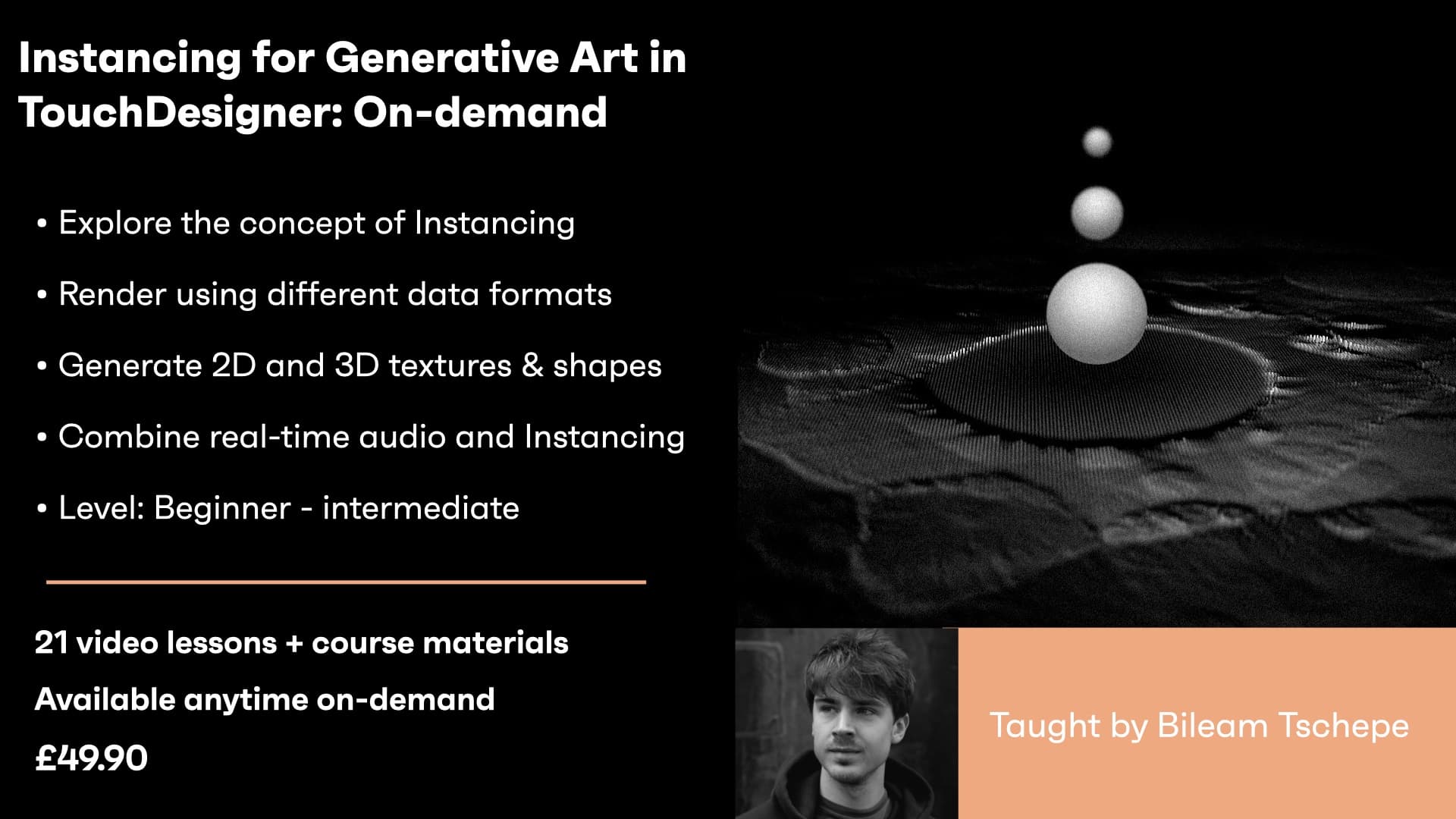
Instancing for Generative Art in TouchDesigner - On-demand
A four-session series on instancing in TouchDesigner for generative art, covering TOP instancing, phasing, grids, texture instancing, 3D noise and audio-reactive setups for patterns like mandalas and spheres.
Course overview
Learning outcomes
Use different data formats as a base for instancing
Create generative 2D and 3D textures in TouchDesigner
Include audio in the Instancing network
Who is this course for?
- • In this workshop series, we’ll look at how to use SOPs, CHOPs and TOPs to create generative 2D and 3D textures, landscapes and shapes and how to include audio in your Instancing network.
Requirements
- • A computer and internet connection
- • TouchDesigner latest version
Course content
Course Overview
2 lessons
+
Course Overview
2 lessons
- What you will learn in this course
- Requirements
Generative Instancing in TouchDesigner - Session 1 / On-demand
4 videos, 1 resource
+
Generative Instancing in TouchDesigner - Session 1 / On-demand
4 videos, 1 resource
- Starting file to download
Lesson 1
Checking access...Lesson 2
Checking access...Lesson 3
Checking access...Lesson 4
Checking access...
Generative Instancing in TouchDesigner - Session 2 / On-demand
4 videos, 1 resource
+
Generative Instancing in TouchDesigner - Session 2 / On-demand
4 videos, 1 resource
- Week 2 download file
Lesson 1 - Basic TOP Instancing
Checking access...Lesson 2 - Phasing
Checking access...Lesson 3 - Reorder TOP
Checking access...Lesson 4 - The Grid
Checking access...
Generative Instancing in TouchDesigner - Session 3 / On-demand
7 videos, 1 resource
+
Generative Instancing in TouchDesigner - Session 3 / On-demand
7 videos, 1 resource
- File to download
Lesson 1 - Texture Instancing (Windows)
Checking access...Lesson 2 - Texture Instancing (Mac)
Checking access...Lesson 3 - 3D Noise
Checking access...Lesson 4 - 3D Noise Extended
Checking access...Lesson 5 - Feedback Drawing
Checking access...Lesson 6 - Conversion
Checking access...Lesson 7 - End Homework
Checking access...
Generative Instancing in TouchDesigner -Session 4 / On-demand
6 videos
+
Generative Instancing in TouchDesigner -Session 4 / On-demand
6 videos
Lesson 1 - Overview & Setup
Checking access...Lesson 2 - Mandala
Checking access...Lesson 3 - Dominos
Checking access...Lesson 4 - The Grid
Checking access...Lesson 5 - Spheres and Audio Setup
Checking access...Lesson 6 - Audio, Ink
Checking access...
Instructors

Bileam Tschepe
Bileam Tschepe aka elekktronaut is a Berlin based artist and educator who creates audio-reactive, interactive and organic digital artworks, systems and installations in TouchDesigner, collaborating with and teaching people worldwide.