Creative Coding
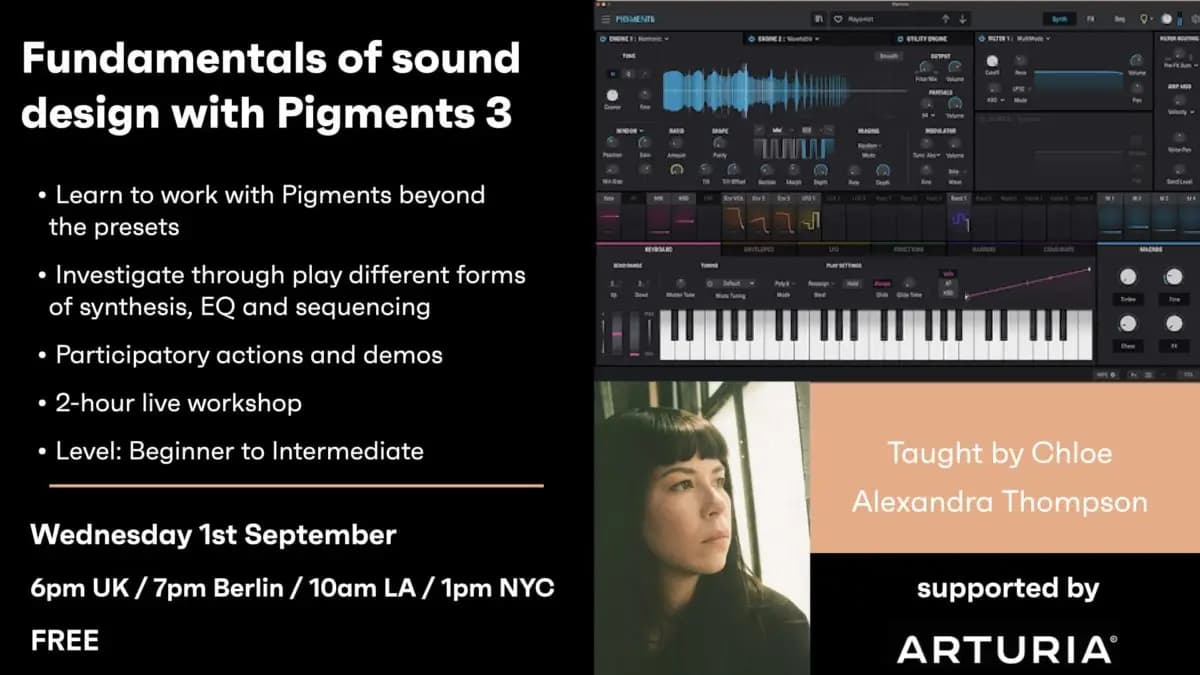
Fundamentals of sound design with Pigments 3 - On-demand
Arturia’s Pigments 3 Virtual Instrument is a highly versatile tool which is used in many professional studios, it also presents many opportunities for deep learning and creation at a beginner
Course overview
Arturia’s Pigments 3 Virtual Instrument is a highly versatile tool which is used in many professional studios, it also presents many opportunities for deep learning and creation at a beginner level.
Learning outcomes
Explore Pigments 3 creatively and independently
Be empowered by the built-in Pigments 3 troubleshooting and tutorial tools
Who is this course for?
- • Through this workshop that is well based in theory, but prioritizing practice, play and investigation, students will work to build new presets from scratch and learn how to manipulate existing sounds. We will utilize built-in Analog, Wavetable, Harmony, and Sample / Granular based sonic elements across Pigments 3 sound engines. We will also work with controlling synthesis settings with ADSR envelopes, using Macro’s, EQ’s and more.
Requirements
- • A computer and internet connection
- • Access to Pigments 3 (i.e. trial or full license)
Course content
Course Overview
4 lessons
+
Course Overview
4 lessons
- What you will learn in this course
- Learning outcomes
- Study topics
- Requirements
Fundamentals of sound design with Pigments 3 - On-demand
11 videos
+
Fundamentals of sound design with Pigments 3 - On-demand
11 videos
Lesson 1 - Introduction
Checking access...Lesson 2 - showing pigments interface - intro to pigments
Checking access...Lesson 3 - showing a custom preset, analog and harmonic engines which we will build
Checking access...Lesson 4 - discussing sound design signal flow - dry fx
Checking access...Lesson 5 - Building the preset - Analog, FM Synthesis
Checking access...Lesson 6 - Routing automation through the modulation panels
Checking access...Lesson 7 - Envelopes and LFO
Checking access...Lesson 8 - Harmonic Engine
Checking access...Lesson 9 - Sample Engine - playback and granular + Saving presets
Checking access...Lesson 10 - loading samples into the engine
Checking access...Lesson 11 - Wavetable - Filter - East Coast Synthesis, Subtractive Synthesis + Functions, Random & Controls
Checking access...
Instructors
Chloe Alexandra Thompson
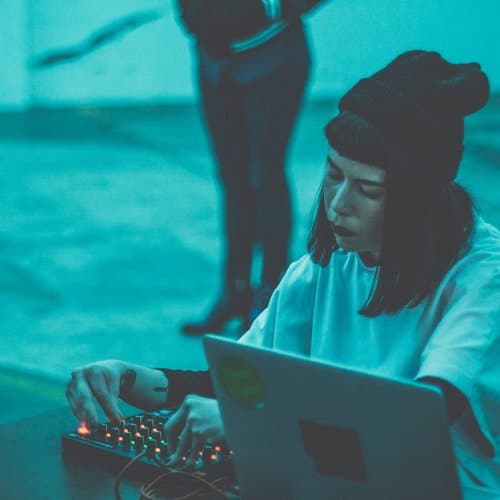
Chloe Alexandra Thompson is an artist and touring sound designer whose work has been featured at museums, galleries and festivals domestically and internationally. Using Max, Thompson creates unique sonic environments and interactive performance tools through signal processing acoustic instruments and field recordings, as well as building custom synthesizers.