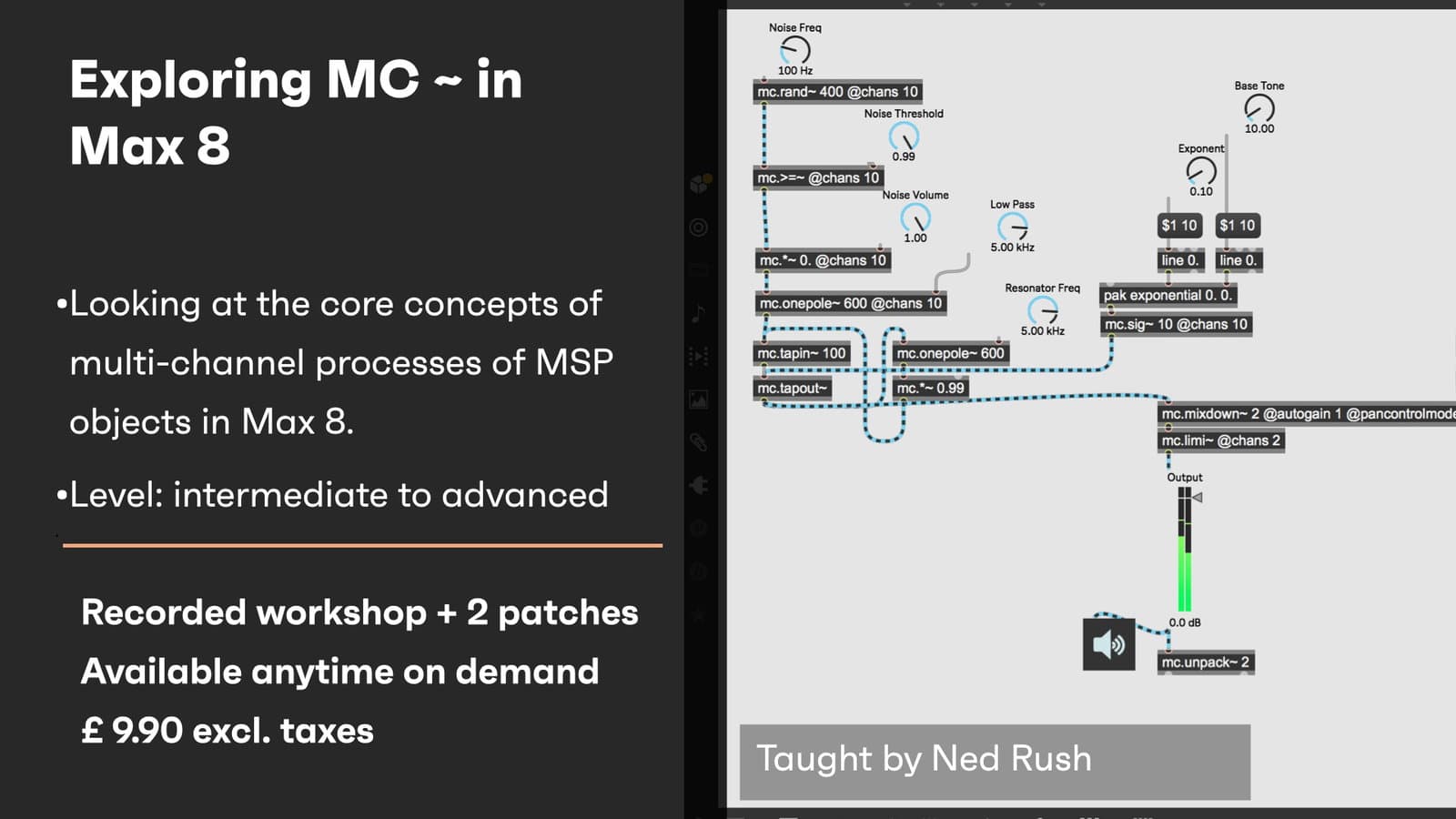
Cycling 74’s Max/MSP offers a vast playground of programming opportunities to create your own audio effects. In this workshop you will build your own audio effects that utilizes multi-channel (mc~) for complex audio processes. This workshop aims to provide you with suitable skills to begin exploring the mc~ environment.
Creative Coding
Exploring MC ~ in Max 8 - On demand
Work with Max 8's MC objects to build multichannel audio devices, including a multi-channel resonator, polyphonic chorus and beat-synced multi-tap delay, plus panning and MC messaging techniques.
Course overview
Learning outcomes
Build multi-tap delay/resonator/reverb FX using various mc~ objects
Deploy feedback processing using filters such as mc.lores~ and mc.svf~
Apply UI elements to gain access to the various mc~ processes
Applying modulation sources such as mc.cycle~ to create a polyphonic/multi-voice chorus effect
Who is this course for?
- • This course is for people with a strong programming background who are interested in exploring the mc~ environment.
Requirements
- • A computer and Internet connection
- • A good working knowledge of computer systems
- • A basic awareness of audio processing
- • Good familiarity with MSP
- • Access to a copy of Max 8 (i.e. trial or full license) or Live Suite (M4L)
Course content
Course Overview
1 resource, 2 lessons
+
Course Overview
1 resource, 2 lessons
- What you will learn in this course
- Requirements
- Max patches
Exploring MC ~ in Max 8
7 videos
+
Exploring MC ~ in Max 8
7 videos
Part 1- What is MC
Checking access...Part 2 - Building a multi-channel resonator
Checking access...Part 3 - Developing MC processing and messaging
Checking access...Part 4 - Create a polyphonic chorus
Checking access...Part 5 - Create a beat-sync multi tap delay
Checking access...Part 6 - Panning in MC
Checking access...Part 7 - Q&A and other MC patches
Checking access...
Instructors
Ned Rush
Duncan Wilson (aka Ned Rush) is a musician, producer and content creator based in the UK. Whilst perhaps largely known for his Youtube channel, he has also released music independently as well developing content for Isotonik Studios.