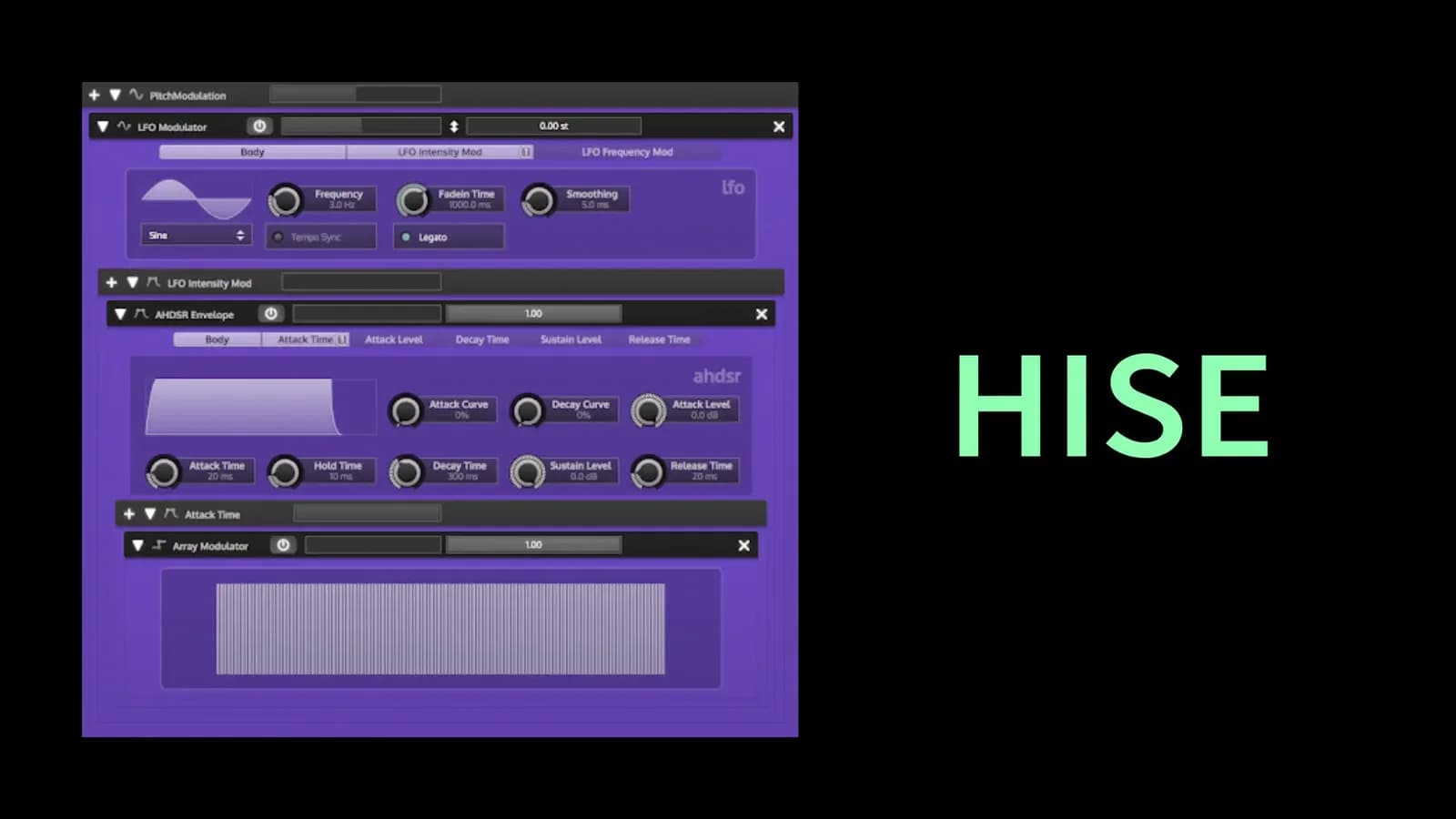
Creative Coding
Creating Virtual and Sample-Based VST/AU Plug-in Instruments with HISE
Build and export sample-based VST/AU instruments with HISE, covering sampler mapping, interface design, plug-in compilation across Mac, Windows and Linux, and HISE scripting in C++.
Course overview
NOTE: This course will be retired on 1st June 2025.
Create professional-quality sample-based instruments and customise their interfaces in HISE
- Learn how to install and compile HISE using an IDE
- Become familiar with HISE plug-in formats (VST3, AU)
- Export custom VST/AU plug-ins for use in a DAW
- Explore the HISE user interface and sample mapping techniques
- Deploy modulation sources for use in sample-based instruments
- Build basic and custom UI controls and add functionality to them
- Deploy custom graphic sources for interface design
- Explore creative use of built-in and custom scripts in HISE
Learning outcomes
Understand HISE plug-in formats (VST3, AU) and how to export them
Exporting custom VST/AU plug-ins for use in a DAW
Familiarize with the HISE User Interface and sample mapping techniques
Deploy modulation sources for use in sample-based instruments
Building basic and custom UI controls and adding functionality to them
Deploy custom graphic sources for interface design
Explore the creative use of built-in and custom scripts in HISE
Who is this course for?
- • Sound designers looking to get started with HISE
- • Music producers interested in building their own sample based instruments
Requirements
- • A computer and internet connection
- • The workshop will require having access to a compiled version of HISE (i.e. via Visual Studio, Xcode).
- • For more information about HISE visit: http://www.hise.audio/
Course content
Chapter 1: Building Sample Based Instruments in HISE
26 videos, 3 resources, 1 lesson
+
Chapter 1: Building Sample Based Instruments in HISE
26 videos, 3 resources, 1 lesson
- HISE Installers
- Resources: Images
- Resources: Samples
1. Introduction
Checking access...2. Setting up the Project Structure
Checking access...3. Exploring the HISE Interface
Checking access...4. Working with the Module Tree in HISE
Checking access...5. Copying Images and Audio samples to the Project Folder
Checking access...6. Setting up the Master Chain and Interface Script
Checking access...7. Organizing samples with Sampler and Groups in H
Checking access...8. Importing Samples into Hise
Checking access...9. Mapping Samples in Hise
Checking access...10. Trimming Samples in Hise
Checking access...11. Additional Sample Editing Features
Checking access...12. Reloading the HISE Project
Checking access...13. Using the HISE Interface Designer
Checking access...14. ID Naming Conventions
Checking access...15. Adding Sliders to the Interface
Checking access...16. Customizing the Sliders
Checking access...17. Outputting Values
Checking access...18. Setting up the Mixer
Checking access...19. Connecting the UI to Effects
Checking access...20. Separating the Signal into Two Channels
Checking access...21. Adding Velocity Controls
Checking access...22. Using the Mapping Editor
Checking access...23. Adding a UI Component
Checking access...24. Modifying Knobs and Settings
Checking access...25. Adding a Reverb Effect
Checking access...26. Adding a Bypass Button to the UI
Checking access...- Chapter 1 quiz: test your knowledge!
Chapter 2: Exporting HISE Sample Based Instruments as plug-ins
22 videos, 1 lesson
+
Chapter 2: Exporting HISE Sample Based Instruments as plug-ins
22 videos, 1 lesson
1. Compiling and Exporting HISE Plugins on Various Operating Systems
Checking access...2. Converting Samples to HISE Zone Compressed Audio Format
Checking access...3. Using the Sample Map Workspace
Checking access...4. Compression Results and Saving Sample Map
Checking access...5. Downloading the HISE Source Code
Checking access...6. Compiling HISE on Linux
Checking access...7. Importance of Using an Older Version of the OS
Checking access...8. Part 2 of compiling HISE on Linux
Checking access...9. Exporting a VST3 Plugin from HISE
Checking access...10. Additional Options for Building and Exporting Plugins
Checking access...11. Compiling HISE on Mac OS
Checking access...12. Exporting a Project from HISE on Mac OS
Checking access...13. Setting up the Development Environment for HISE on Mac OS
Checking access...14. Opening JUCE Project and Enabling GPL Mode
Checking access...15. Saving Producer Project and Generating Build Files
Checking access...16. Building the Project in Xcode
Checking access...17. Installing Visual Studio
Checking access...18. Downloading HISE Source Code
Checking access...19. Exporting HISE Project
Checking access...20. Opening and Saving the JUCE File in Producer
Checking access...20.1_ Generating Build Files in Producer
Checking access...20.2_ Building the Project in Visual Studio
Checking access...- Chapter 2: test your knowledge!
Chapter 3: Getting Started with Scripting in HISE
19 videos, 1 lesson
+
Chapter 3: Getting Started with Scripting in HISE
19 videos, 1 lesson
1. Introduction to HISE Scripting_ Basic Building Blocks and Custom Round Robin Script
Checking access...2. Printing to the Console in HISE
Checking access...3. Comments in HISE Script
Checking access...4. Variables in HISE Script
Checking access...5. Variables in Scripting
Checking access...6. Accessing Arrays in Scripting
Checking access...7. Introduction to Loops
Checking access...8. Applying the For Loop
Checking access...9. Introduction to If Statements in HISE
Checking access...10. If Statement Syntax and Examples
Checking access...11. Introduction to Functions
Checking access...12. Declaring Functions in HISE
Checking access...13. Declaring Functions in HISE
Checking access...14. Introduction to Callbacks
Checking access...15. Creating Custom Callbacks
Checking access...16. Basic principles of writing scripts in HISE
Checking access...17. Basic principles of writing scripts in HISE
Checking access...18. Round Robin Script in C++
Checking access...19. Creating a Round Robin Module in HISE - A Step-by-Step Guide
Checking access...- Chapter 3 Quiz
Chapter 4: Scripting Interface Design in HISE
15 videos
+
Chapter 4: Scripting Interface Design in HISE
15 videos
1. Introductions
Checking access...2. Modifying JUCE GUI with Code
Checking access...3. Introduction to Mixer Panel
Checking access...4. Painting the Mixer Panel
Checking access...5. Retrieving the Dimensions of the Panel
Checking access...6. Introduction to Changing the Styling of a Reverb On_Off Button
Checking access...7. The Benefits of Local Look and Feel
Checking access...8. Creating a Look and Feel Object and Assigning it to the Reverb Button
Checking access...9. Customizing Button Colors in C++
Checking access...10. Overview of pan controls
Checking access...11. Creating a script variable
Checking access...12. Assigning a look and feel to pan controls
Checking access...13. Resetting the default settings
Checking access...14. Creating a New Look and Feel Object
Checking access...15. Setting Up the Linear Slider
Checking access...
Instructors

David Healey
David Healey is a sample library developer who has worked on hundreds of virtual instrument projects over the last 15 years. Since 2010 he has been creating video masterclasses and YouTube tutorials teaching others how to build virtual instruments. His earlier development work was with Kontakt but for the last five years has been soley focused on HISE. In addition to being a user of HISE he has also provided small contributions to the codebase to extend its functionality.