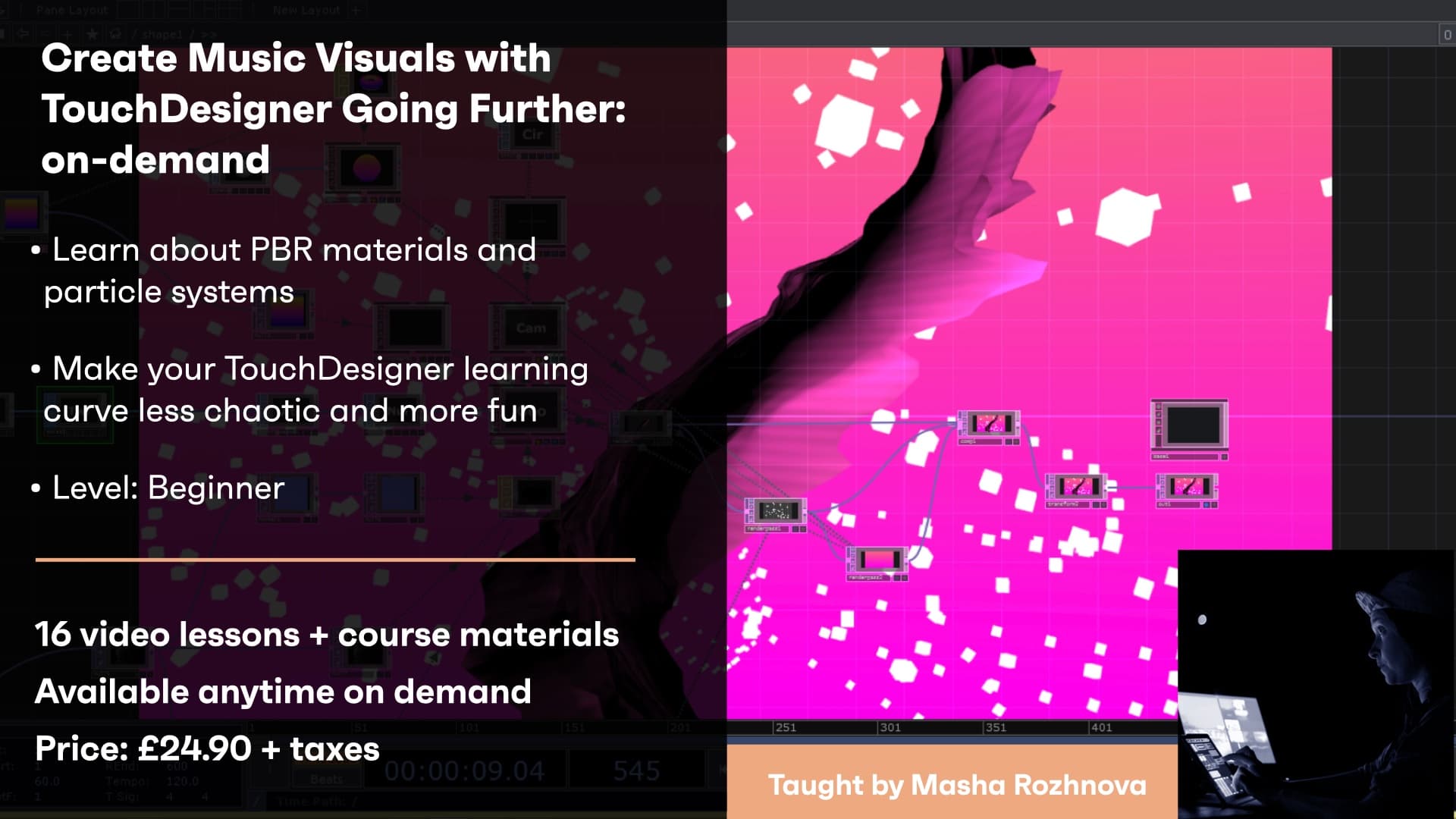
TouchDesigner is a tool that gains popularity among musicians who want to create visuals for their music and do audio-visual experiments. The goal of this course is to show how one can start with TouchDesigner and not risk being discouraged. You will learn the basic concepts underpinning creation and rendering of 3D geometries, what different parameters of PBR materials mean and how particle systems work. The concepts you learn will be used to create shiny and noisy audio-reactive visualizations that can be plugged into your live performance straight away.
Creative Coding
Create Music Visuals with TouchDesigner / Going Further - On-demand
Extending TouchDesigner skills with instancing, audio-spectrum analysis, PBR materials and 3D asset import, and particle systems for richer reactive music visuals.
Course overview
Learning outcomes
Session 2: FBX and OBJ formats, Polyreduce and Subdivide SOPs, Delete SOP, Transform SOP, The theory of Physically-Based Rendering and Shading, PBR maps and PBR setup in Touch Designer
Session 3: Particle SOP inputs (emitter, attractor, force), Particle SOP parameters, Differences between CPU and GPU particle systems and Navigating TouchDesigner Resources
Who is this course for?
- • The course will equip you with tools and maps which will make your further TouchDersigner journey more productive and fun.
Requirements
- • A computer and internet connection
- • A webcam and mic
- • A Zoom account
- • A three button mouse or Apple Track Pad appropriately configured
- • TouchDesigner installed
- • If your on Mac please check TouchDesigner can run on your system (i.e. has basic GPU requirements such as Intel HD4000 or better)
Course content
Course Overview
3 lessons
+
Course Overview
3 lessons
- What you will learn in this course
- Requirements
- TouchDesigner Set Up Instructions
Create Music Visuals with TouchDesigner / Going Further - Session 1 / On-demand
5 videos, 1 resource, 1 lesson
+
Create Music Visuals with TouchDesigner / Going Further - Session 1 / On-demand
5 videos, 1 resource, 1 lesson
- Workshop Project File
- Additional Resources
Part 1 - Instancing
Checking access...Solution to Practice 1
Checking access...Part 2 - Changing individual parameters of instances
Checking access...Part 3 - Audio Analysis using Audio Spectrum
Checking access...Part 4 - Building visuals
Checking access...
Create Music Visuals with TouchDesigner / Going Further - Session 2 / On-demand
5 videos, 1 resource, 1 lesson
+
Create Music Visuals with TouchDesigner / Going Further - Session 2 / On-demand
5 videos, 1 resource, 1 lesson
- Workshop files
- Additional Resources
Part 1 - PBR set up
Checking access...Part 2 - PBR maps
Checking access...Part 3 - Import 3D assets into TouchDesigner
Checking access...Part 4 - Building visuals
Checking access...Part 5 - Importing different 3D formats
Checking access...
Create Music Visuals with TouchDesigner / Going Further - Session 3 / On-demand
6 videos, 2 resources
+
Create Music Visuals with TouchDesigner / Going Further - Session 3 / On-demand
6 videos, 2 resources
- Workshop files
- TouchDesigner Resources
Part 1 - Setting up Particle emitters
Checking access...Part 2 - Parameters of a Particle SOP
Checking access...Part 3 - Rendering a Particle System
Checking access...Part 4 - Attractors and Trace SOP
Checking access...Part 5 - Building Visuals
Checking access...Part 6 - Further Resources
Checking access...
Instructors
Masha Rozhnova
Dancing Pixels (Masha Rozhnova) is a London based artist who creates audio-visual performances and videos for musicians. For the past three years she has been using TouchDesigner as the main tool for content creation, show control and as an engine to enable interaction with the audience. She performed at Live Performers Meeting in Rome, at New River studios and Crux events in London.