Creative Coding
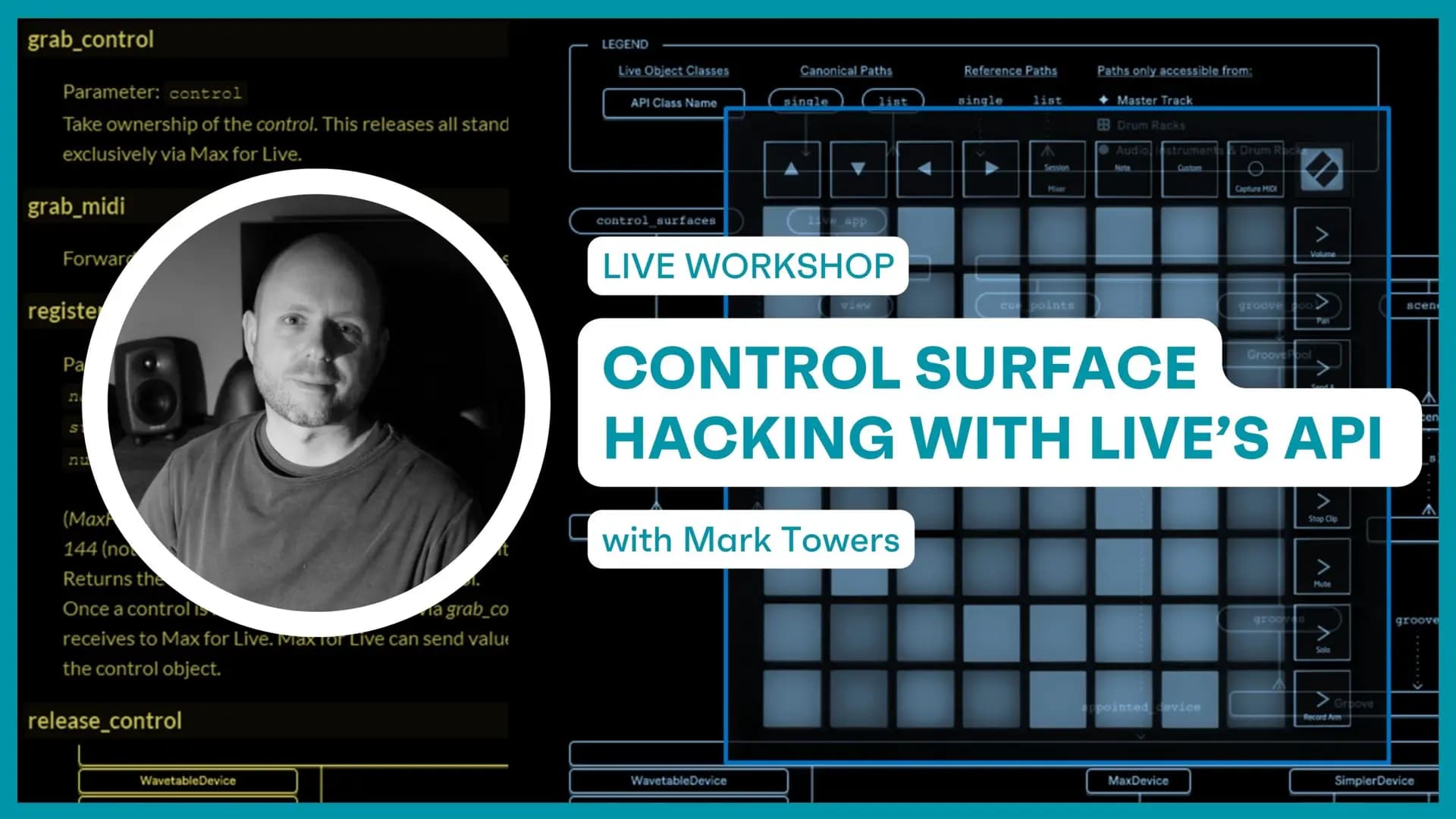
Control Surface Hacking with Live’s API / July 14th
Using Ableton Live's API and the Live Object Model to reprogram a Launchpad's controls, sequencer and behaviour through custom Max for Live devices.
Course overview
The student must complete the prerequisite (Build Max for Live devices using Ableton Live's API, Session 1 & 2) before joining the live workshop of Control Surface Hacking with Live’s API.
In this workshop you will build your own M4L device that integrates with and hacks the Novation Launchpad. This workshop aims to develop your skills and understanding of Ableton Live’s API and how control surfaces can be reprogrammed.
You will explore concepts and techniques associated with Ableton Live’s API and the Live Object Model (LOM) to repurpose an Ableton Live supported control surface into a fully customised and interactive controller for a Max for Live device. Expand your knowledge and use of the Live API and the LOM within the M4L development environment, which can be leveraged by M4L developers to enhance their practice and provide unprecedented control of Live
Learning outcomes
Catalog and select a control surface for hacking/takeover.
Analyse available controls and test what data can be sent and received.
Create a device that takes over a Launchpad and repurposes it as a custom controller for MIDI or effects.
Customise colours and interactive features of control surface.
Who is this course for?
- • Advanced Live and Max users
- • Artists looking to customise their Novation Launchpad
- • Max users building Max for Live devices
- • Developers curious about the Live API
Requirements
- • A computer and internet connection
- • Ableton Live suite/ with MaxForLive add on
Course content
Prerequisite sessions before Control Surface Hacking with Live’s API
1 lesson
+
Prerequisite sessions before Control Surface Hacking with Live’s API
1 lesson
- Prerequisite before joining the live workshop
Build Max for Live devices using Ableton Live's API - Session 1 / Prerequisite
6 videos, 2 resources
+
Build Max for Live devices using Ableton Live's API - Session 1 / Prerequisite
6 videos, 2 resources
- Session 1 file to download
- Session 1 presentation slides
Lesson 1 - LOM (Start)
Checking access...Lesson 2 - LOM Part 1 (Intro to LOM)
Checking access...Lesson 3 - LOM Part 2 (Object Paths)
Checking access...Lesson 4 - LOM Part 3 (Getting Properties)
Checking access...Lesson 5 - LOM Part 4 (Changing Properties)
Checking access...Lesson 6 - LOM (End)
Checking access...
Build Max for Live devices using Ableton Live's API - Session 2 / Prerequisite
6 videos, 2 resources
+
Build Max for Live devices using Ableton Live's API - Session 2 / Prerequisite
6 videos, 2 resources
- Session 2 download files
- Session 2 presentation slides
LOM - Lesson 1 - (Start)
Checking access...LOM - Lesson 2 - (LOM Recall)
Checking access...LOM - Lesson 3 - (Observing Live)
Checking access...LOM - Lesson 4 - (Device Parameters)
Checking access...LOM - Lesson 5 - (Mapping & Controlling)
Checking access...LOM - Lesson 6 - (End)
Checking access...
Control Surface Hacking with Live’s API
6 videos, 2 resources
+
Control Surface Hacking with Live’s API
6 videos, 2 resources
- Presentation - Control Surface Hacking with Live’s API
- Launchpad API - session files
Start
Checking access...Part 1 - Launchpad API
Checking access...Part 2 - Launchpad CTRL
Checking access...Part 3 - Launchpad SEQ
Checking access...Part 4 - Launchpad Examples
Checking access...End
Checking access...
Instructors
Mark Towers
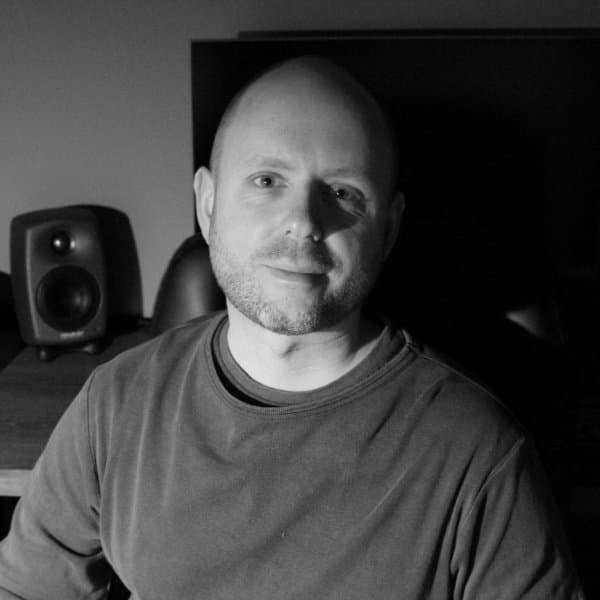
Mark Towers is an Ableton Certified Trainer and a lecturer in music technology at Leicester College. He specialises in Max for Live, as well as working with Isotonik Studios to create unique and creative devices for music production and performance such as the Arcade Series.