Creative Coding
Building Graphical User Interfaces in M4L and Max - On demand
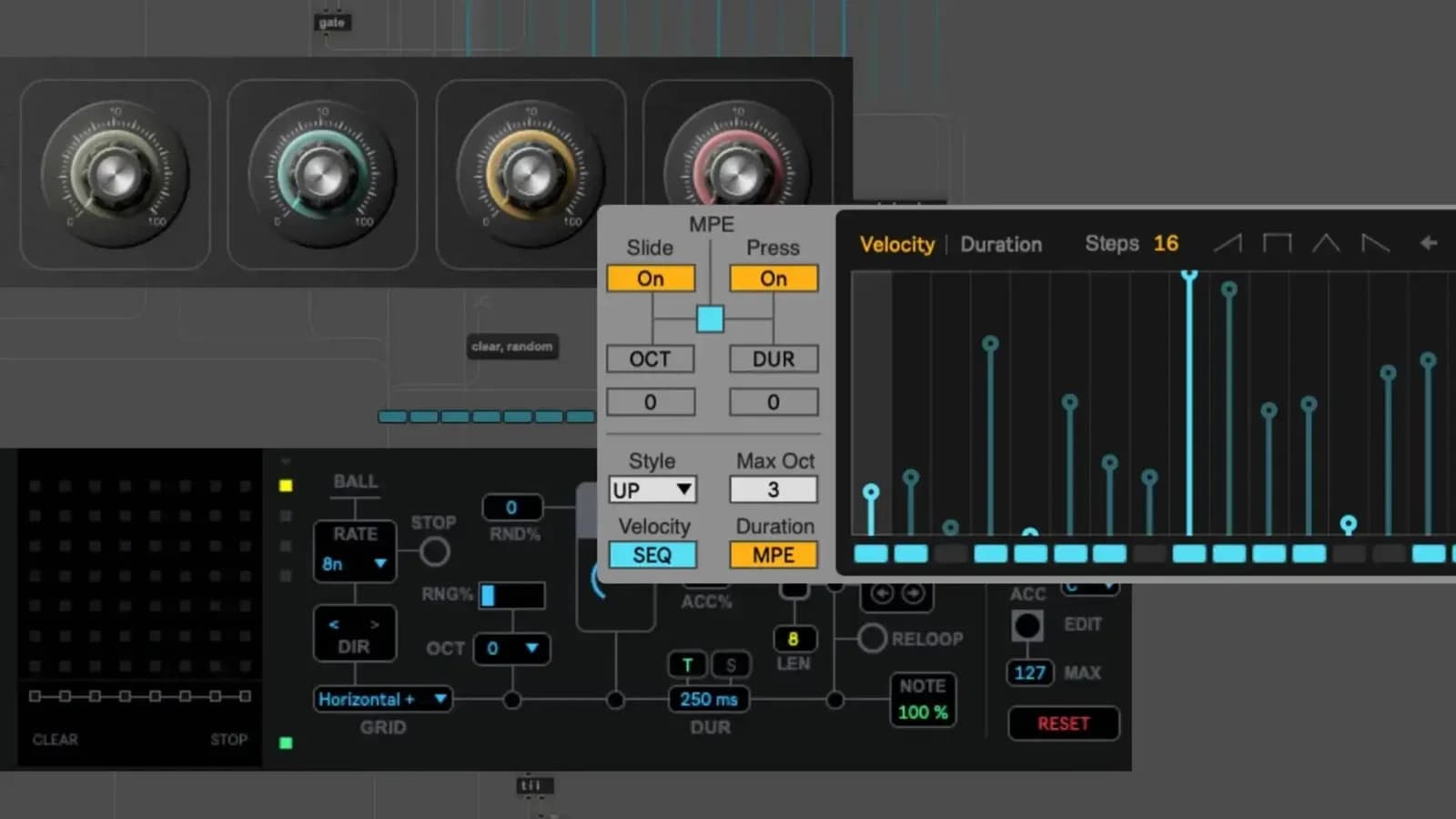
MaxforLive allows users to develop their own devices for use in composition, performance and beyond. Creating a graphical user interface that complements the device is one of the crucial development
Course overview
MaxforLive allows users to develop their own devices for use in composition, performance and beyond. Creating a graphical user interface that complements the device is one of the crucial development stages that can give a device its personality.
Learning outcomes
Explore and configure Live/Max UI objects
Create custom dials and sliders
Construct UI systems that synchronise with Ableton Live
Create pop-up UI windows
Who is this course for?
- • In this workshop you will learn how to create a custom user interface for a M4L device, including a native Ableton Live style to a completely personalised theme.
Requirements
- • A computer and internet connection
- • A web cam and mic
- • A Zoom account
- • Access to a copy of Live 10/11 & Max 8 (i.e. trial or full license)
Course content
Course Overview
2 lessons
+
Course Overview
2 lessons
- What you will learn in this course
- Requirements
Building Graphical User Interfaces in M4L and Max - On demand
14 videos, 1 resource
+
Building Graphical User Interfaces in M4L and Max - On demand
14 videos, 1 resource
- Course materials to download
Part 1 - Introduction & Session Outcomes
Checking access...Part 2 - Identify different styles of user interface
Checking access...Part 3 - Explore and configure LIVE-Max UI objects
Checking access...Part 4 - Working with presentation mode
Checking access...Part 5 - Task 1 Practical
Checking access...Part 6 - Construct UI systems that synchronise with Abelton LIVE
Checking access...Part 7 - Task 2 Practical
Checking access...Part 8 - Creating an expandable UI
Checking access...Part 9 - Task 3 Practical
Checking access...Part 10 - Creating a tabbed UI
Checking access...Part 11 - Finalising a device
Checking access...Part 12 - Create custom dials and sliders
Checking access...Part 13 - Create pop up UI windows
Checking access...Part 14 - Summary abd review of session
Checking access...
Instructors

Mark Towers
Mark Towers is an Ableton Certified Trainer and a lecturer in music technology at Leicester College. He specialises in Max for Live, as well as working with Isotonik Studios to create unique and creative devices for music production and performance such as the Arcade Series.