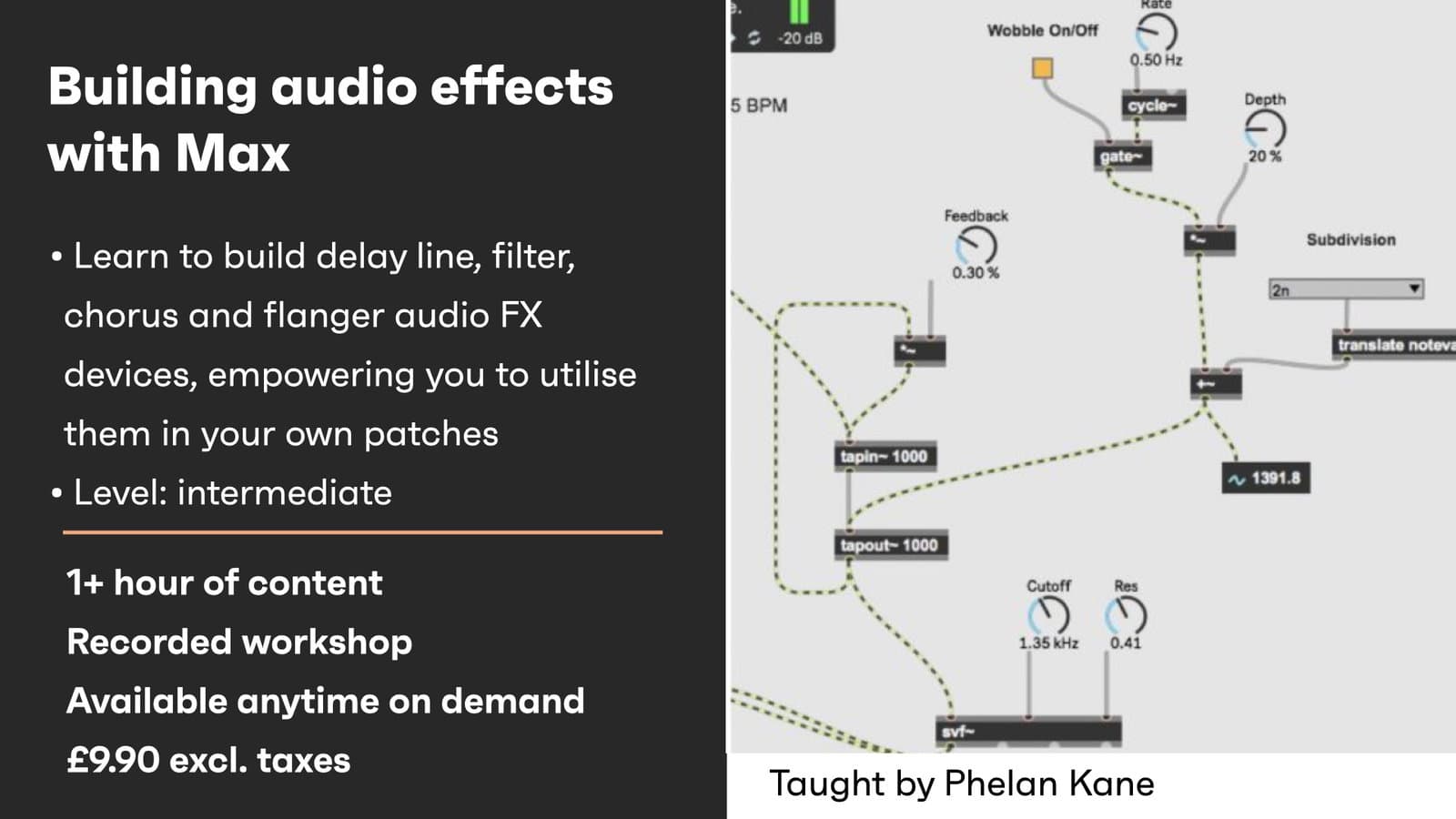
Max offers a vast playground of programming opportunities to create your own audio FX devices. In this series of workshops you will build delay line, filter, chorus and flanger audio FX devices, empowering you to utilise them in your own patches. This workshop aims to provide you with suitable skills to begin to explore building audio FX devices in the Max MSP environment.
Creative Coding
Building Audio FX with Max
Build audio effect devices in Max, working through the signal processing and patching techniques needed to design your own effects from the ground up.
Course overview
Learning outcomes
Build delay line audio FX devices with feedback networks
Build filter networks for use in audio FX devices
Add LFO networks for use in Flanger and Chorus audio FX devices
Who is this course for?
- • This course is for users with a previous knowledge on Max or Pure Data and some rudiments of digital audio and an interest in the creation of audio FX devices.
Requirements
- • A computer and Internet connection
- • A good working knowledge of computer systems
- • A basic awareness of audio processing
- • Good familiarity with MSP
- • Access to a copy of Max 8 (i.e. trial or full license)
Course content
Building audio FX with Max
1 lesson
+
Building audio FX with Max
1 lesson
- What you will learn in this workshop
Browse the recordings to get started building Audio FX with Max
2 videos, 1 resource
+
Browse the recordings to get started building Audio FX with Max
2 videos, 1 resource
Building Audio FX with Max Part 1
Checking access...Building Audio FX with Max Part 2
Checking access...- Building Audio FX in Max Patches
Instructors
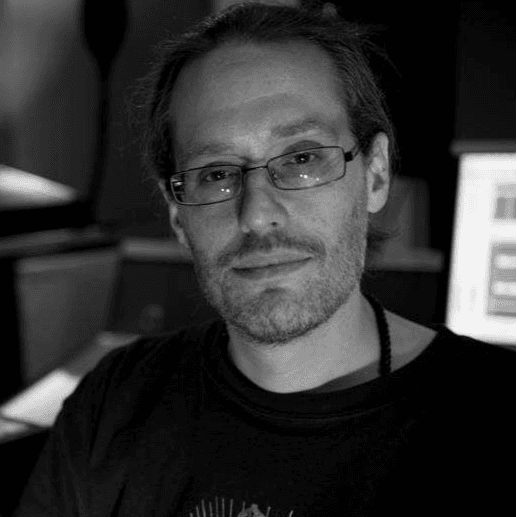
Phelan Kane
Phelan Kane is a Berlin & London based music producer, engineer, artist, developer and educator. He is currently running the electronic music record label Meta Junction Recordings and the audio software development company Meta Function. He has released the Max for Live device synth Wave Junction in partnership with Sonicstate. http://metafunction.co.uk/ http://phelankane.com/bio/