Creative Coding
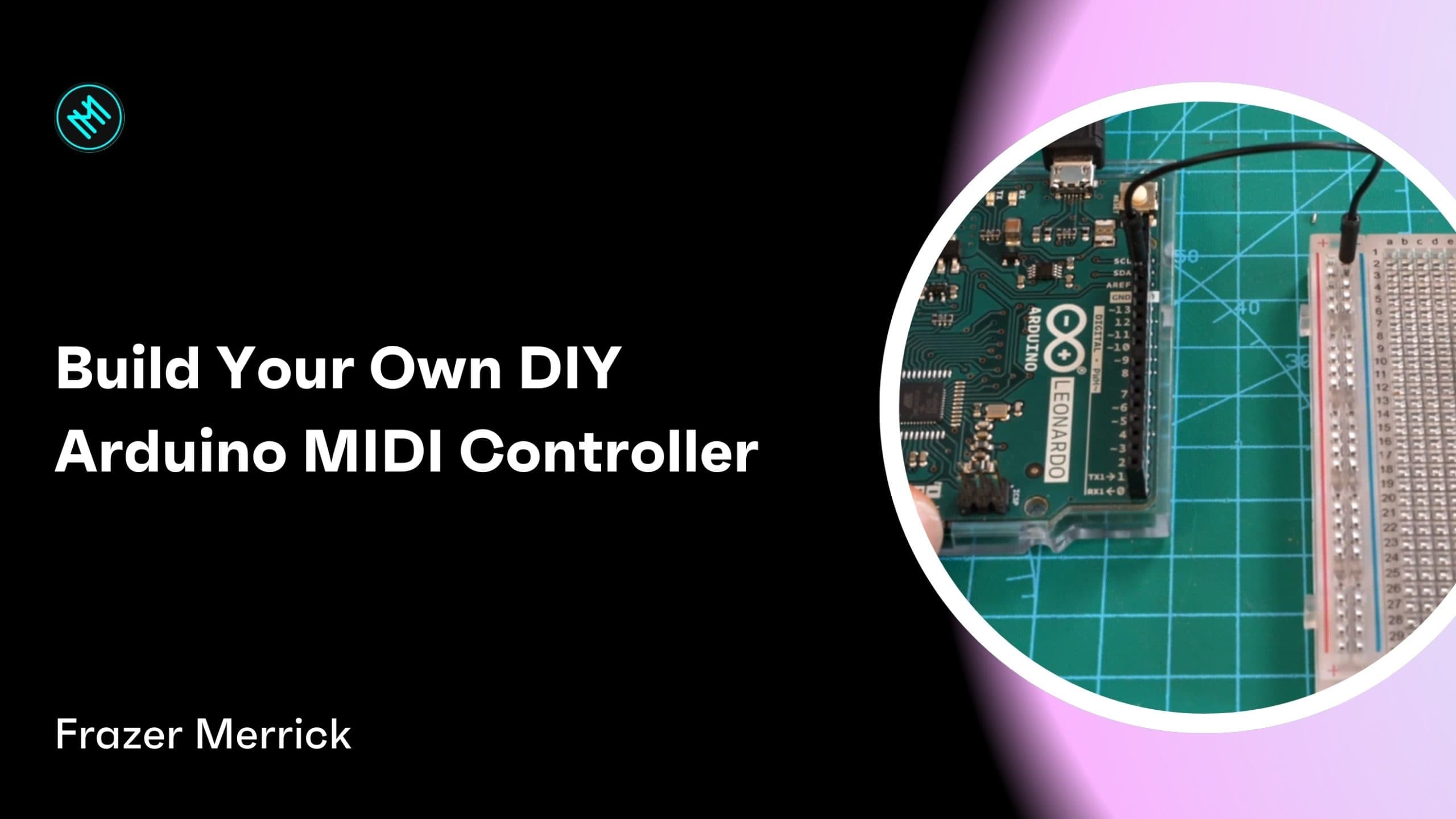
Build Your Own DIY Arduino MIDI Controller
Build a working MIDI controller from scratch with an Arduino, wiring and programming buttons and a potentiometer, then testing and expanding the controller in Ableton Live.
Course overview
In this tutorial, you will learn how to build your own DIY MIDI controller using an Arduino, buttons, and potentiometers. The guide takes you through the entire process, from gathering materials and wiring components to programming the Arduino and testing the controller with music software like Ableton Live or Logic Pro. By the end, you’ll have a functional MIDI controller that you can expand further with additional components, offering hands-on control over your music in a more intuitive and performative way. Perfect for beginners in electronics or musicians looking to personalise their gear.
Learning outcomes
Build a simple MIDI-over-USB device using Arduino and basic electronic components.
Learn how to program an Arduino to control MIDI signals through buttons and potentiometers.
Integrate your DIY MIDI controller with music production software such as Ableton Live or Logic Pro.
Who is this course for?
- • Musicians and producers who want to create custom tools for live performance or music production.
- • Beginners in electronics or Arduino who are looking to get hands-on experience with a practical and fun project.
- • DIY enthusiasts interested in building their own music technology devices.
- • Performers looking for more intuitive and expressive ways to control their music software, moving beyond traditional input methods like the keyboard and mouse.
Requirements
- • Basic Materials: Arduino Leonardo, Micro, or Pro Micro, a small breadboard, jumper leads, momentary buttons, potentiometers (500k recommended), USB cable, and a computer.
- • Software: Arduino IDE (downloadable from the Arduino website) and MIDI Monitor app (for testing).
- • Music Software: A Digital Audio Workstation (DAW) such as Ableton Live or Logic Pro (optional, for testing the controller in a musical context).
- • Basic Knowledge: Familiarity with electronics, Arduino, and MIDI (helpful but not essential).
Course content
Tutorial Videos
9 videos
+
Tutorial Videos
9 videos
1. Introduction: What is a MIDI Controller?
Checking access...2. Building Your Own MIDI Controller
Checking access...3. Setting Up the Arduino
Checking access...4. Programming the Arduino
Checking access...5. Testing the Button
Checking access...6. Adding a Potentiometer
Checking access...7. Expanding the MIDI Controller
Checking access...8. Final Testing in Ableton Live
Checking access...9. Conclusion: Where to Go Next?
Checking access...
Instructors

Frazer Merrick
Frazer Merrick is an expert in field recording, circuit bending, and DIY instrument building. He creates carnivalesque experiences that transform spaces and objects while encouraging the audience to become a curious performer. From a keyboard made of bananas to playing a gig underwater, Frazer’s work is curious, interactive and playful. He has exhibited at galleries including Firstsite and Focal Point Gallery, performed at venues such as Snape Maltings and Colchester Arts Centre, and had compositions aired on Channel 4 and the BBC. Frazer is the co-founder of the award winning social enterprise, CLIP Sound and Music CIC.