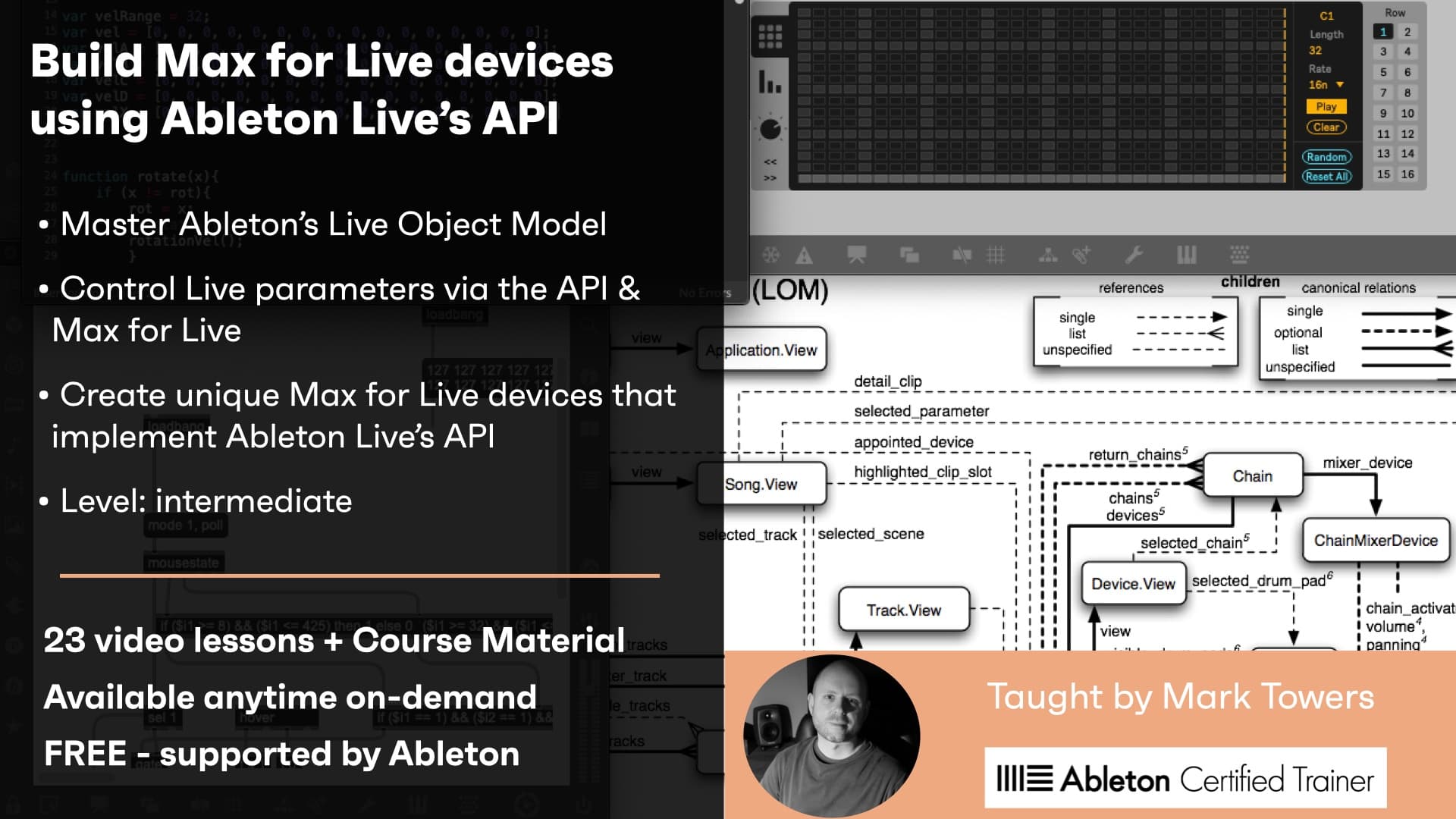
Creative Coding
Build Max for Live devices using Ableton Live’s API / On-demand
Program Max for Live devices against the Live Object Model and Ableton Live's API, observing and changing Live properties, mapping parameters, routing audio and MIDI, and using JavaScript with the Live API.
Course overview
In this series of workshops you will explore how to use Ableton Live’s API and the Live Object Model (LOM) when building Max For Live devices.
Learning outcomes
Utilise API Object types, Classes, Children, Properties and Functions
Deploy datatypes, debugging, notifications and javascript with the Live API
Observe and control Live parameters via the API and M4L
Who is this course for?
- • In this series of workshops you will explore concepts and techniques associated with Ableton Live’s API and the Live Object Model (LOM). The LOM provides a detailed level of control of Live via M4L and it can be used to underpin unique and novel M4L devices. These workshops aim to expand your knowledge and use of the Live API and the LOM within the M4L development environment, which can be leveraged by M4L developers to enhance their practice and provide unprecedented control of Live.
Requirements
- • A computer and internet connection
- • Access to a copy of Live Suite (preferably Live Suite 11) trial or full licence
Course content
Course Overview
2 lessons
+
Course Overview
2 lessons
- What you will learn in this course
- Requirements
Build Max for Live devices using Ableton Live's API - Session 1 / On-demand
6 videos, 2 resources
+
Build Max for Live devices using Ableton Live's API - Session 1 / On-demand
6 videos, 2 resources
- Session 1 file to download
- Session 1 presentation slides
Lesson 1 - LOM (Start)
Checking access...Lesson 2 - LOM Part 1 (Intro to LOM)
Checking access...Lesson 3 - LOM Part 2 (Object Paths)
Checking access...Lesson 4 - LOM Part 3 (Getting Properties)
Checking access...Lesson 5 - LOM Part 4 (Changing Properties)
Checking access...Lesson 6 - LOM (End)
Checking access...
Build Max for Live devices using Ableton Live's API - Session 2 / On-demand
6 videos, 2 resources
+
Build Max for Live devices using Ableton Live's API - Session 2 / On-demand
6 videos, 2 resources
- Session 2 download files
- Session 2 presentation slides
LOM - Lesson 1 - (Start)
Checking access...LOM - Lesson 2 - (LOM Recall)
Checking access...LOM - Lesson 3 - (Observing Live)
Checking access...LOM - Lesson 4 - (Device Parameters)
Checking access...LOM - Lesson 5 - (Mapping & Controlling)
Checking access...LOM - Lesson 6 - (End)
Checking access...
Build Max for Live devices using Ableton Live's API - Session 3
5 videos, 3 resources
+
Build Max for Live devices using Ableton Live's API - Session 3
5 videos, 3 resources
- Week 3 presentation pdf
- Live 11 project file to download
- Live 10 project file to download
LOM - Lesson1 - (Start)
Checking access...LOM - Lesson 2 - (Dictionaries)
Checking access...LOM -Lesson 3 - (Routing Audio)
Checking access...LOM - Lesson 4 - (Routing MIDI)
Checking access...LOM - Lesson 5 - (End)
Checking access...
Build Max for Live devices using Ableton Live's API - Session 4 / On-demand
4 videos, 2 resources
+
Build Max for Live devices using Ableton Live's API - Session 4 / On-demand
4 videos, 2 resources
- Week 4 presentation slides
- Week 4 download files
LOM - Lesson 1 - (Start)
Checking access...LOM - Lesson 2 - (JS Basics)
Checking access...LOM - Lesson 3 - (JS Live API)
Checking access...LOM - Lesson 4 - (End)
Checking access...
Instructors

Mark Towers
Mark Towers is an Ableton Certified Trainer and a lecturer in music technology at Leicester College. He specialises in Max for Live, as well as working with Isotonik Studios to create unique and creative devices for music production and performance such as the Arcade Series.