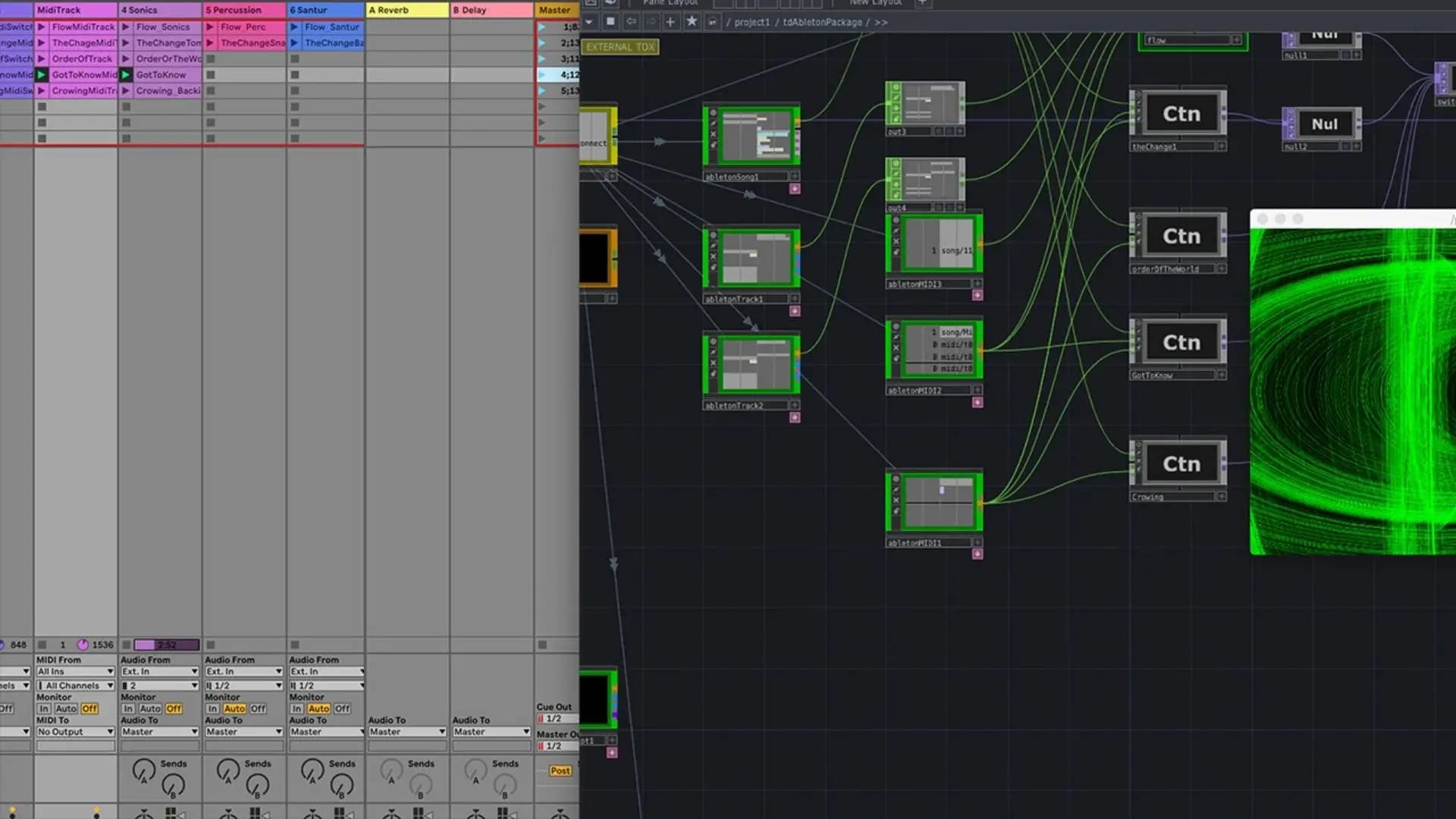
A practical look at building audio-reactive visuals across TouchDesigner and Ableton Live. It starts inside Max with the twoone looper and signal flow, then expands a visual network using the Math CHOP, image filters and custom audio analysis, before turning to TDAbleton to map parameters and trigger different visual networks from Ableton clip slots. Working with Song and MIDI components, it shows how the setup sits inside a live AV performance.
Creative Coding
Audio visual creation & performance with TDAbleton - On demand
Linking TouchDesigner and Ableton Live with TDAbleton to build audio-reactive visual networks, trigger them from clip slots and run an audiovisual live performance set.
Watch a preview
Course overview video
Course overview
Learning outcomes
Link a number of audio elements in Ableton to drive visual content in TouchDesigner
Begin to build their own audio visual set for live performance
Consider different approaches to audio visual performance and creation
Who is this course for?
- • This workshop will show participants how to build their own audio visual performance using TouchDesigner and Ableton. TouchDesigner is a visual programming language for real time interactive multimedia content. Using the TDAbleton tool, a vast array of audio elements within Ableton can be used to automate an audio reactive visual show.
Requirements
- • A computer and Internet connection
- • A Touchdesigner free license (https://derivative.ca/download)
- • Ableton Live 10 or 11 ( for Live 11, you will need to use the latest version of TouchDesigner and select the TDAbleton beta plugin)
Course content
Course Overview
1 video, 2 lessons
+
Course Overview
1 video, 2 lessons
What you will learn in this course
This workshop will show participants how to build their own audio visual performance using Touchdesigner and Ableton. Touchdesigner is a visual programming language for real time interactive multimedia content. Using the TDAbleton tool, a vast array of audio elements within Ableton can be used to automate an audio reactive visual show.
Session Learning Outcomes
By the end of this session a successful student will be able to:
Understand the TDAbleton tool
Link a number of audio elements in Ableton to drive visual content in Touchdesigner
Begin to build their own audio visual set for live performance
Consider different approaches to audio visual performance and creation.
Session Study Topics
TDAbleton tool
Triggering different Touchdesigner visual sets with Ableton midi clips.
Controlling Touchdesigner visual parameters with Ableton macros
Touchdesigner operators- TOPS, Maths Chop.
Performance Mode.
Course overview video
Checking access...Apple Mac User: Set Your Mouse or Trackpad to Right-Click and Middle-Click
Audio visual creation & performance with TDAbleton - On demand / Session 1
4 videos, 1 resource
+
Audio visual creation & performance with TDAbleton - On demand / Session 1
4 videos, 1 resource
- Week 1 course materials & downloads
Part 1 - Introduction to the twoone looper, signal flow and audio file management in Max
Checking access...Part 2 - Expanding your visual network and Understanding the Math Chop
Checking access...Part 3 - Adding Image Filters & Audio Analysis to the network
Checking access...Part 4 - Building your own Audio Analysis, Recording & Projecting your AV work, checking TD Ableton Install
Checking access...
Audio visual creation & performance with TDAbleton - On demand / Session 2
4 videos, 1 resource
+
Audio visual creation & performance with TDAbleton - On demand / Session 2
4 videos, 1 resource
- Week 2 course notes and downloads
Part 1 - Mapping in Touchdesigner and Ableton & Understanding TD Ableton’s Purpose
Checking access...Part 2 - Overview of the Ableton Project & TD Ableton’s Song Component
Checking access...Part 3 - Working with TD Ableton’s Clip Slots to trigger different visual networks
Checking access...Part 4 - TD Ableton in my own live set & TD Ableton Midi Component
Checking access...
Instructors
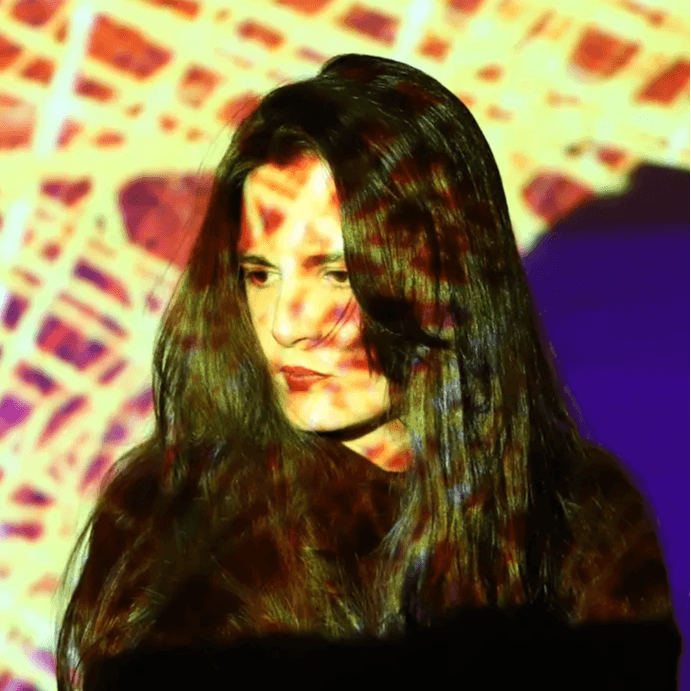
Nilly Brook
Nilly Brook lectures various visual technologies across a number of institutions including: The National Film and Television School, Central Saint Martins, Wimbledon School of Art, London South Bank University and Private clients. She is also a musician, producer and audio-visual performer working on two separate solo projects.