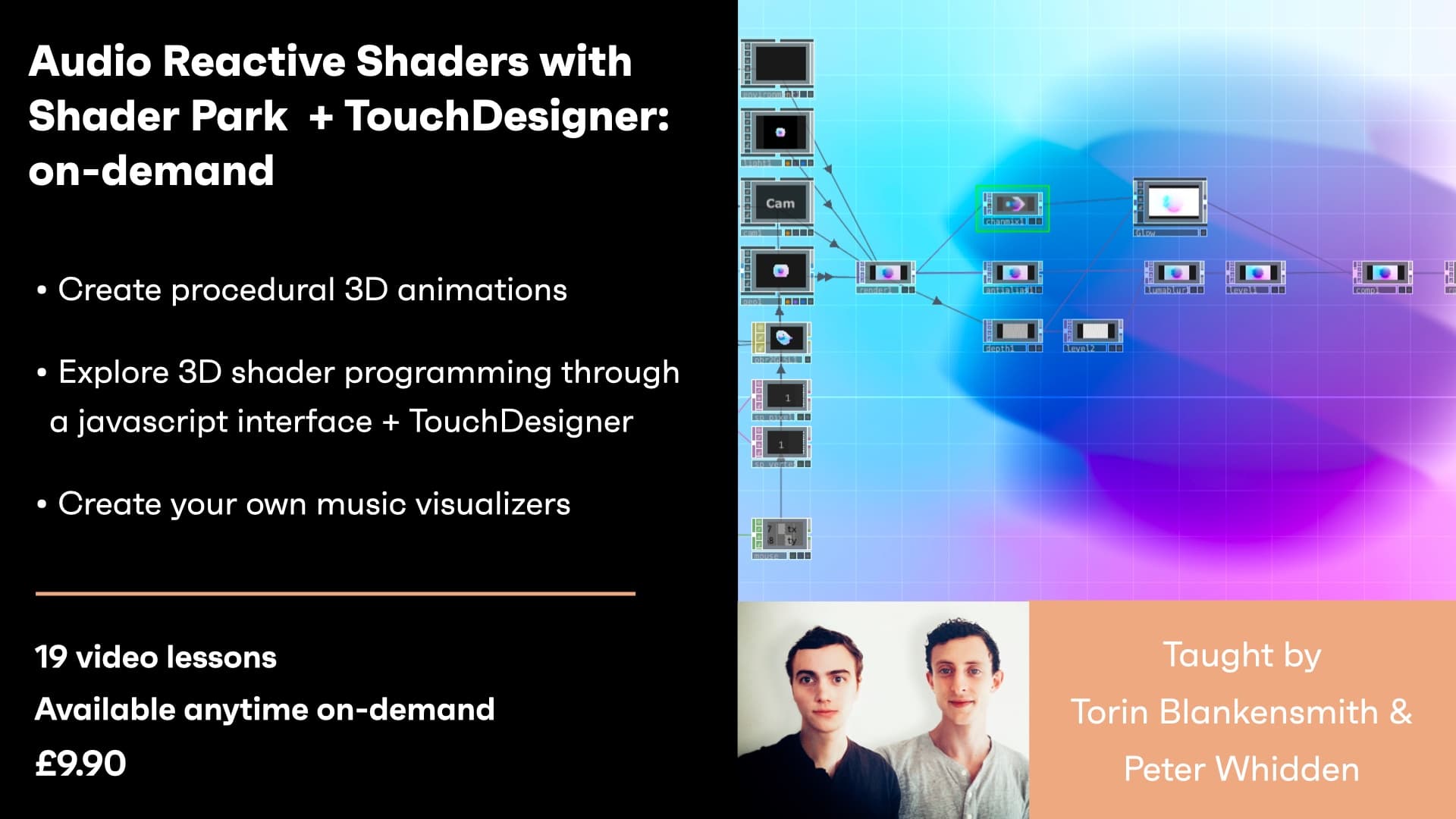
Explore 3D shader programming through a Javascript interface without the complexity of GLSL. Shader Park is an open source project for creating real-time graphics and procedural animations. Follow along through multiple examples using a P5.js style live code editor. Expand upon the examples and bring them into TouchDesigner to create your own audio reactive music visualizers. Explore the Shader Park community gallery where you can fork other people's creations or feature your own.
Creative Coding
Audio Reactive Shaders with Shader Park + TouchDesigner - On-demand
Creating audio-reactive 3D shaders with Shader Park and bringing them into TouchDesigner, covering signed distance functions, noise displacement, audio analysis and recording a video output.
Course overview
Learning outcomes
Intro to TouchDesigner + Shader Park plugin
Overview of audio analysis
Create your own audio reactive music visualizer
Who is this course for?
- • Artists interested in exploring real-time procedural 3D graphics and animations applied as music visualizations, and Developers with experience programming in javascript, a p5.js style library, or similar language is recommended. Bonus if you know shader programming.
Requirements
- • A computer and internet connection
- • A copy of TouchDesigner
- • A copy of TouchDesigner
Course content
Course Overview
2 lessons
+
Course Overview
2 lessons
What you will learn in this course
Explore 3D shader programming through a Javascript interface without the complexity of GLSL. Shader Park is an open source project for creating real-time graphics and procedural animations. Follow along through multiple examples using a P5.js style live code editor. Expand upon the examples and bring them into TouchDesigner to create your own audio reactive music visualizers. Explore the Shader Park community gallery where you can fork other people's creations or feature your own.
By the end of this session a successful student will be able to:
Create raymarched 3D shaders with Shader Park
Intro to TouchDesigner + Shader Park plugin
Overview of audio analysis
Create your own audio reactive music visualizer
Session Study Topics:
TouchDesigner
Shader Park
Shaders
Raymarching
Audio analysis
- Requirements
Audio Reactive Shaders with Shader Park + TouchDesigner - On-demand
19 videos
+
Audio Reactive Shaders with Shader Park + TouchDesigner - On-demand
19 videos
Part 1 - Intro to Shader Park
Checking access...Part 2 - Overview of Workshop Demo
Checking access...Part 3 - Setup Shader Park
Checking access...Part 4 - Setup Shader Park TouchDesigner Plugin & Your First Sculpture in TD
Checking access...Part 5 - Getting Started with Shader Park & Theory
Checking access...Part 6 - Basic Shapes, Space Modifiers, Input, Rotation, Constructive Solid Geometry Operations & Color
Checking access...Part 7 - Space Modifiers Revisited, Mouse Input, Space Modifiers Revisited Again & Sharing Your Sculpture
Checking access...Part 8 - getSpace Explained
Checking access...Part 9 - Intro to Noise
Checking access...Part 10 - Animating & Displacing with Noise
Checking access...Part 11 - Coloring with the Normal & Nested Noise
Checking access...Part 12 - getRayDirection
Checking access...Part 13 - Prepping for TouchDesigner
Checking access...Part 14 - Bringing your Sculpture into TouchDesigner & Adding Inputs - Uniforms
Checking access...Part 15 - Setup Audio Analysis
Checking access...Part 16 - Creating Kick & Snare Counters & Fine-tuning Audio Analysis
Checking access...Part 17 - Linking Audio Analysis to Your Shader, Postprocessing - Over Feedback & Recording a Video Output
Checking access...Part 18 - Customizing Lighting, Luma Blur & Using Other Inputs - Uniform
Checking access...Part 19 - Sharing Content in the Browser
Checking access...
Instructors
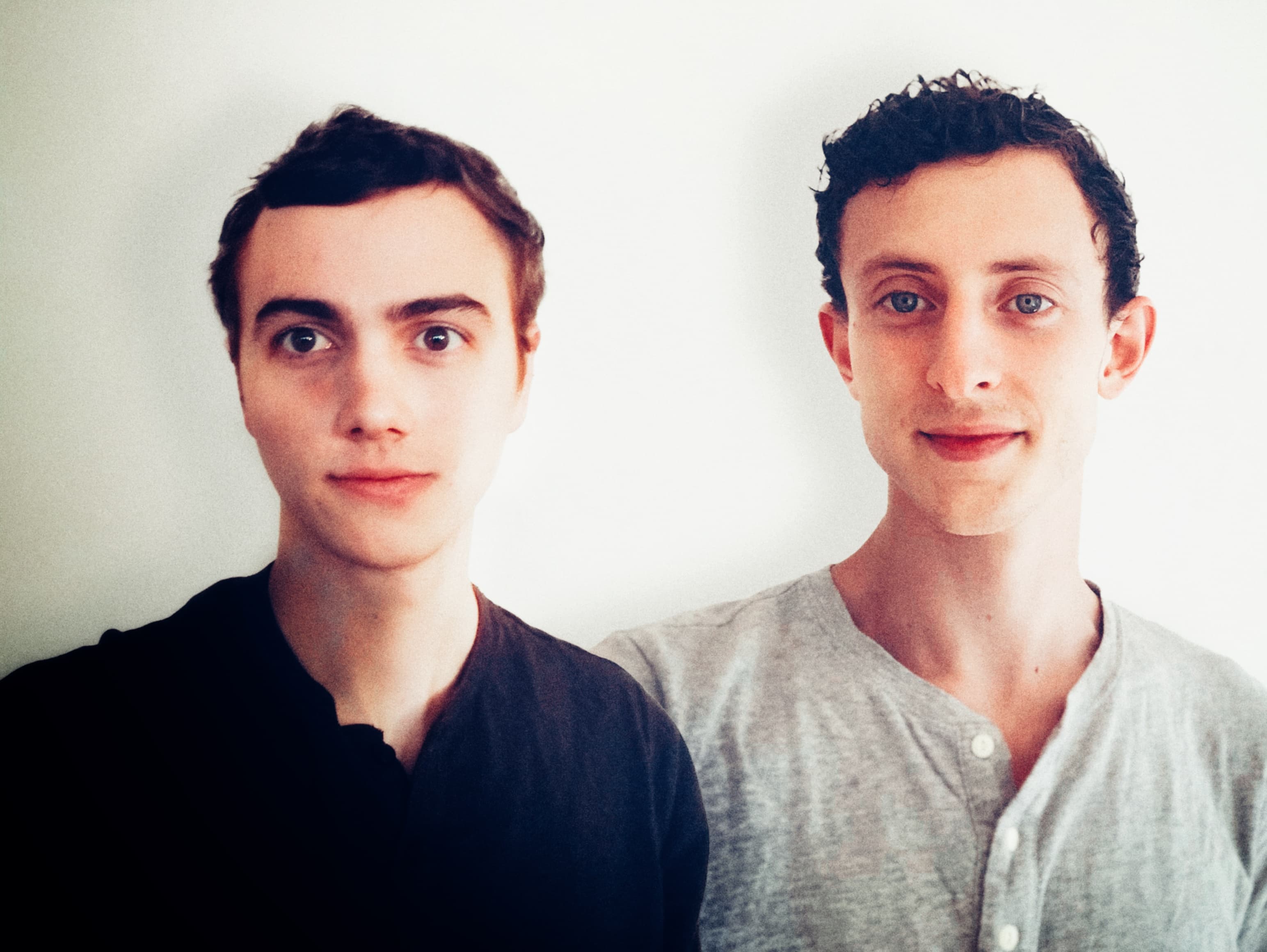
Torin Blankensmith
Torin Blankensmith and Peter Whidden formed a creative-coding organization while at college together. They hosted weekly workshops for students from various disciplines on emerging topics in computer graphics. It was in this group that the first prototype of Shader Park was developed. Torin is a freelance creative technologist and adjunct professor at the Parsons School of Design in New York City teaching TouchDesigner and Creative Coding. Based out of NEW INC, Torin creates immersive installations, experiences, interfaces, and websites. Torin’s work explores emerging techniques in real-time graphics pulling inspiration from systems and patterns of emergent behavior in nature. This work has translated into creating large scale environments for medical professionals to alleviate stress/burnout, for patients in clinical studies aiding in neuroscience research on brain recovery, and for commercial spaces bringing sanctuary to the urban landscape. Peter is a creative software engineer whose work spans physics, astronomy, machine learning, and computer graphics. He currently works at the NY Times R&D lab focused on emerging computer vision and graphics techniques. Previously, Pete has worked with CERN to build interactive 3D visualizations used in particle physics. He’s also developed software with the Data Intensive Research in Astrophysics and Cosmology (DIRAC) Institute which enabled the discovery of over 30 new minor planets in the Kuiper belt. Recently his artistic collaborations with Alex Miller of SpaceFiller have been featured in galleries and in a permanent installation in Seattle.