A ground-up build of native audio apps for Android, starting in Android Studio and the project structure before bringing in the NDK, CMake and JNI to bridge Kotlin and C++. The Oboe library is used to open low-latency audio streams, write the processing callback and generate a sine wave, then wire it to a custom touch pad UI. It closes by assembling a step sequencer and a conversation with Marek from Koala Sampler.
Creative Coding
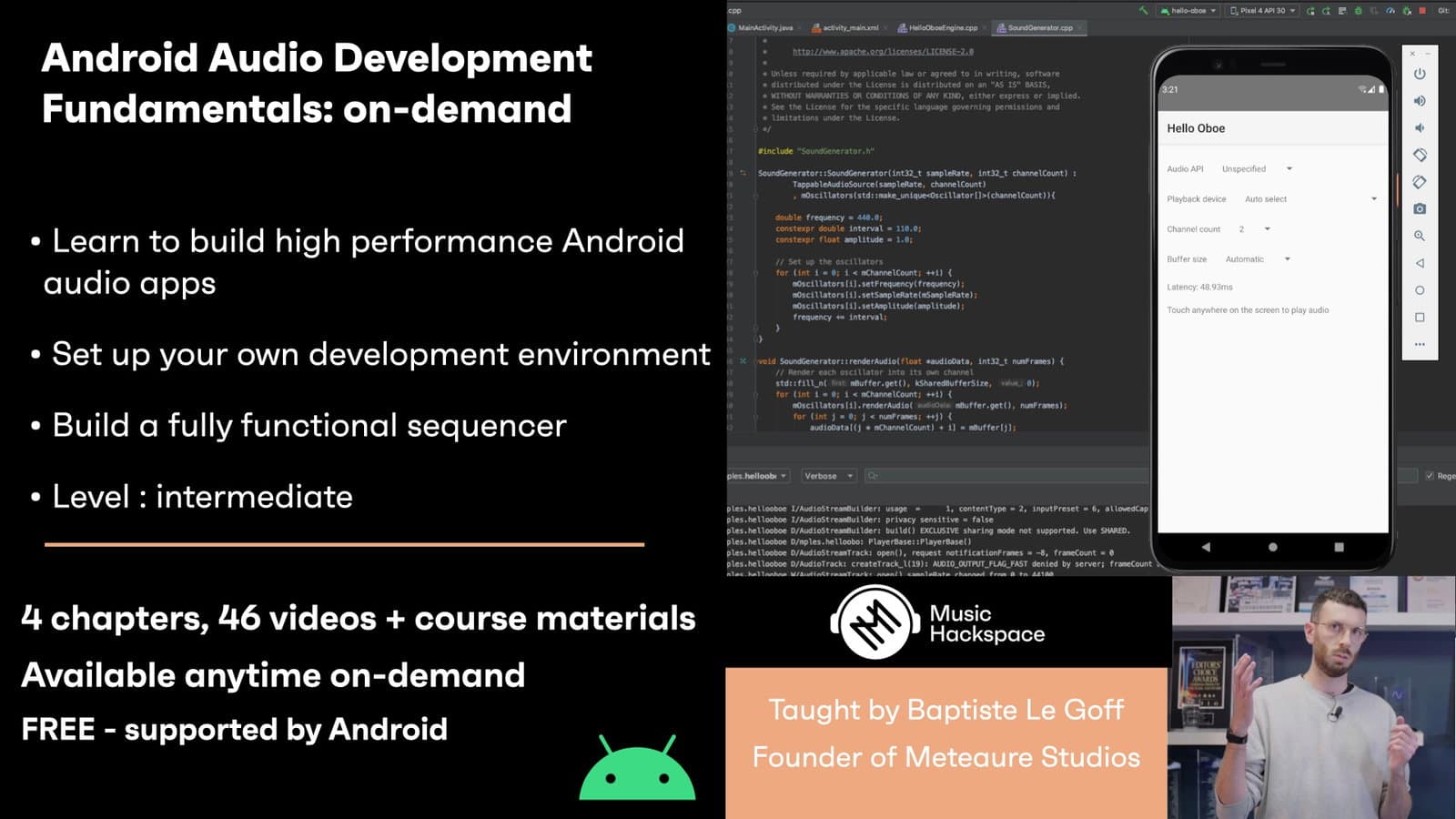
Android Audio Development Fundamentals - On-demand
Fundamentals of building Android audio apps, from Android Studio setup and the NDK/JNI to the Oboe library, low-latency audio streams, custom UI controls and a working step sequencer.
Course overview
Learning outcomes
Understand the logic behind real time audio processing app on the platform
Create GUI controls to interact with the sound
Implement a sequencer based application
Who is this course for?
- • In this workshop you will learn the fundamental principles needed to create high performance audio apps on the platform. From the basic setup to the creation of a sequencer based app, we will cover every aspect you need to build your own version of what a great Android audio application should be.
Requirements
- • A computer and internet connection
- • A webcam and mic
- • A Zoom account
- • A basic familiarity with Java or C++ and audio processing
- • An Android phone or tablet
- • A usb cable to connect the phone/tablet to your computer
Course content
Course Overview
2 lessons
+
Course Overview
2 lessons
What you will learn in this course
Android is the leading mobile operating system, with billions of active devices worldwide. In this workshop you will learn the fundamental principles needed to create high performance audio apps on the platform. From the basic setup to the creation of a sequencer based app, we will cover every aspect you need to build your own version of what a great Android audio application should be.
By the end of this series a successful student will be able to:
Be familiar with the Android development environment
Understand the logic behind real time audio processing app on the platform
Create GUI controls to interact with the sound
Implement a sequencer based application
Study topics
Android Studio
Native project structure (JNI, CMake)
Oboe library usage
Android Layout Editor
Tuesdays 4th / 11th / 25th May & 1st June
6pm UK / 7pm Berlin / 10am LA / 1pm NYC
Week 1: Tuesday 4th May
Week 2: Tuesday 11th May
(Tuesday 18th May no workshop - Google I/O)
Week 3: Tuesday 25th May
Week 4: Tuesday 1st JuneSession 1: Hello world
- Setting up Android Studio
- Build hello world code
- Emulator
- USB debugging/apk deliverable
Session 2: Basic tone generation
- Native project logic (JNI/CMake)
- Oboe setup
- Basic sine wave processing
Session 3: Parameters and controls
- Layout editor
- Bypass button
- Sine wave frequency/volume sliders
- Custom UI component (knob)
Session 4: Sequencer app
- GUI: play button + 4 step on/off + 4 pitch sliders
- Audio engine: associated processing code
- Visual feedback from engine (C++ to Java calls)
- Sequencer playhead position feedback
- Requirements
Android Audio Development Fundamentals - On-demand / Session 1
7 videos, 1 resource
+
Android Audio Development Fundamentals - On-demand / Session 1
7 videos, 1 resource
- Course notes week 1
Part 1 - Introduction
Checking access...Part 2 - Creating a new Android Studio project
Checking access...Part 3 - Android Studio quick tour
Checking access...Part 4 - Development environment setup
Checking access...Part 5 - Project structure
Checking access...Part 6 - First application code
Checking access...Part 7 - Android Debugging 101
Checking access...
Android Audio Development Fundamentals - On-demand / Session 2
14 videos, 2 resources
+
Android Audio Development Fundamentals - On-demand / Session 2
14 videos, 2 resources
- Course notes week 2
- Session 2 downloads
Part 1 - Android NDK and CMake installation
Checking access...Part 2 - Android NDK - JNI
Checking access...Part 3 - Native C++ project creation
Checking access...Part 4 - Native project structure
Checking access...Part 5 - The Oboe library
Checking access...Part 6 - Setting up a project with Oboe
Checking access...Part 7 - First native function
Checking access...Part 8 - Start-stop audio engine calls
Checking access...Part 9 - Audio app architecture
Checking access...Part 10 - Audio stream creation
Checking access...Part 11 - The audio processing callback
Checking access...Part 12 - Sine wave generation
Checking access...Part 13 - Device disconnection event
Checking access...Part 14 - Optimal latency
Checking access...
Android Audio Development Fundamentals - On-demand / Session 3
15 videos, 2 resources
+
Android Audio Development Fundamentals - On-demand / Session 3
15 videos, 2 resources
- Week 3 download materials
- Week 3 session handout
Part 1 - Android UI architecture
Checking access...Part 2 - Constraint Layout
Checking access...Part 3 - UI creation in Android Studio
Checking access...Part 4 - Controls implementation logic
Checking access...Part 5 - Detecting view change
Checking access...Part 6 - UI to audio engine communication through JNI
Checking access...Part 7 - Audio Engine code
Checking access...Part 8 - Connecting the methods
Checking access...Part 9 - Real time input
Checking access...Part 10 - UI components synchronisation
Checking access...Part 11 - Frequency value range
Checking access...Part 12 - Custom Pad View
Checking access...Part 13 - Pad radius computing
Checking access...Part 14 - Custom drawing implementation
Checking access...Part 15 - Pad touch-event and param update handling
Checking access...
Android Audio Development Fundamentals - On-demand / Session 4
10 videos, 2 resources
+
Android Audio Development Fundamentals - On-demand / Session 4
10 videos, 2 resources
- Week 4 download materials
- Week 4 course notes
Part 1 - Sequencer app specs
Checking access...Part 2 - Forcing landscape orientation
Checking access...Part 3 - View binding
Checking access...Part 4 - Spinner View for pitch selection
Checking access...Part 5 - Audio engine sequencer code
Checking access...Part 6 - Step on-off logic
Checking access...Part 7 - Step pitch change logic
Checking access...Part 8 - Current step visual feedback
Checking access...Part 9 - Going further ideas
Checking access...Part 10 - Discussion with Marek from Koala sampler
Checking access...
Instructors
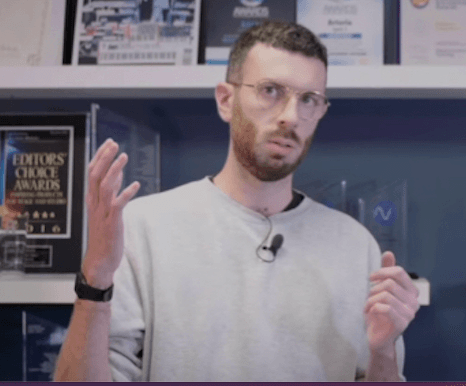
Baptiste Le Goff
After 6 years working for Arturia - moving from software development to product management - Baptiste founded Meteaure Studios to build music making apps for Android and empower the next generation of mobile producers.