Creative Coding
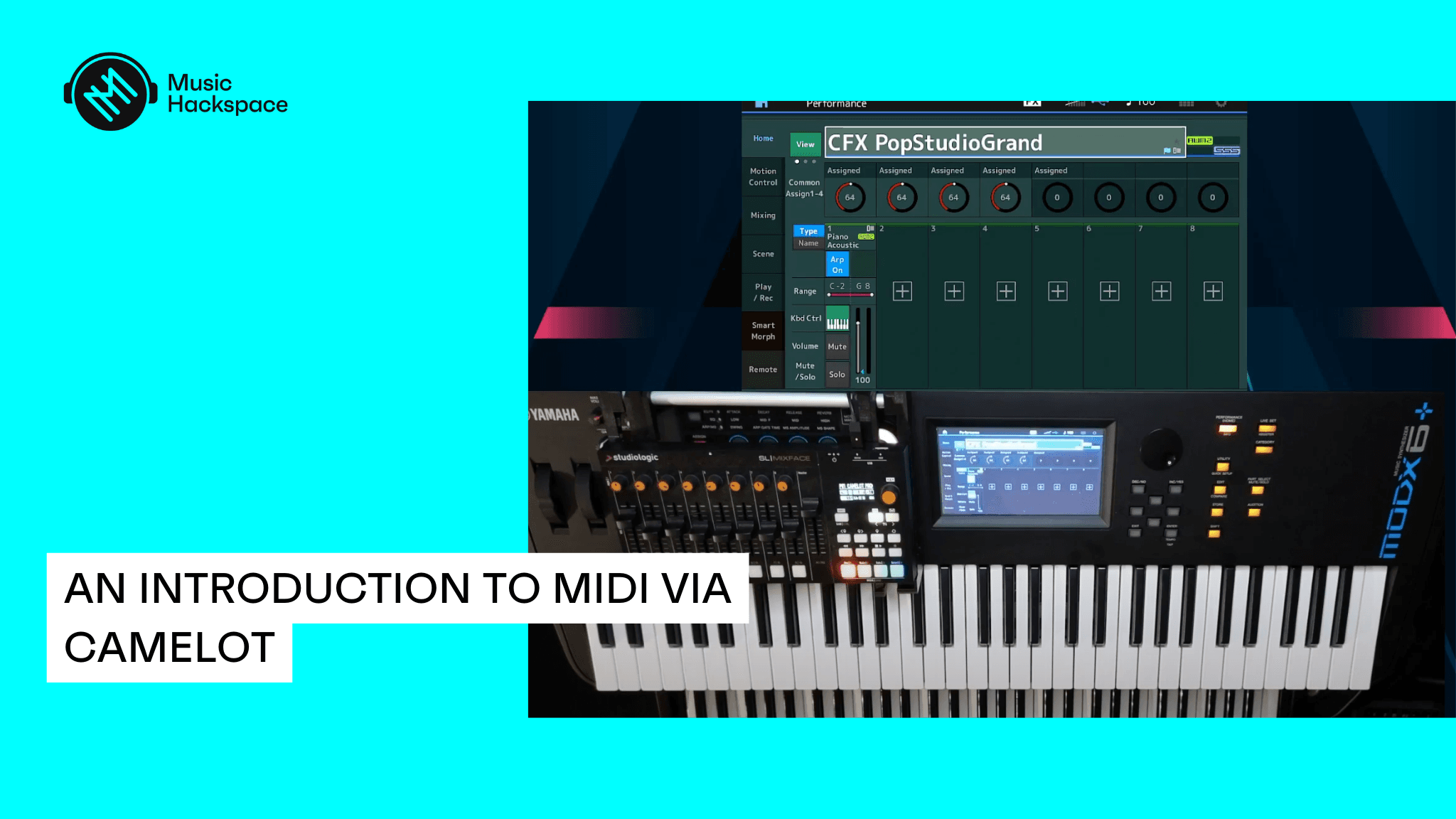
An Introduction to MIDI via Camelot
Covers MIDI fundamentals through Camelot, from cables, channels and control change messages to connecting devices, MIDI clock and mapping, ending with building a complete live song.
Course overview
In this workshop you will explore the MIDI protocol and learn how MIDI can be used in a live performance or a home studio environment, via Audio Modeling’s Camelot. You will explore how to set up and use MIDI controllers to trigger and perform with virtual instruments and external MIDI equipment such as synthesizers and keyboards. You will explore aspects of the MIDI specification such as MIDI messages and learn how to use these to work and perform with Camelot. This workshop aims to provide you with suitable skills to begin using hardware and software MIDI devices in the Camelot environment in the context of live performance and a home studio environment.
Learning outcomes
Session 1: Connect various controllers, electronic instrument & devices types within Camelot
Session 1: Begin to explore MIDI messages and their use
Session 1: Utilise Camelot to set basic MIDI and Audio Settings, build layers, stacks and splits to use hardware and virtual instruments
Session 2: Utilise external MIDI systems & remote configuration’s
Session 2: Explore manufacturer specific MIDI configurations
Session 2: Utilise Camelot to manage seamless sound changes in live performance and home studio environments
Session 2: Construct songs in Camelot for live performance and home studio environments
Who is this course for?
- • Musicians looking to enhance their knowledge of MIDI systems
- • Musicians looking to enhance the musical possibilities of hardware and software instruments via MIDI controllers
- • Music Producers interested in using Camelot for live performance and sound management for composition
Requirements
- • A computer and internet connection
- • Access to a copy of Audio Modeling’s Camelot (i.e. trial or full license)
- • If possible, two midi controllers ready to connect to a iPad or computer for practical exercises
- • If possible, a powered hub. If a powered hub is not available, then at least one free USB port on computer should be available after you have connected all your controllers (this is needed for a practical exercise)
- • Have already installed all drivers needed for your hardware before the workshop
Course content
An Introduction to MIDI via Camelot / Session 1
16 videos
+
An Introduction to MIDI via Camelot / Session 1
16 videos
1. My presentation and introduction
Checking access...2. Topic workshop reminder
Checking access...3. Slide 1 What is MIDI
Checking access...4. Slide 2 differences between MIDI and Audio
Checking access...5. Slide 3 MIDI Cables
Checking access...6. Slide 4 Connecing Devices to the computer
Checking access...7. Slide 5 Electronic devices
Checking access...8. Slide 6 How to Connect your devices to Camelot
Checking access...9. Slide 8 Local Control
Checking access...10. Slide 9 MIDI Channels
Checking access...11. Slide 10 Control Change Numbers
Checking access...12. Slide 11 Program Change
Checking access...13. Slide 12 example of Camelot Implementation
Checking access...14. Slide 13 DAW
Checking access...15. Slide 14 VST
Checking access...16. Slide 15 Setlist, Songs creating layers and key range
Checking access...
An Introduction to MIDI via Camelot / Session 2
11 videos
+
An Introduction to MIDI via Camelot / Session 2
11 videos
Introduction
Checking access...Part 1 System Message
Checking access...Part 2 MIDI Clock as example in Camelot
Checking access...Part 3 MIDI Clock exercise_ let's try yourself to do it
Checking access...Part 4 Local Control ON_OFF_
Checking access...Part 5 Remote Control
Checking access...Part 6 exercise; it's up to you, set a remote control
Checking access...Part 7 MIDI Mapping & implementation charts
Checking access...Part 8 Managing sounds by advanced MIDI
Checking access...Part 9 Maganing sounds exercise_ add a midi thru
Checking access...Part 10 Building a Complete song in Camelot
Checking access...
Instructors

Joël Borg
Joël works as an external consultant for Yamaha Music Europe and France as a member of the International Yamaha Tech Talk Live team, on topics related to synthesizers, stage keyboards and sequencer software. Joël is also a Group Expert lead on Master Classes for Audio Modeling on Camelot Pro. With training experience acquired over many years and a unique pedagogy developed in his exchanges with users, Joel will accompany you in your learning of the MIDI protocol. As Keyboard player for the band After Work in South France, Joël is also a sound provider and engineer for other bands & local shows. He is also a lightshow programmer on Daslight software and manages DMX using in music synchronization.