
Creative Coding
Advanced video programming with Jitter
Write GLSL shaders in Jitter to build GPU particle systems, working with transform feedback, mesh rendering, geometry shaders and physics forces such as gravity, drag and friction.
Course overview
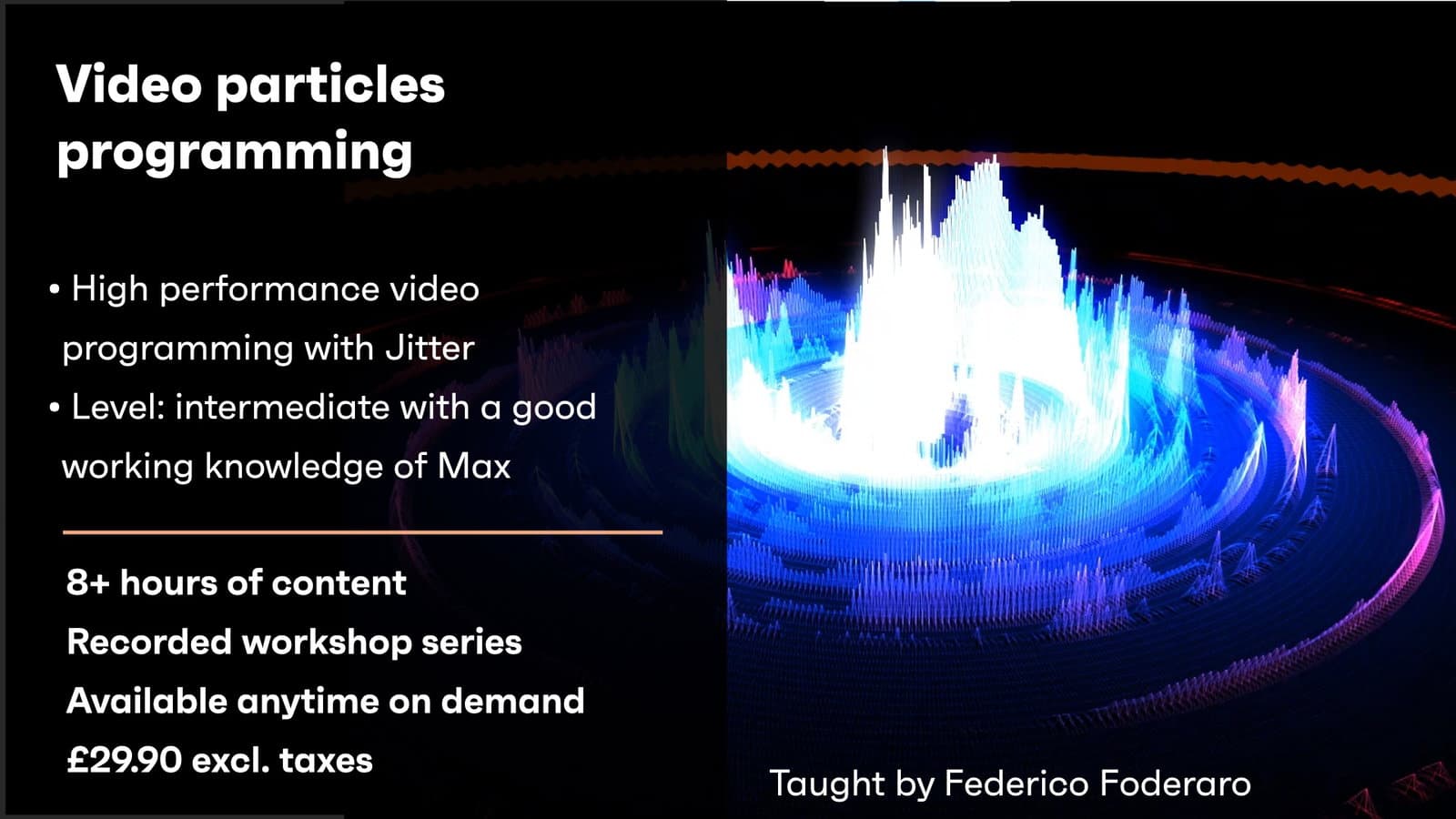
Learn to program high-performance interactive videos with Jitter and OpenGL3. Taught live by Federico Foderaro, the author of Amazing Max Stuff video tutorials.
Course content
What you will learn in this course
1 lesson
+
What you will learn in this course
1 lesson
Overview
In this workshop, you will learn to build incredible live videos with particles systems, using Max and Jitter.
Cycling’74 has recently released GL3, which ties together more closely Jitter with Open GL, and optimises use of the GPU. With this recent update available in the package manager, you can build highly performance videos without having to code them in C++. See an overview of videos built with GL3 below:
Session 1
8 videos, 1 resource, 1 lesson
+
Session 1
8 videos, 1 resource, 1 lesson
Session 1 overview
– Introduction to GL3 features
– Quick overview of most of the examples in the GL3 package
– Build a simple particle system from scratch
– Explorations with gravity/wind
– Exploration with target attraction
- Handouts for session 1
Lesson 1 - introduction
Checking access...Lesson 2 - Shader from Default to TF
Checking access...Lesson 3 - Variables in GLSL
Checking access...Lesson 4 - Swizzing in GLSL
Checking access...Lesson 5 - IF statements in GLSL
Checking access...Lesson 6 - Variables and Functions Scope in GLSL
Checking access...Lesson 7 - Particles Velocity
Checking access...Lesson 8 - Particles Bounce
Checking access...
Session 2
12 videos, 1 resource, 2 lessons
+
Session 2
12 videos, 1 resource, 2 lessons
Session 2 overview
- Review of Vectors and Forces
- Introducin shaders uniform parameters
- Particles attracted to target
- Introduction to the render shader
- Changing particles color through the TF shader
- Use billboards for the particles
- Patch and Shader Session 02
Assignments Session 02
- In the Render_Shader: transform the number used to set the particles size (the multiplier for the jit_JollyBuffer.x) into a uniform parameter, so you can modify it from the patch.
- Implement the attraction force to the target in this way:
vec3 directionToTarget = targetPosition - iPosition;
float distanceFromTarget = length(targetDirection);
distanceFromTarget = clamp(distanceFromTarget, 1.0, 10.0);
vec3 attractionForce = normalize(directionToTarget);
float G = 0.0002;
float attractorMass = 1.0;
float forceStrength = (G*mass*attractorMass) / (distanceFromTarget*distanceFromTarget);
attractionForce *= forceStrength;- Transform the G factor (the attraction strength) into a uniform parameter modifiable from the patch.
- Change the colors of the particles according to their velocity.
In order to do this you will have to modify the oColor using the iVelocity or the prevVelocity variable.- If you want to refresh your memory you can watch this video I recently made on the application of forces to particles: https://youtu.be/GoywMZFC8Ns
Session_02_01_Mesh_Position_Array
Checking access...Session_02_02_Mesh_and_Textures
Checking access...Session_02_03_Mesh_Normals_Light_Intensity
Checking access...Session_02_04_Mesh_Color_Array_and_Buffers_Relation
Checking access...Session_02_05_Remaining_Mesh_Inputs_explanation
Checking access...Session_02_06_Uniform_Parameters_in_Shader_+_Debug_and_Exercise
Checking access...Session_02_07_Attach_Render_Shader_To_Mesh
Checking access...Session_02_08_Random_Particles_Size_using_TF_and_Render_Shader
Checking access...Session_02_09_Circular_Particles_in_the_Render_Shader
Checking access...Session_02_10_Exercise_Assign_random_number_as_Mass
Checking access...Session_02_11_Assign_gravity_explanation
Checking access...Session_02_12_First_Function_+_Target_Attraction
Checking access...
Session 3
17 videos, 1 resource, 1 lesson
+
Session 3
17 videos, 1 resource, 1 lesson
- Patch and Shaders Session 03
Assignments Session 03
Hey all!
Here are the assignment for next Tuesday:00 - OPTIONAL: join the Discord channel I created specifically for the workshop:
https://discord.gg/XcPZMTrYvs01 - Modify the size of the particles according to their remaining life-time: the lower the life-time the smaller should be the particle, until it disappears when the life-time reaches the zero.
(HINT: modify the "gl_PointSize" variable in the render shader using also the y component of the "jit_JollyBuffer", which contains the life-time.)02 - Visualize the "high friction area" we implemented in Session 03 using a jit.gl.gridshape @shape sphere.
It must be transparent in order for us to see the particles beneath it.(HINT: you can either use the transparency with "@blend_enable 1" or you can use the "@poly_mode" attribute to make the sphere "see-through".
03 - Can you add a "black edge" to the particles circles?
Yes you can! In order to do this you will need to modify the fragment program in the render shader.
For the moment it looks like this:float lenCoords = length(gl_PointCoord-0.5);
if (lenCoords >= 0.5)
{
discard;
}
So you can have an "if else" statement that says something like:
else if (lenCoords >= 0.3)
{
}
Complete the statement by filling the space between the curly brackets so the particles will have a black edge.
Also explain why this works.04 - Add at least another attractor and make its position modifiable by a uniform parameter.
Change the G factor of each attractor so they have a different gravity strength.Session_03_01_Recap_+_Explanation_Buffers_Transform_Feedback
Checking access...Session_03_02_Attach_Texture_To_Mesh_while_using_TF
Checking access...Session_03_03_Render_Shader_Explanation_Transform_Matrices
Checking access...Session_03_04_Correction_First_Assignment
Checking access...Session_03_05_Explanation_Second_Assignment_and_Vector_Normalization
Checking access...Session_03_06_Shaders_Hierarchy_and_Use_Cases
Checking access...Session_03_07_Gravity_as_Function_+_Functions_Arguments_Explanation
Checking access...Session_03_08_Assignment_Create_Check_Edges_Function
Checking access...Session_03_09_Assignment_Correction_the_inout_qualifier
Checking access...Session_03_10_Students_Code_Debug
Checking access...Session_03_11_Separate_Functions_Declaration_and_Definition
Checking access...Session_03_12_Assign_Particles_Velocity_as_Color
Checking access...Session_03_14_Transform_Target_Position_Into_Uniform_Assignment_Correction
Checking access...Session_03_15_Friction_Implementation
Checking access...Session_03_16_Emitter_Implementation
Checking access...Session_03_17_Student_Bug_Correction
Checking access...Session_03_18_Conclusion
Checking access...
Session 4
10 videos, 1 resource
+
Session 4
10 videos, 1 resource
- Patch and Shaders Session 04
Session_04_01_Create_Drag_Force_and_Apply_It
Checking access...Session_04_02_Attach_and_Read_Texture_From_TF_Shader
Checking access...Session_04_03_Modify_Emitter_Position_with_Uniform
Checking access...Session_04_04_Particles_Edge
Checking access...Session_04_05_Modulo_Explanation
Checking access...Session_04_06_Add_Geometry_Shader
Checking access...Session_04_07_Create_Lines_of_Particles_in_Geometry_Shader
Checking access...Session_04_08_Use_Particles_Velocity_in_Geometry_Shader
Checking access...Session_04_09_Particle_Appearance_with_Geometry_Shader
Checking access...Session_04_10_Online_Offline_Resources_to_go_on
Checking access...
Instructors