Creative Coding
Abstract Performance in Ableton and Max For Live - On demand
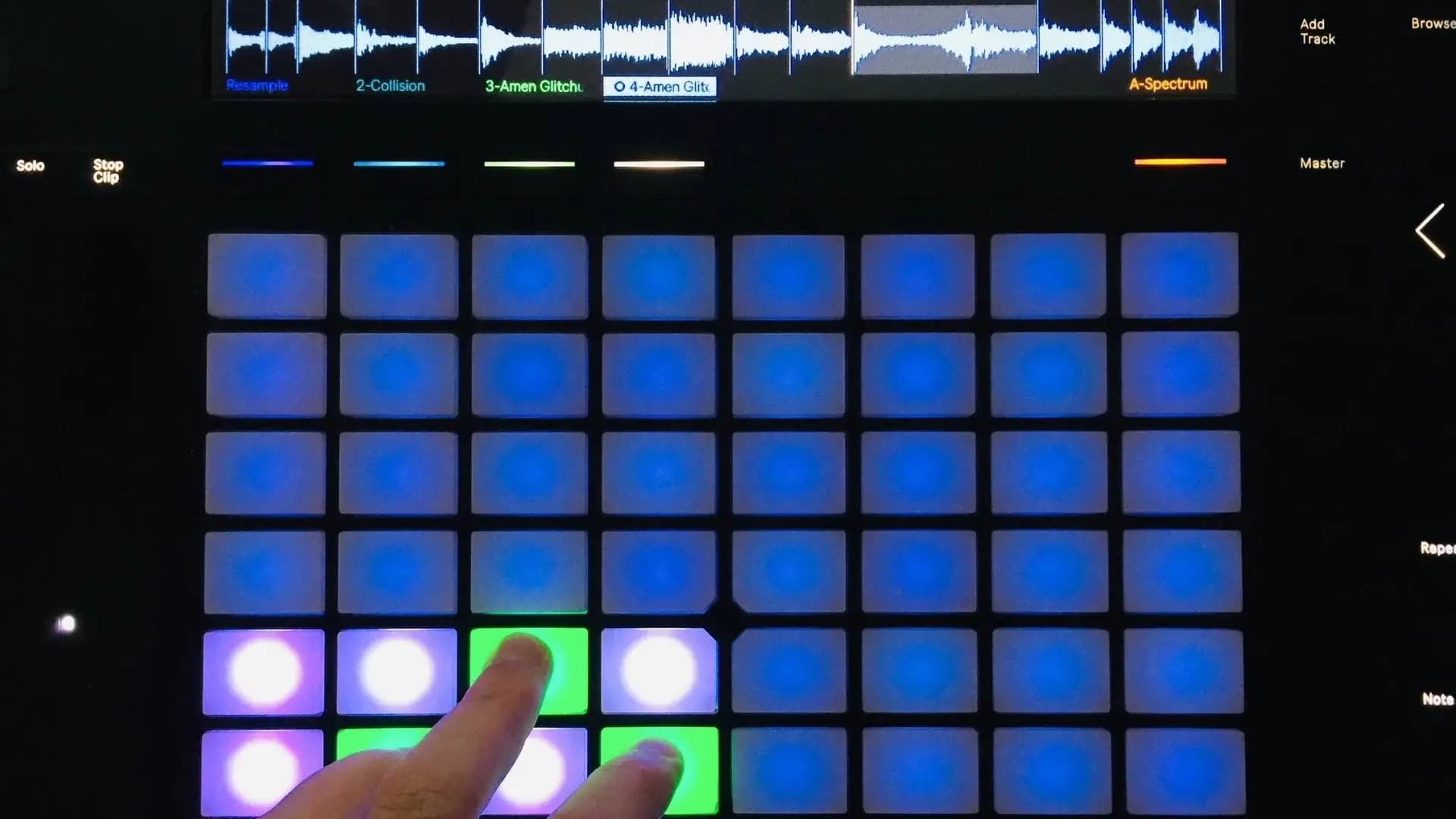
Ableton and Cycling 74’s Max For Live offer a vast playground of opportunities to create unique and rich electronic music performances. In this workshop you will create a performance instrument.
Course overview
Ableton and Cycling 74’s Max For Live offer a vast playground of opportunities to create unique and rich electronic music performances. In this workshop you will create a performance instrument. This workshop aims to provide you with suitable skills to begin exploring improvised performance in Ableton Live and Max For Live.
Learning outcomes
Explore one approach that gives most flexibility and ease for performing
Gather assets in Ableton and Max For Live to use in the performance and how to fit them into our chosen approach
Develop the approach into a complex performance orientated instrument based in the Ableton and Max For Live Environments
Who is this course for?
- • This course is for people interested in exploring improvised performance in Ableton Live and Max For Live.
Requirements
- • A computer and Internet connection
- • A good working knowledge of computer systems
- • A basic awareness of audio processing
- • Good familiarity with Ableton and Max For Live
- • Access to a copy of Ableton Live 10 Suite, or Ableton Live 10 with a Max For Live license
- • A midi controller is desirable
Course content
Course Overview
2 lessons
+
Course Overview
2 lessons
What will you learn in this course
Ableton and Cycling 74’s Max For Live offer a vast playground of opportunities to create unique and rich electronic music performances. In this workshop you will create a performance instrument. This workshop aims to provide you with suitable skills to begin exploring improvised performance in Ableton Live and Max For Live.
Session Learning Outcomes
By the end of this session a successful student will be able to:
Discuss various forms of performance approaches in Ableton and Max For Live plus their advantages and weaknesses.
Explore one approach that gives most flexibility and ease for performing.
Gather assets in Ableton and Max For Live to use in the performance and how to fit them into our chosen approach.
Develop the approach into a complex performance orientated instrument based in the Ableton and Max For Live Environments
- Requirements
Abstract Performance in Ableton and Max For Live
4 videos
+
Abstract Performance in Ableton and Max For Live
4 videos
Part 1 - Perform with the Ableton Drum Rack
Checking access...Part 2 - Create a live slicer in MaxMSP
Checking access...Part 3 - Using Max to get data for a performance
Checking access...Part 4 - Create a live slicer in MaxMSP - Q&A
Checking access...
Instructors
Ned Rush
Duncan Wilson (aka Ned Rush) is a musician, producer and content creator based in the UK. Whilst perhaps largely known for his Youtube channel, he has also released music independently as well developing content for Isotonik Studios.